
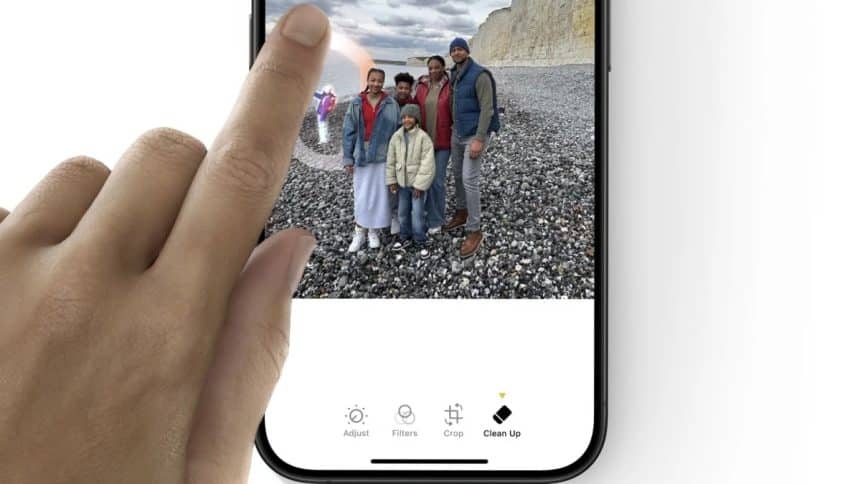
Picture this: you can easily remove a random person from your vacation photo or get rid of an annoying logo on a beautiful landscape shot—just with a few clicks.
Introducing Magic Eraser, a powerful AI tool that changes the way we edit photos. It allows you to quickly eliminate unwanted objects, people, text, and distractions, helping you create beautiful images.
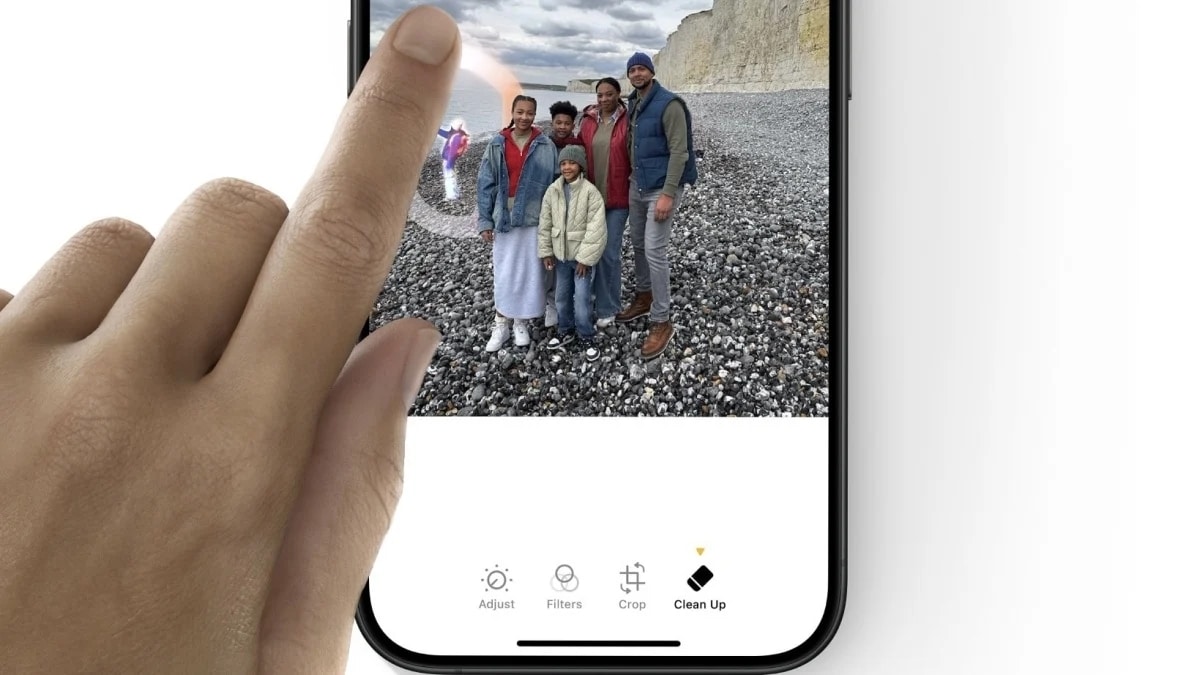
In this review, we’ll look at the main features and benefits that set Magic Eraser apart, giving you important insights into what makes it such a valuable tool for removing unwanted objects from images and videos.
Overview of MagicEraser.Pro

Magic Eraser is an advanced AI tool designed to simplify the process of removing unwanted objects, people, text, and other distractions from images.
Utilizing cutting-edge artificial intelligence algorithms, it allows users to erase elements from photos seamlessly. The tool analyzes the areas designated for removal and fills in these spaces with pixels that blend naturally into the surrounding background. This results in clean, polished images that maintain their original quality.
Key Features of Magic Eraser
Unlimited Free Usage
Magic Eraser stands out from the competition due to its unlimited free usage offering. Users now can effortlessly remove unwanted elements from their photos without any financial commitment as long as they sign up, making it accessible for everyone.
This model allows individuals to explore the full potential of the software without the burden of fees, ensuring that both casual users and professionals can enhance their images as needed.
Supports Multiple File Formats
Magic Eraser supports various popular file formats, including JPG, PNG, and WebP, accommodating uploads up to 50MB each. This broad compatibility facilitates seamless integration into existing workflows, allowing users to work with their preferred image types without needing to convert files.
High-Quality Image Preservation
High-quality image output is another critical feature that Magic Eraser offers. As users remove objects, people, or other distractions, the integrity of the original image is preserved. The advanced algorithms utilized by Magic Eraser ensure that the end result remains crisp and vibrant, allowing for professional-level edits while maintaining the quality required for various applications.
Versatile Removal Options Available
Delete Unwanted People
One of the most sought-after features of Magic Eraser is the ability to delete unwanted people from images. Whether it’s an accidental passerby in a vacation shot or an unwelcome guest in an event photo, Magic Eraser makes it simple to remove these distractions. Users can achieve clean and professional results without manual editing efforts, which can be time-consuming and tedious.
Erase Background Clutter
Background clutter can detract from the overall appeal of a photograph. With Magic Eraser, users have the option to remove distracting elements like buildings, trees, or other unwanted items that may be present. This feature is particularly useful for those looking to enhance the focus on the main subject of the image, providing a polished and refined appearance.
Remove Text and Logos
Magic Eraser also allows for the removal of unwanted text and logos, which can be particularly beneficial for personal photos that may include captions or promotional materials. By erasing these elements, users can create more aesthetically pleasing images, suitable for sharing on social media or for personal use.
Unique Benefits of Using MagicEraser.Pro
Accurate and Detailed Edits
The incorporation of AI technology in Magic Eraser enables users to make accurate and detailed edits. The advanced algorithms recognize the areas designated for removal and ensure that the background is filled in seamlessly. Even the smallest details can be targeted without compromising the image’s integrity, allowing for high precision in editing.
Batch Processing for Efficiency
Another significant advantage is the ability to perform batch processing. Users can remove unwanted elements from multiple images simultaneously, which streamlines the editing workflow. This feature is particularly advantageous for photographers and businesses that handle numerous images regularly, saving valuable time and effort.
Seamless Integration for Ease of Use
Magic Eraser boasts a user-friendly interface that ensures ease of use even for individuals with minimal technical skills. The functionality is designed to allow users to focus on the creative aspect of photo editing without getting bogged down by complex procedures. The simple, intuitive design reduces the learning curve and enhances the editing experience.
Simple Steps to Use Magic Eraser
Upload Your Photo Easily
Using Magic Eraser begins with uploading the desired photo. The upload process is straightforward: users simply select their image from their device and upload it to the platform.
Highlight Areas for Removal
Once the photo is uploaded, users can highlight the areas they wish to remove. The interface allows for precise selection, ensuring that only unwanted elements are affected.
Download the Finished Image
After marking the areas for removal and applying the changes, users can download the completed image within seconds. The quick turnaround time allows individuals to promptly utilize their enhanced photos for various purposes, whether for personal enjoyment, business use, or social media sharing.
Wrap Up
The comprehensive features and benefits of Magic Eraser render it a premier choice for removing objects in images and videos. By offering unlimited free usage, multiple file format support, and high-quality image preservation, it caters to a broad audience.
Furthermore, its versatile removal options, unique advantages driven by AI technology, and simple usage steps enhance the entire experience, making it accessible and efficient for everyone.











