Over the past decade that Apple’s iPhone has had CarPlay, it has been refined and improved to provide new ways to control your media without taking your attention away from the road. The wireless version debuted in 2015, but because it is primarily used in luxury automobiles, its uptake by the automotive industry has been slow.
Although wired CarPlay was the first to market, its wireless successor offers greater flexibility. Read on as we explore why having either choice(wired or wireless) is important.
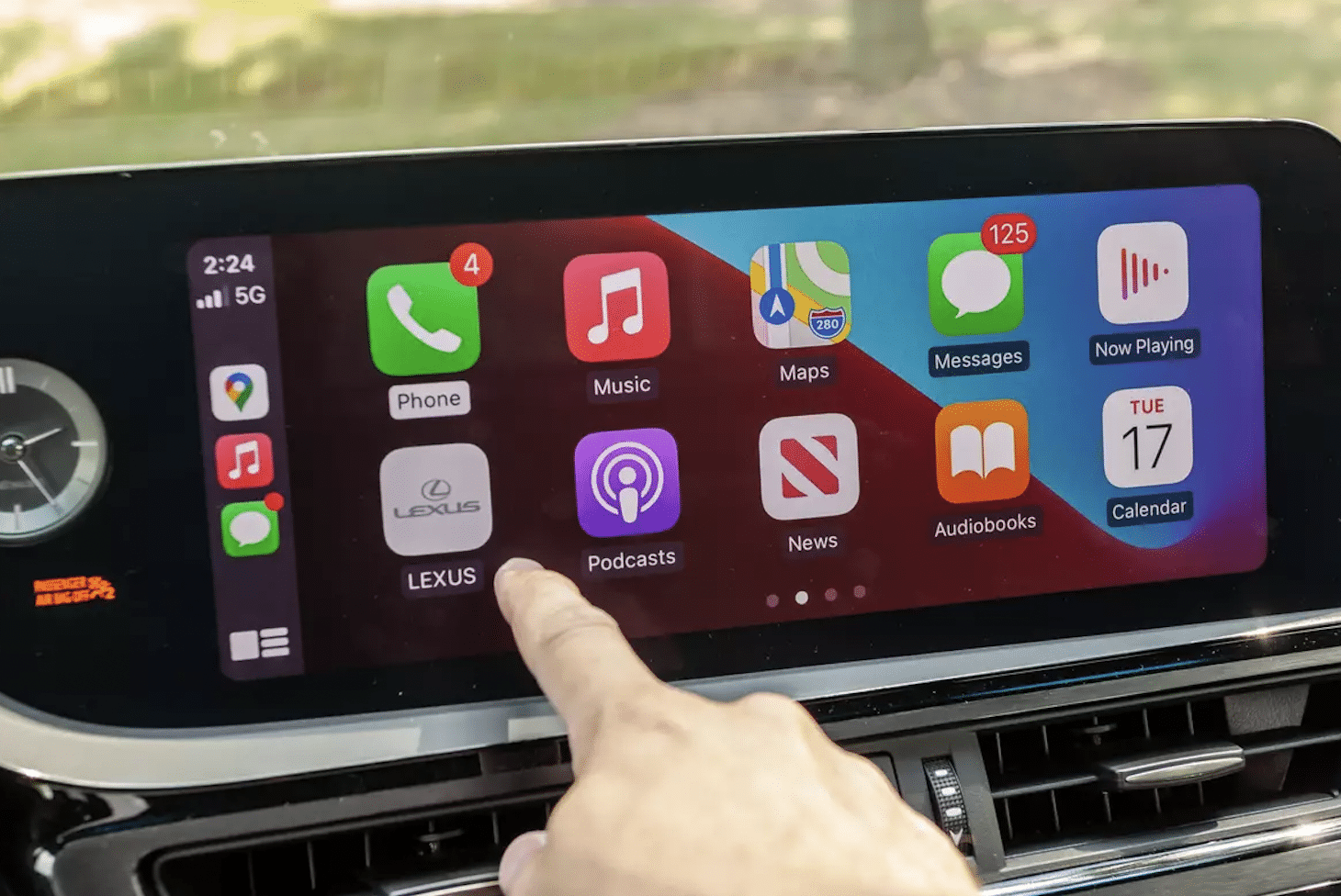
Wired CarPlay
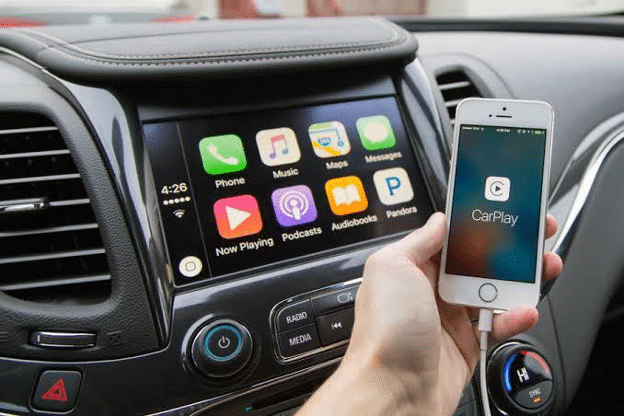
Charging Behind the Wheel
If your car only supports a wired connection, you must plug your iPhone into a special USB connector to use CarPlay. This hardwired setup has the obvious benefit of automatically charging the iPhone whenever CarPlay is used.
Wired CarPlay eliminates the risk of drivers forgetting to charge their devices because they must plug in a cable. Users of wireless CarPlay can charge their devices by wire or wireless while driving, but doing so requires conscious effort.
Smooth Audio Sync
Although Bluetooth has advanced, it is still inferior to a hardwired link. The sound from your iPhone will play over your car’s speakers in perfect time and without delay.
Although the iPhone tries to keep video and audio in sync, there may be a delay between the iPhone and the speakers if you use a wireless CarPlay adaptor. When you park your car, a wired connection is ideal for watching media so that the audio and video are synchronized. If your audio setup allows it, a wired connection gives you access to Lossless Audio.
Wireless CarPlay
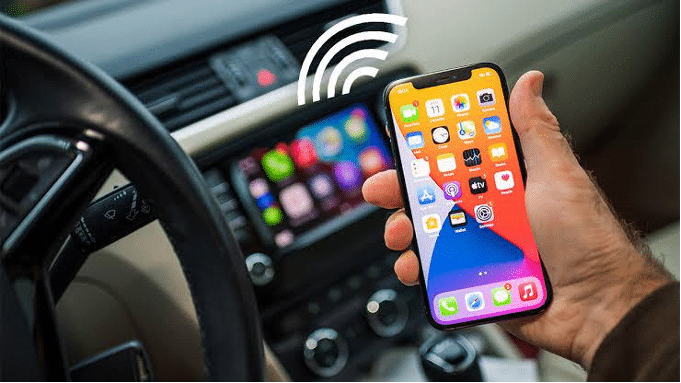
Fast Connectivity
When you turn on your car’s engine, your iPhone will instantly establish a wireless connection. The procedure is typically instantaneous and needs no preparation on your part. There is no need to wait for anything to buffer or load after CarPlay has booted onto your car’s infotainment system. This may change slightly based on the processing speed selected by the automaker.
You can scroll through lists, tap the screen, and activate Siri relatively easily. There is no discernible lag in performance, and everything works as smoothly as if connected.
Battery Icon Displayed
Unlike with wireless CarPlay, you won’t be able to check the status of your phone’s battery life when using wired CarPlay. A battery icon always appears below the time and cellular bars on the left side of the screen.
This icon moves and changes state like the one in the iPhone’s status bar. It shows the percentage of battery life remaining as a coloured battery icon but doesn’t display the percentage. The charging battery will glow green to keep a wireless charger connected.
It also serves as a useful reminder that it’s time to plug the iPhone into an outlet again when on the road. It would be inconvenient to have CarPlay suddenly cease working if your phone died in the middle of a drive because your children or spouse kept using it without letting you charge it.
Takeaway
When it comes to the best cable for Apple CarPlay, how do you determine the best among the two options? Wired and wireless CarPlay provides a consistent user interface; therefore, the choice between different options ultimately depends on the user’s preference and specific needs. Although wireless connectivity may be an option, some infotainment systems will function more smoothly when hardwired.