
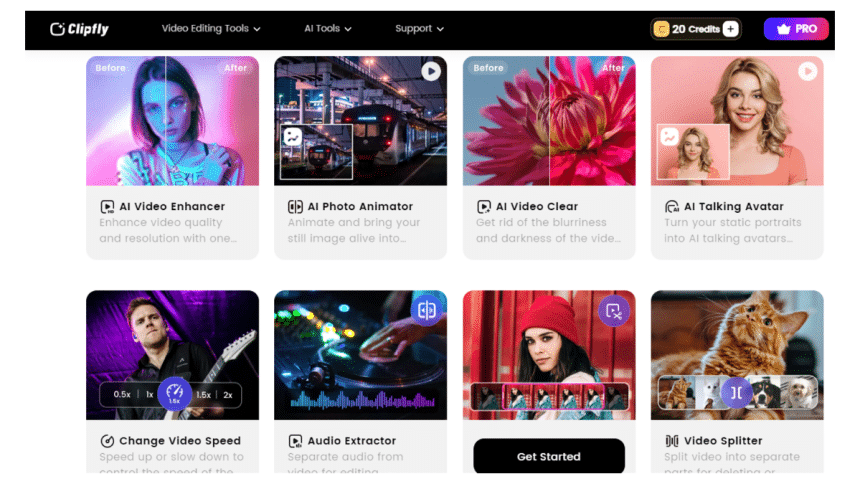
As a social media blogger, editing and uploading funny videos is one of my main working contents, so I have tried many video editors such as Invideo AI, Clipchamp and other video editors before. Recently I had the opportunity to experience a newly AI video editor Clipfly and I was deeply impressed by some of its AI-powered tools, thus I’d like to write a review to record my feelings about using this app and share them with you for your information.
In this review, I am using the pro version for a better experience, so if you haven’t decided yet whether to open Clipfly’s pro subscription you can take my review as a reference and also have a free trial first. Among Clipfly’s numerous features, I’d like to focus on several amazing AI-powered functions in Clipfly which impressed me a lot. Hope my review can be helpful to you.
What is Clipfly and who does it work best for?
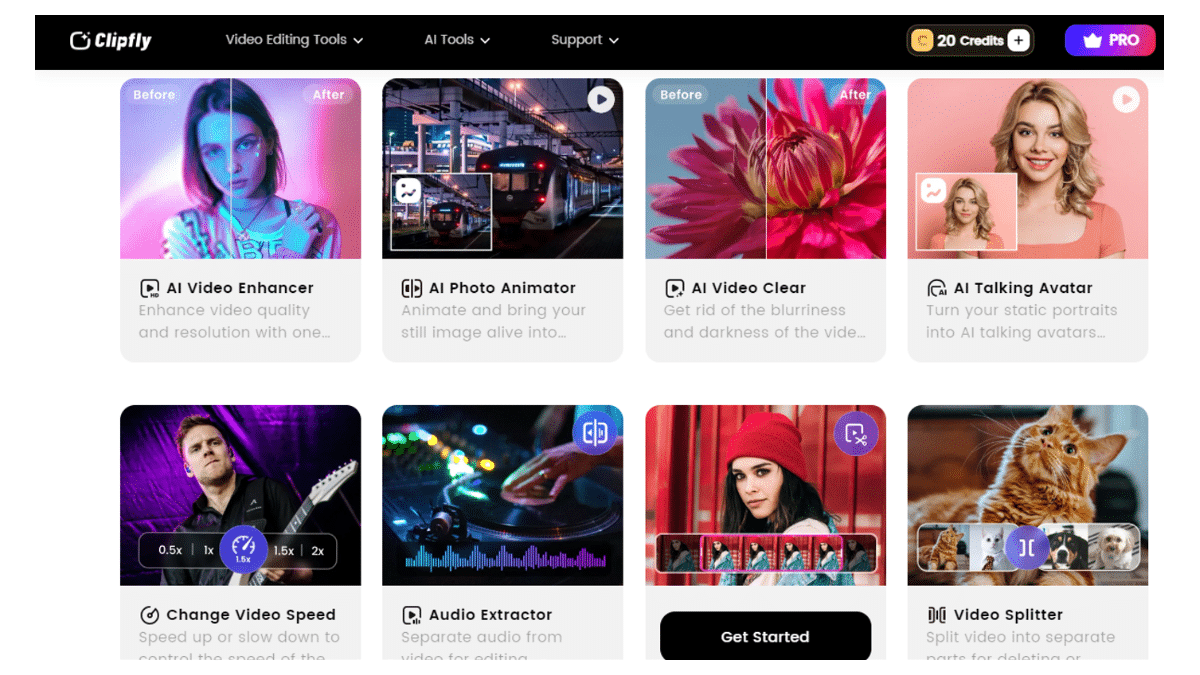
Clipfly stands out as a feature-rich online video editor, offering a plethora of AI-powered options and capabilities. Developed by a team of dedicated technical staff with cutting-edge technology, Clipfly provides users with a wide range of video formats and numerous editorial tools, meeting all kinds of video editing needs. The app’s advanced AI tools unleash users’ creative possibilities, refreshing their video editing experience.
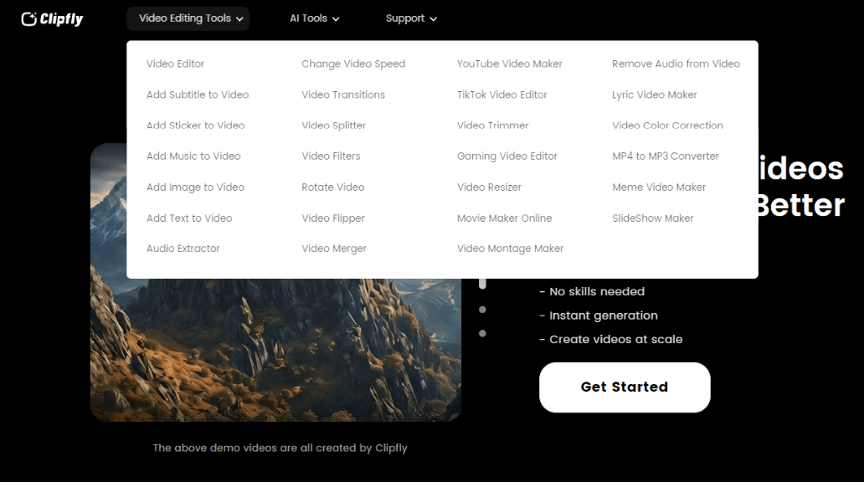
You may wonder who does Clipfly work best for. In fact, it works better for individuals and professionals with the need of a convenient and user-friendly video editor. Clipfly is a beginner-friendly software, because users can edit videos without any hassle. It’s totally okay if you don’t know any professional skills or knowledge. You just need to choose the functions that you want among the omnipotent toolkit and wait for several minutes, you will turn your video into a high-quality one effortlessly. Moreover, Clipfly also provide professionals with high-quality and reliable service. Therefore, Clipfly is a top-notch video editor which can meet wide audiences’ all kinds of needs including business, social media, and so on.
Upon my first login to Clipfly, I was immediately struck by its user-friendly interface and the sheer convenience of its operation. With just a single click, you can access a range of AI tools, allowing you to achieve your desired results in a matter of seconds. Even without a professional video editing background, you can create complex and stunning effects with a simple tap, making it an attractive and user-friendly option for newcomers.
AI Talking Avatar:Make Pictures Talk Effortlessly
Link: https://www.clipfly.ai/video-ai/ai-talking-avatar
Imagine the thrill of bringing your photos to life, making the people in your pictures talk! In our everyday lives, photos often remain static and silent. But with AI Talking Avatar, your photos can become dynamic and vocal, adding a new dimension to your storytelling.
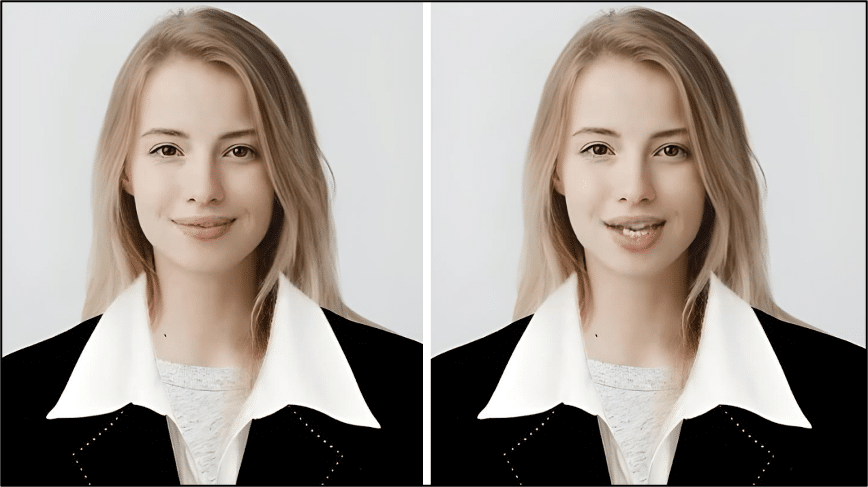
The AI Talking Avatar feature, as the name suggests, brings your photos to life by making the people in your photos talk. Simply upload your portraits and audios, or enter your text and choose a voice style, ranging from a little girl to an adult man, to transform your script into speech.
You can upload your own portraits or others, and I take one female ID photo as an example.
As for the result, it turns out to be quite vivid and lifelike than other video editors, just like a real person talking in front of you. And the quality of photos is guaranteed and unaffected.
AI Video Enhancer: Improve the Quality of Video Easily
Link: https://www.clipfly.ai/video-ai/ai-video-enhancer
Sometimes you may find your video too dim, dark and blurry, and you don’t know how to improve your videos’ quality in just seconds. In that case, I’d like to recommend you to try Clipfly’s AI video enhancer function.
I upload a very unclear and dusky video in order to test its capability and to my surprise, the quality of this video get improved hugely.
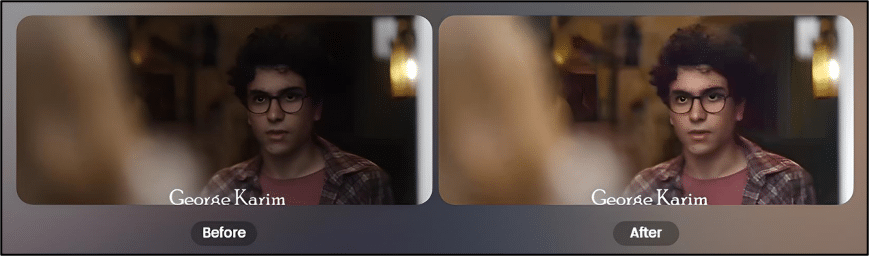
As the comparison chart shows, in the previous version the male character blends with that dark environment and becomes less prominent. After AI enhancement, the whole video interface becomes much clearer and brighter. All you have to do is to choose one-click enhance and you will find a quantum leap in your videos’ quality.
Whenever you are dealing with a low-resolution video, Clipfly’s AI Video Enhancer can meet your need and turn your video into a clear and textured one.
AI Video BG Remover: Customize Backgrounds for Portraits Videos in One Click
Link: https://www.clipfly.ai/video-ai/ai-video-background-remover
As the name suggests, AI video background remover can finish removing your videos’ backgrounds in seconds. If you find your videos’ background is cumbersome and want to remove it, you just need one-click option and Clipfly will recognize and get rid of the background automatically.
I upload a running video to see the result after removing the background of this video. It amazes me a lot for the transition is quite smooth and quick and the cutting line is pretty clear and qualified.
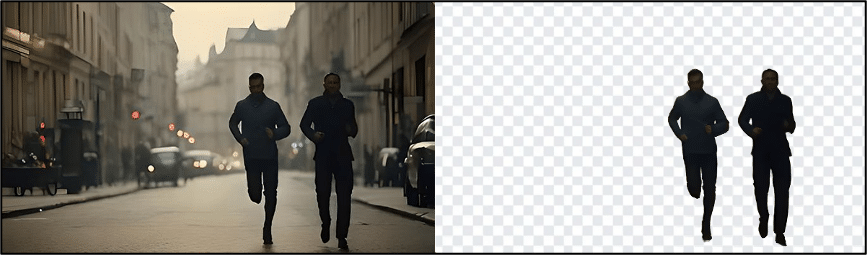
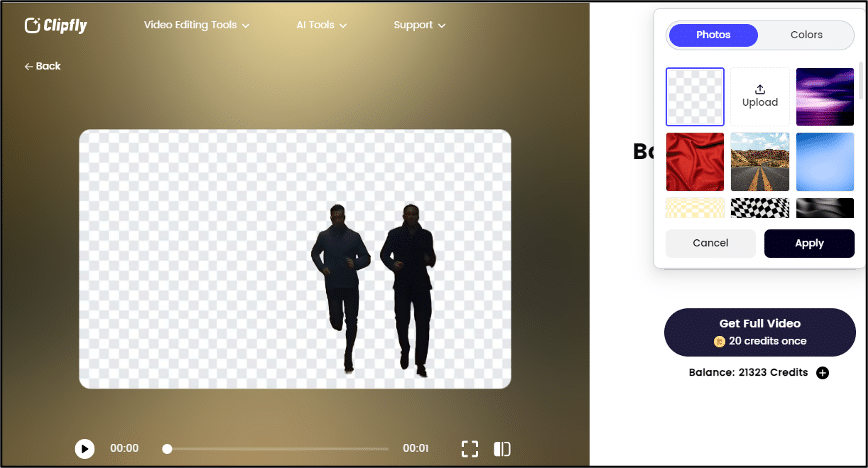
In addition, you can also choose one-tap option on the right side to change your background with different colors and photos provided by Clipfly, or you can even upload photos by yourself if you are not satisfied with these existing background templates.
Clipfly Pricing Plans
Clipfly is a feature-rich video editor but it doesn’t mean you need pay a lot for this. Instead, you can try this app totally for free. Of course, some AI functions are confined to use.
Clipfly offers users basic and pro versions, you can choose one which fits you better. In fact, for the Clipfly pro version, I think its price is totally affordable and worth the value compared with other video editors..
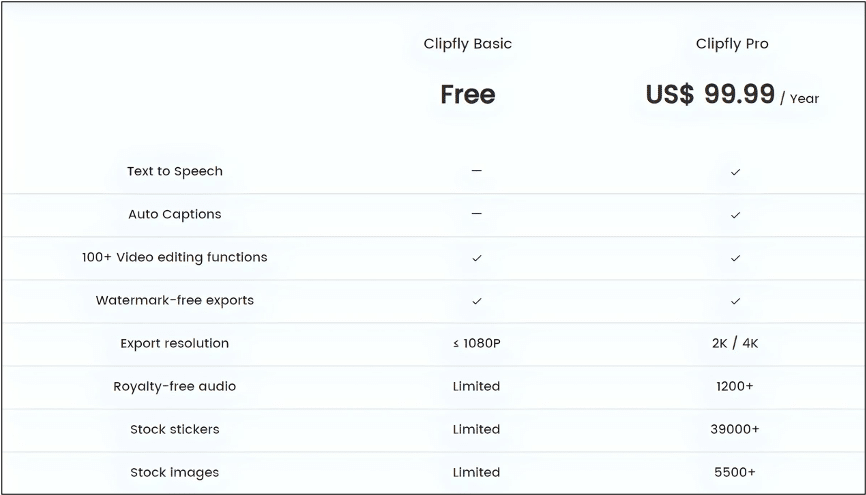
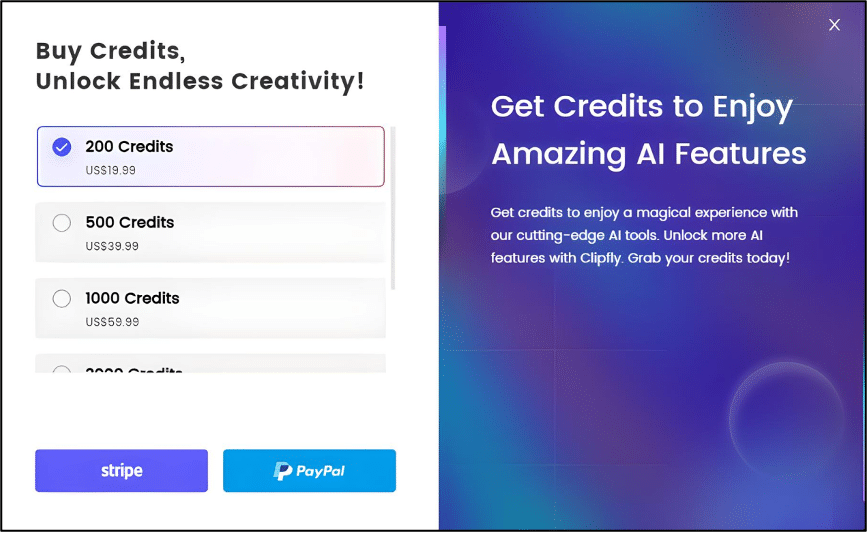
And if you haven’ t decided yet whether to subscribe this app. Don’t worry, Clipfly will provide every new customer with 20 free credits, and you can use these credits to experience hot functions without costing anything. Besides, you can also buy more credits if your credits are out. So, go and get it, you won’t lose anything.
Conslusion-Clipfly
All in all, my experience with Clipfly is quite impressive and amazing. This app not only enable me to perform some basic video editing functions such as trimming, rotating and resizing my video but also provide me with many diversified AI-powered tools to refresh and enrich my video editing experience.
On a personal note, I’d like to say that Clipfly is a very reliable and promising video editor. I believe that in the future Clipfly will make greater and greater progress. We need to give it some time and patience.
Therefore, I’d like to recommend you to give Clipfly a chance and have a free trial. Of course this is my own suggestion. You don’t have to agree with me, but I really hope that you won’t miss this good video editor.











