
Today’s computer technology is so sophisticated that even the most secure computer, data server or website can be compromised.
It’s understandable that hackers target smartphones, but what about the Mac? Apple says their ecosystem is one of the most secure, but this isn’t always the case.
Traditional anti-virus software is not enough. You’ll want a security app that can keep up with the latest modern threats and provide 24/7 shielding. Clario is one of the best apps to protect both your mobile and your Mac. It’s also one of the unique few that offers real specialist assistance when you need help.
What is Clario All About?
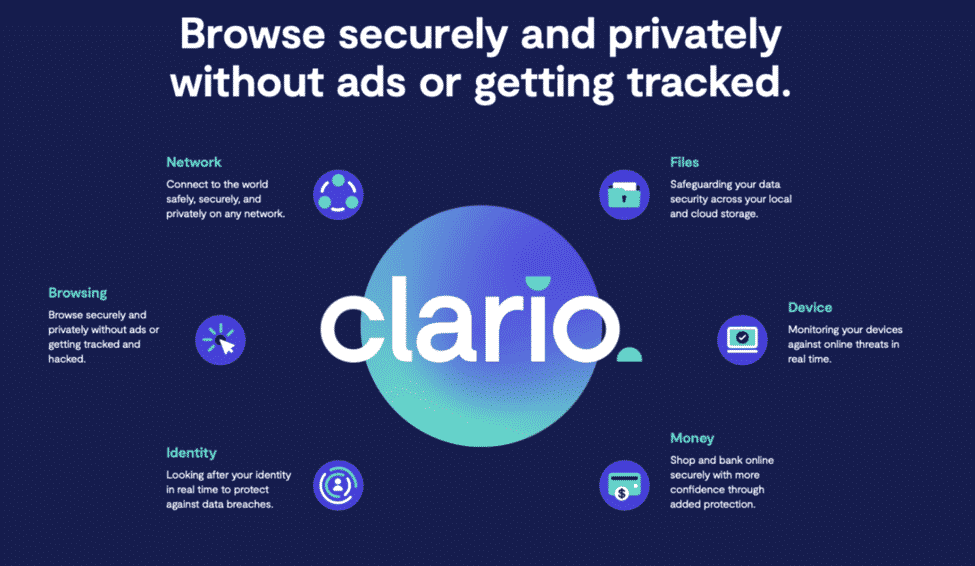
Clario is a slew of security and privacy protective features in one app and subscription. It also includes a VPN service through NordVPN so you can browse anonymously.
Installing the app will require a Mac that’s on Sierra 10.12 or higher. Once you meet the requirements, putting it on your computer is pretty standard. Download and run the software, update to the latest virus definitions and you get to answer a short survey about your concerns regarding your data, network connections, devices, browsing the web and online identity.
Clario will then process your answers and helpfully offer solutions. For example, you can get data breach monitoring turned on when you’re worried about your online identity. Once all that’s done, you can now activate the antivirus and enable the necessary permissions so it can do its job.
Clario Antivirus Software Features
All Around Protection
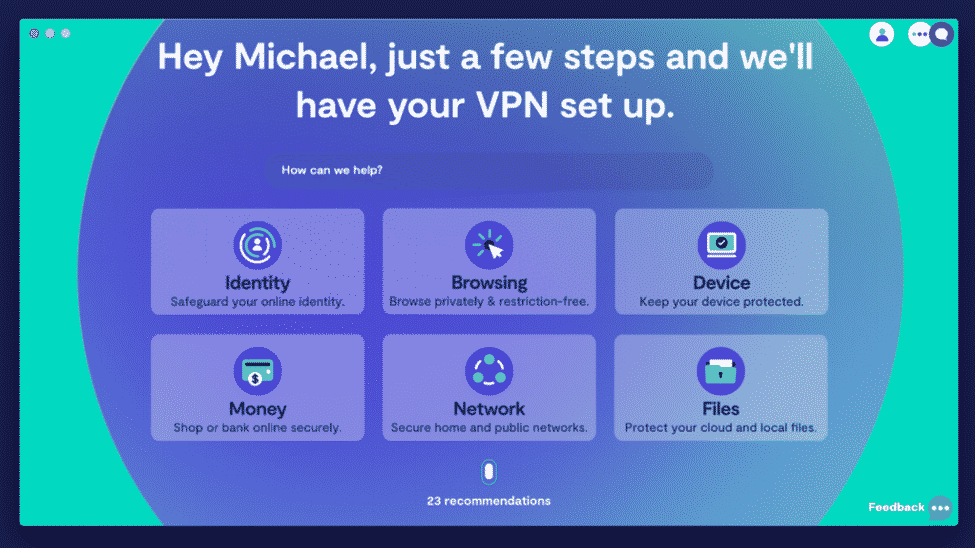
Clario is everything you’ll ever need in an antivirus. It expands more on that, though- you can activate and check for unsecured online transactions, ID theft, malware and hacking attempts on your devices.
If you find having two or more software for malware, antivirus and VPN too impractical or messy then Clario could very well be what you need. It covers mobile devices such as phones and tablets, as well as laptops and Macs for you and your family.
Customized Solutions
Not all antivirus offer a one-size-fits-all approach. Clario has a wizard-like installation interface where you can choose which features you’d like to have and which ones aren’t important for you. Afterwards, modifying is as easy as getting into the Clario dashboard and clicking on ‘enable’.
The Human Touch

Getting a Clario subscription gives you the luxury of having your own ‘human help’ 24/7. These security experts can fill out what the software can’t when it comes to understanding and making the most of the security app.
We had a chat with the 24/7 security experts, and they were very helpful when it came to asking them for extra data protection. The team was very knowledgeable and provided the exact information that we needed.
Clario In Action
With so many features to enjoy, does Clario meet what most people look for in a versatile antivirus?
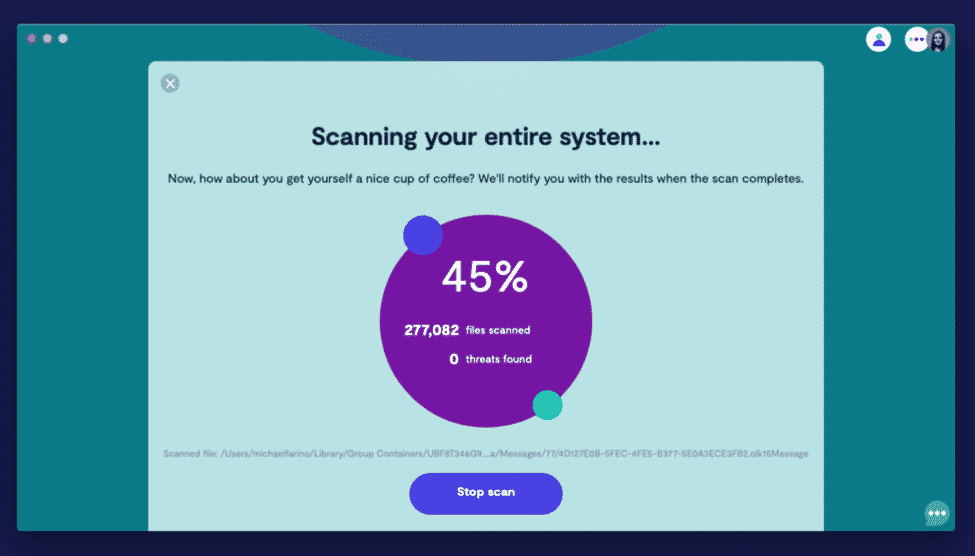
Navigating the dashboard has proven to be a breeze. We like how Clario follows up in its promise of an intuitive, jargon-free app. All the functions are there, and it’s easy to tell at a glance what they can do.
There are six large buttons on the dashboard- Network, Money, Device, Identity, Files and Browsing, and a button to call up a live chat session. There’s also an icon found at the bottom that will walk you through some recommendations.
Activating the VPN puts you in a whole new level of privacy and protection. The subscription for Clario includes the award-winning NordVPN, so just about every online action you make including ones you do on your mobile phone is secured.
Clario Pricing
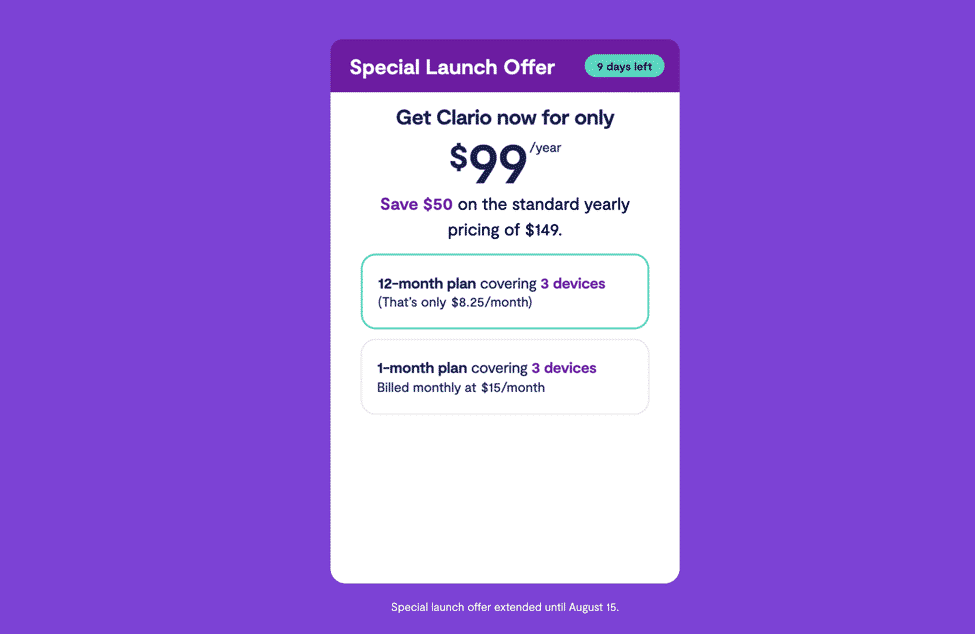
The developers at Clario have put up a special launch offer of just $99 per year for early adopters. Normally priced $149, you get top-notch antivirus, anti-malware and privacy in an easy-to-use and modern app.
You can also try Clario for 7 days free to see how you like it. You will need to sign up for an account to access the dashboard.
Conclusion – Should You Get Clario?
Having absolute Mac protection is enough reason to get Clario, but the modern software rewards with more than just that. Since all of us are on our smartphones nowadays, they can be the subject of a malicious attack as well.
Going without an antivirus is considered folly, considering how even the biggest companies have experienced online security breaches. Clario is your best bet against attackers who will try to steal your personal information and financial data for unscrupulous gains. We recommend you try Clario enjoy the benefits it offers.











