
Considering the amount of time that we all spend online, it is natural to want a modem and router that will work with your devices. This is especially true when it comes to Apple devices. Choosing the right unit for you is not a choice that should be taken lightly. You can look through the Compatible Modems List for guidance, but there are more specific factors that you might want to think about.
Features
To begin with, there are several features that you might want to think about to get the best performance from your Apple devices.
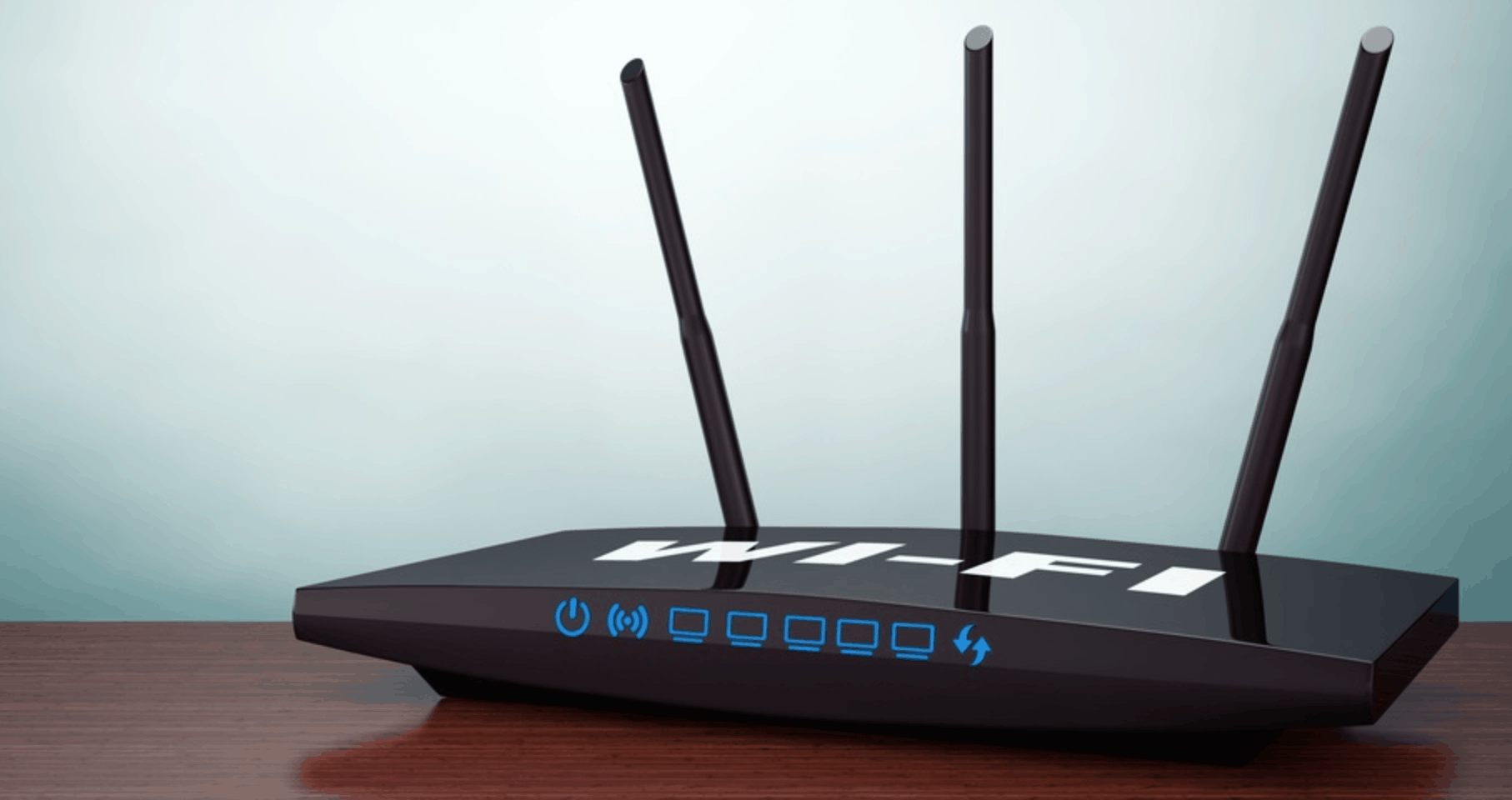
- IEEE 802.11AC: This is the latest standard in wireless networking and really should be chosen if you are looking for the best unit possible.
- WPA2: The WPA2 Personal (AES) encryption should also be taken into account. This is the best and strongest type of security that you can get currently from your wireless router.
- MU-MIMO Technology: MU-MIMO technology is essential for networks that have more than one person or devices doing heavy streaming at the same time. This allows for the multiple users to stream together without losing out on any of the speeds.
- Range: This is less specific for Apple devices and just a feature that you should look for in your modem and router. You need to be sure that you can get internet all throughout your network without any trouble or getting any dead spots.
- Bands: Another consideration is the amount of bands that your router has. Dual-band has become standard, supporting both 2.4GHz and 5GHz, but there are also tri-band routers out there now, which can also increase the amount of high speed bandwidth that is available to use.
Types of Modems and Router
There are also several different types of modems and routers that you should look into for your Apple devices.
- Mesh Systems: One of the most recommended types of wireless connectivity that you can use with your Apple devices is a mesh system. A mesh system works by placing several wireless points throughout a network. They can be expanded indefinitely, adding on points as needed. This works for larger spaces that might not get reliable coverage from a single router unit otherwise. Used correctly, they completely remove the risk of dead spots.
- Modem/Router Combos: You might want to have a modem/router combination for your Apple devices. This is where there is only one unit that acts as both the gateway and the wireless coverage for your space. This is the preferred type for most networks as they are easy to set up and update and take up less room than separate units would. They also cost less money.
- Separate Modems and Routers: Another choice is separated modems and routers. This is when you can choose a router and a modem, then linking them together. Some people prefer this since it is a more personal choice for the features of the router and the modem.
Final Thoughts
Ultimately, when you are choosing the right modem and router for your Apple devices, you will need to get the most modern devices that you can afford. Apple devices are normally on the top of modern tech, so getting a modem that can handle that is important. Otherwise, you will need to just think about what you need within your network, including the amount of devices that are being used and the activity on the internet itself.
The amount of streaming Apple devices that are being used concurrently will always slow down your bandwidth, so keep that in mind when you are shopping.











