

Introduction:
Avatars are widely used in business training videos and online educational classes. AI avatars come in multiple languages, styles, tones, and accents. They assist you in reaching a large audience and efficiently present your message. They don’t require much time and effort to create eye-catching videos and promote your content to your target audience.
The main problem occurs when you are selecting the right AI avatar generator according to your budget. Let’s find the best solution for this problem that will assist you in creating engaging and creative videos to boost your brand identity and content.
Part 1. What is an AI Avatar Generator and How it Works?
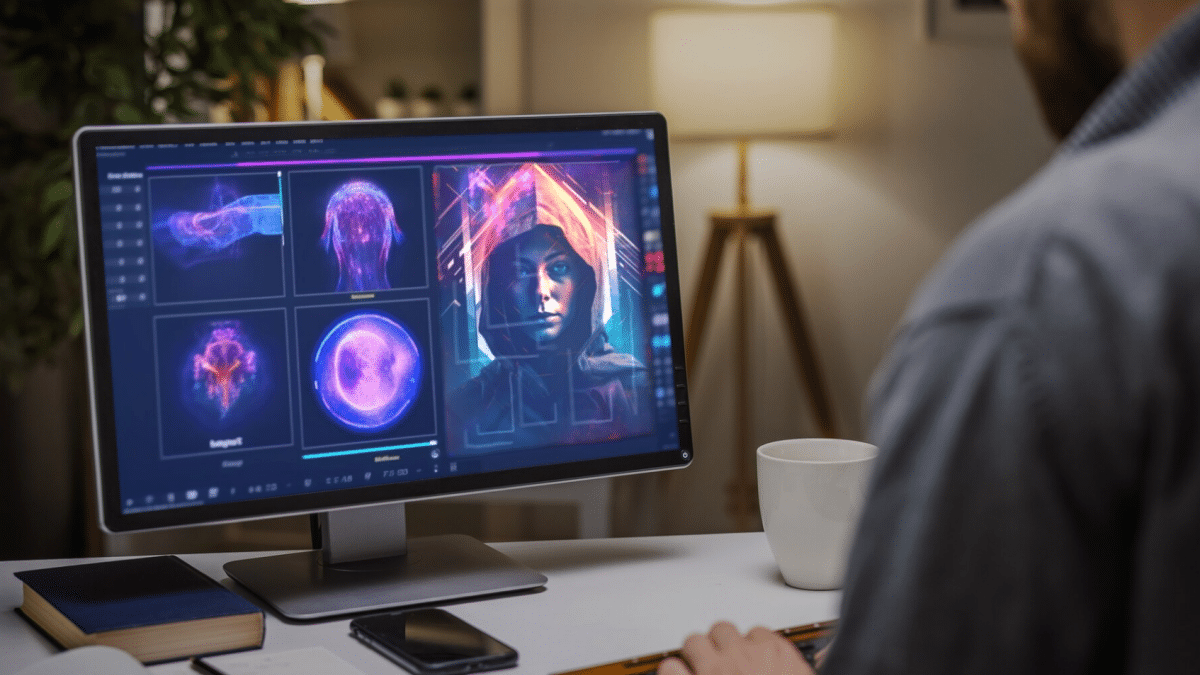
AI avatars help to represent the facial expressions of humans virtually. AI avatars are used in videos, images, games, and other applications. Whether you want to create your avatar or presentation, record live streaming of games, promote your brand, or anything else, AI avatars work like a booster to your videos. Artificial intelligence helps you customize your avatars of yourself and share them on multiple social media platforms.
Users can change the gender of the avatar, such as male or female. The list of customizing the avatars is expanding. You can customize the outfit’s languages, accents, and much more. AI avatar can pretend to be you and capture your expressions with the help of the latest technology. You only have to record yourself on camera, and AI does the rest of the work in real-time.
Part 2. Tips to Choose the Best AI Avatar Generator
We are going to take a look at some crucial considerations that will help you to choose the best AI avatar generator.
Intuitive interface
The best AI avatar generator offers an easy-to-use platform that everyone can use its features without requiring professional experience. Newbies or professionals can use the AI avatars in their videos or images or customize them according to their needs.
Generate avatars and edit them on the same platform
If you have to use separate platforms for generating avatars or editing them, it requires lots of time. Always try to use all-in-one platforms where you can create videos with virtual avatars and edit them at one time.
Support the customization of avatars
Most of the software offers built-in avatars that are constant. Some people want to customize the avatars according to their business requirements. Choose the software that allows you to change the language, accents, style, or outfits of the AI avatars as per their needs.
Compatible with various operating systems
People use multiple operating systems, such as Windows, MacOS, or Linux. AI avatar generator should support all famous operating systems so that every user can use it. Compatibility plays a crucial role in providing a smooth experience to users on a wide range of devices.
Deliver high-quality videos
AI avatar generators should be compatible with all high-quality video or image exporting formats. It should be the priority for any software to deliver the content in high quality. MP4, MOV, AVI, or HD are some video formats.
Part 3. Record Your Videos Free With AI Avatar: DemoCreator
Record videos with AI avatars by using an all-in-one video recorder and editor. Wondershare DemoCreator is a comprehensive tool where you can record your videos and edit them with resourceful tools. Users not only record with virtual avatars but also record classes, meetings, and gaming videos easily. Users can also adjust the duration of the recording and use screen drawing tools during recording.
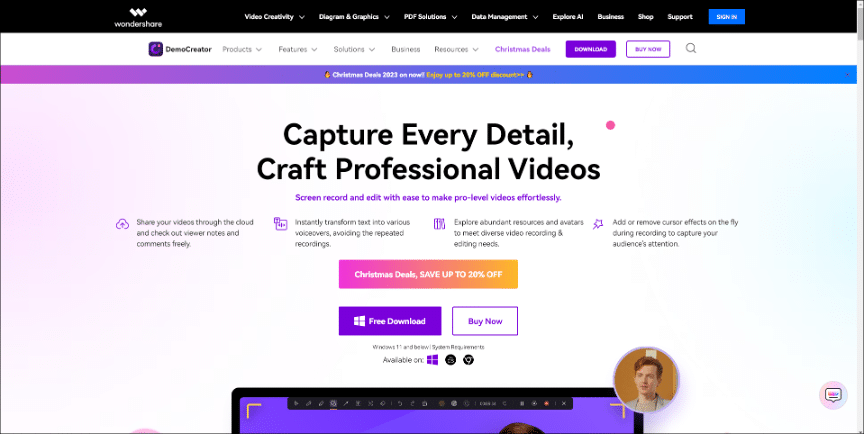
If we talk about video quality, DemoCreator allows you to record videos with 4k and 8k ultra HD quality. It ensures for providing a seamless experience for users in video recording and editing. You can add up to 30+ virtual avatars and switch them according to scenarios. DemoCreator is compatible with Windows and MacOS and is also available online. Sometimes, the audio was not clear during the recording, so it offers an AI noise reducer to eliminate the noise.
Part 4. Step-by-step Guide to Create Videos on DemoCreator
Step 1: Download and install the software
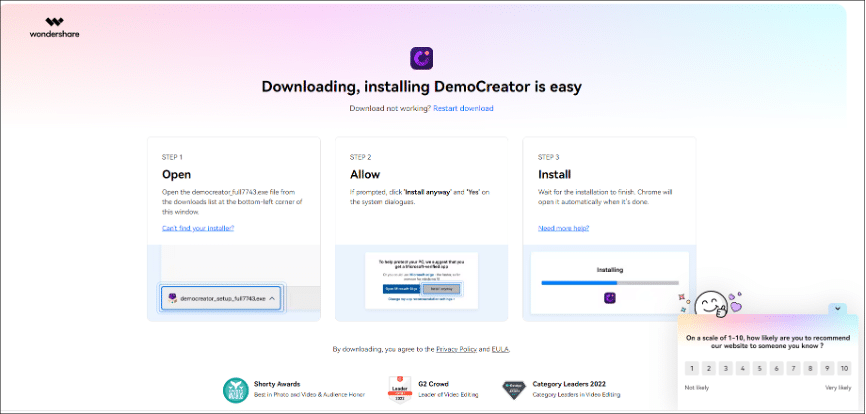
Go to the website of DemoCreator and download the setup. Follow the instructions and install the software on your computer. It takes some time to install.
Step 2: Select a recording with a virtual avatar
Open the interface DemoCreator and click on virtual avatar recording. A black bar will open with recording features, such as a start or stop button, microphone or speaker settings, etc.

Step 3: Choose an avatar and start recording
Choose the avatar and background according to your requirements. Add virtual background in real-time. You can choose the virtual avatar in formal or informal outfits. Click on the red button to start the recording.

Step 4: Stop the recording and edit it
Click on the stop recording icon and select the re-edit the video. Add transitions, captions, filters, and audio to your recorded video. Denoise the voice with an AI noise reducer and change the voice with an AI voice changer. Convert your written text-to-speech to take your videos to the next level.

Step 5: Export your edited video
Click on the top right corner of the interface to export the video. Adjust the file name and location to download the video. For more tutorials, please visit the official YouTube Channel Wondershare DemoCreator.
Conclusion
This complete guide will help you to choose the right AI avatar generator that will help you in the long term. Whether you want to record videos, use virtual avatars, or edit the videos on the same platform, try DemoCreator. It can assist users in recording with a webcam, screen, or audio simultaneously or separately. It offers an intuitive interface to users so that everyone can use its advanced features.











