
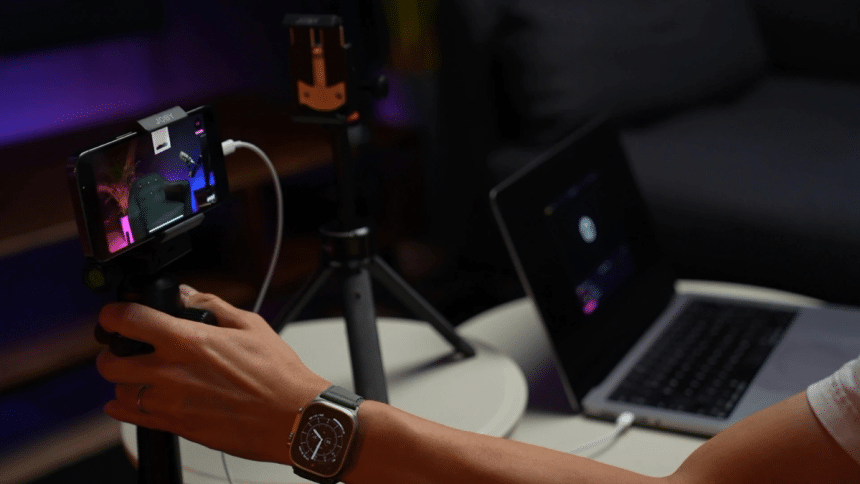
The barrier to content creation has significantly lowered over the past few years. Now, you don’t need to have an entire studio to produce quality podcasts anymore. The proof is out there; just browse through content on social media, and you’ll see that the vast majority of it is made with phones.
This begs the question: Is an iPhone enough to record quality audio for your podcasts? This article will discuss the iPhone’s pros and cons, as well as its features that make it an acceptable podcast creation tool.
The iPhone’s Recording Capabilities
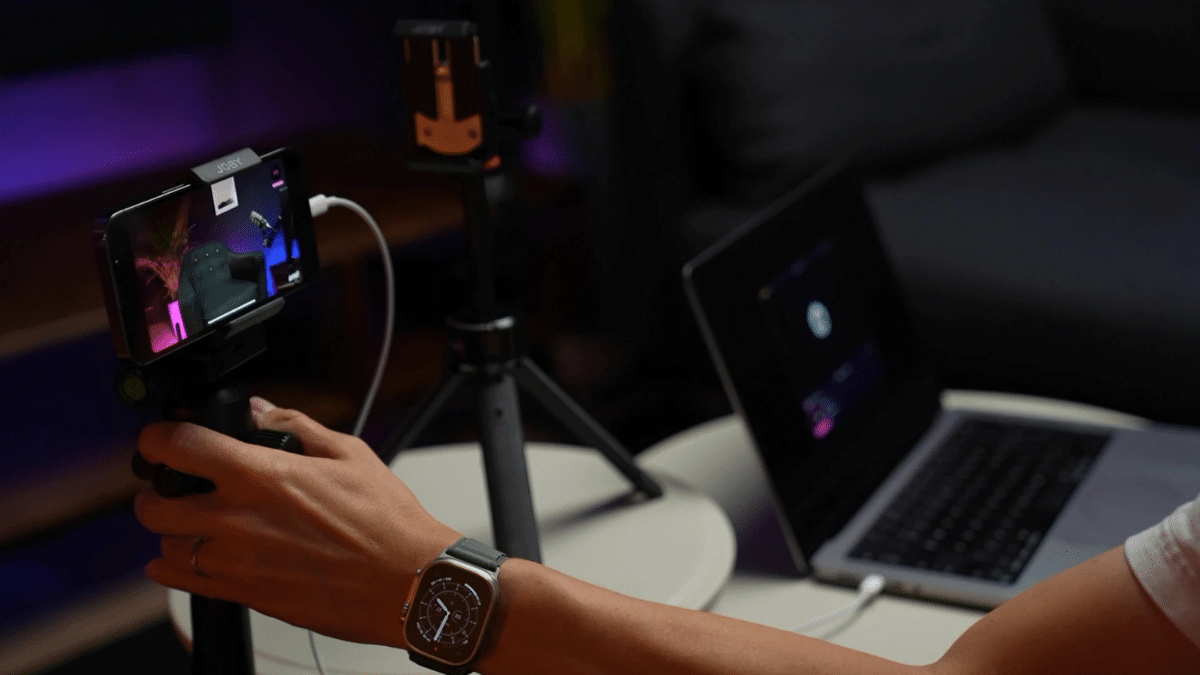
An iPhone’s built-in microphone is already of decent quality for a casual podcast experience. It has noise reduction and high-bitrate recording. However, since it lacks a more refined sound control that would be similar to studio-level quality, external accessories are required. Therefore, if you want crisp sound quality for your podcast, consider dedicated microphones and soundproofing tools to reduce background noise and improve vocal clarity.
iPhones can be a portable recording solution, which is why podcasters or creators who travel a lot prefer them. While it won’t fully replicate a professional setup, the right tools and techniques can bridge the gap to get that high-quality content. It all comes down to a content creator’s specific podcasting needs and priorities. Do you value portability and simplicity over professional-grade precision?
Podcasting Apps That Make a Difference
Although Voice Memo is already capable of recording high-quality audio, it falls short when it comes to advanced editing and remote recording. There are dedicated applications in the App Store that can do a lot more for podcast production.
Many popular podcasting apps let you record multiple audio tracks and give you pretty good tools for mixing your sound. Other apps can shine at helping you publish your show directly from your phone. This will surely save you a bunch of steps, but will come with the downside of less sophisticated recording capabilities.
Other apps developed for podcast production are more focused on professional-grade editing on your device without publishing capabilities. While this might sound like a disadvantage, app integrations can easily remedy it, as these tools usually work seamlessly together.
Other apps you can use while working on podcast production
While dedicated podcasting apps handle the basics, you’ll want some additional tools to round out your mobile setup. Professional audio editing apps give you multi-track editing power right on your phone, which is perfect for trimming dead air or adding intro music without switching to a computer.
If background noise is an issue, noise reduction apps can filter it out in real-time during recording. For remote interviews, specialized interview recording apps let you capture high-quality conversations with guests, even when your internet connection isn’t perfect.
You’ll also want reliable cloud storage apps to back up your recordings and free up phone storage. And while not directly podcast-related, having a good password manager for iOS is essential for anyone who wants their podcast accounts to be safe. You’ll likely sign in to multiple apps, so it’s great to have an added security measure for them.
The Convenience and Limitations
While portability and simplicity are the best benefits of podcasting using an iPhone, there are a few major limitations you should consider.
To achieve audio quality comparable to a studio, you’d have to invest a little more into add-ons and post-production. Notably, while iPhone podcasting apps allow you to record different audio parts one after another to create layers, they usually can’t record from multiple external microphones at the same time. This would usually require extra equipment called a multi-input audio interface.
Does the iPhone Measure Up?
If you’re starting out and eager to publish your first podcast, recording with an iPhone is a solid option. Just remember that you’ll need additional apps for audio editing, post-production, and security tools like NordPass to protect your accounts. However, as your content grows and your audience expands, you should be prepared to upgrade your equipment for better audio quality and more advanced features.
So the answer is yes and no. The iPhone can be a good alternative at first, but it will not be a true replacement for studio-quality podcast equipment.











