
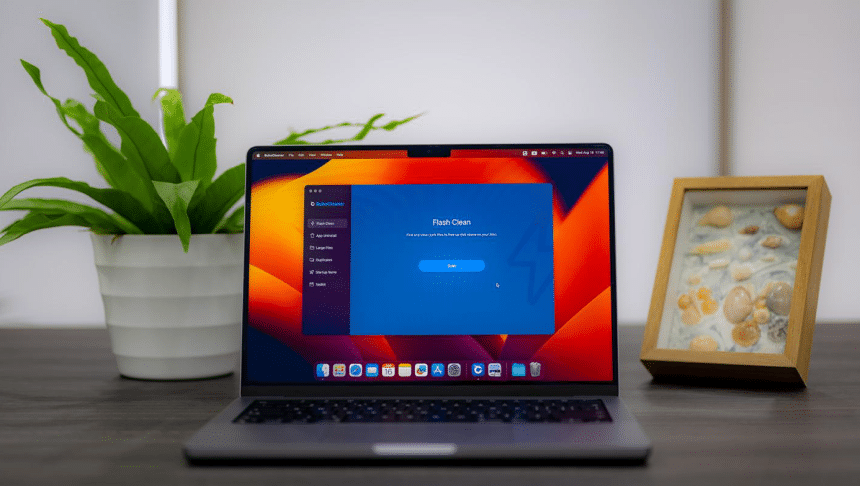
Is your Mac not as fast as it used to be? You’re running out of disk space and you don’t know how to fix it? With the right cleaning and optimization program you could solve the problem once and for all.
As a devoted Mac user, I’m always on the lookout for tools that can streamline the performance of my Macs and ensure it runs at its best. Recently, I came across an intriguing application that has become a staple in my Mac maintenance routine – BuhoCleaner. Let me share my experience with this all-encompassing Mac cleaner app that promises to free up space, organize your digital life, and keep your Mac humming at peak speed.
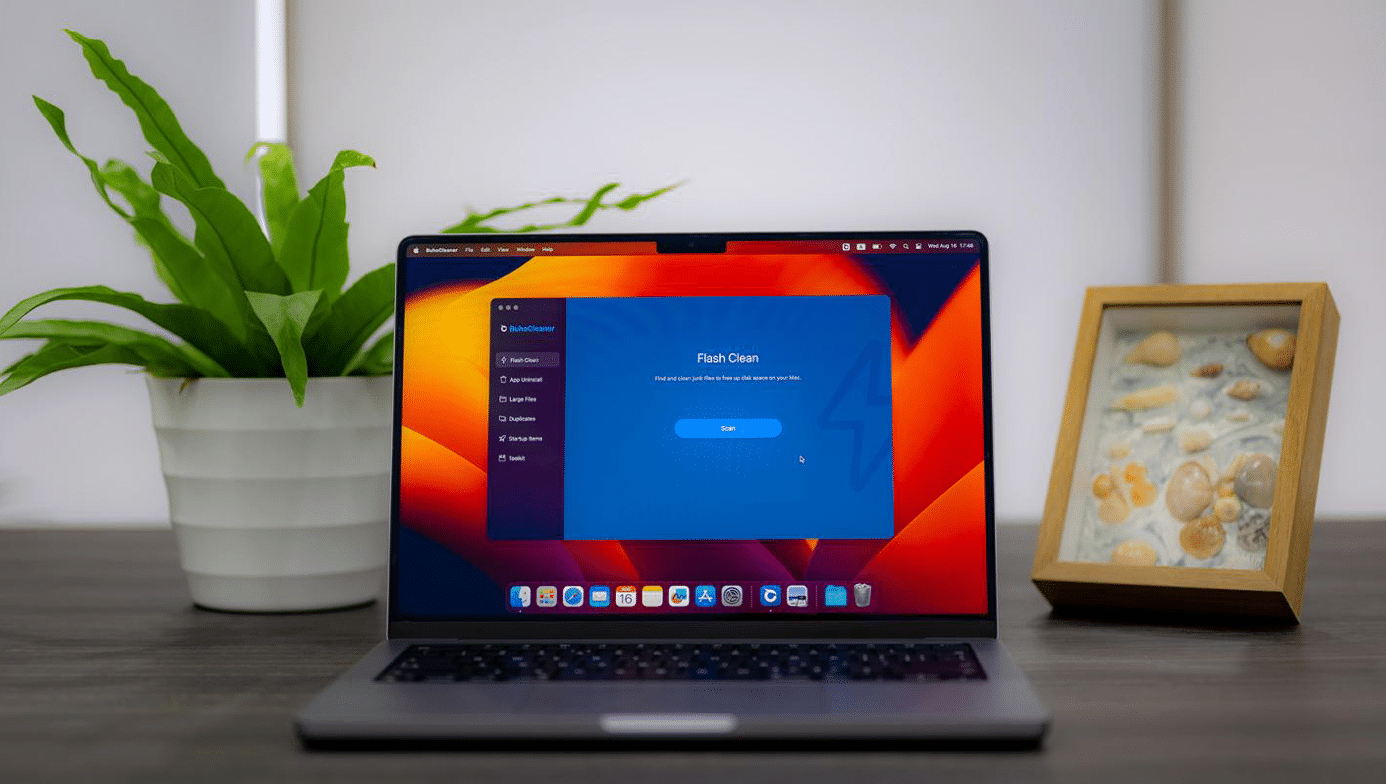
How BuhoCleaner Works: Our Test
After downloading and starting BuhoCleaner, we will find ourselves faced with a very intuitive control panel. Thanks to which even inexperienced users will be able to complete each operation with extreme simplicity, also because each function is accompanied by a brief explanation, free of unnecessary technicalities.
As you can see from the screenshots that follow, each function is highlighted in the left column. Therefore, simply select the one you are interested in and proceed with the various Mac optimization operations.
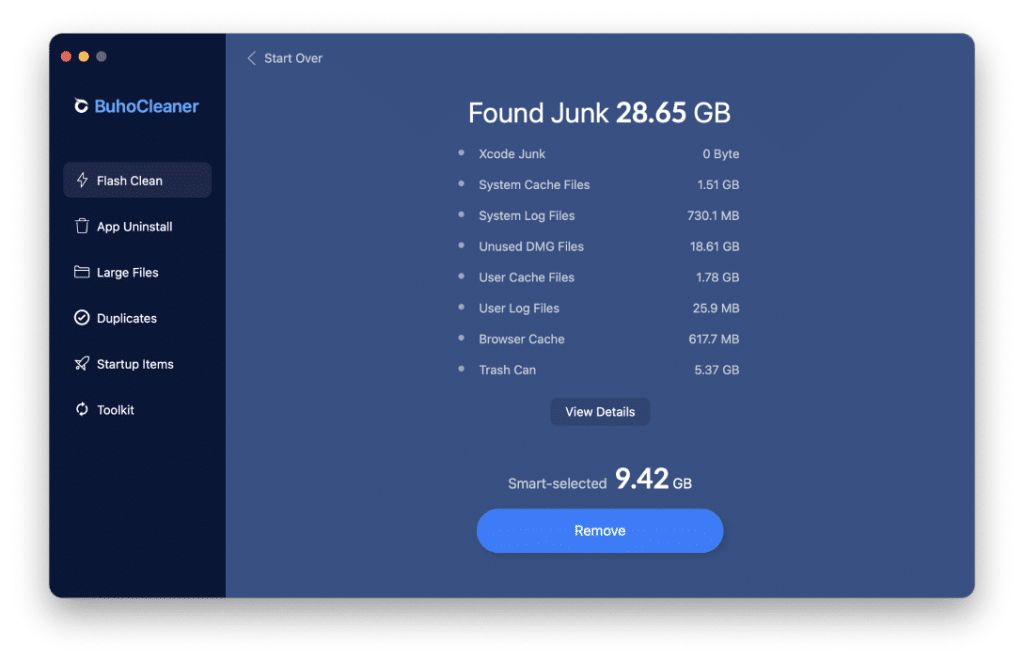
Flash Clean
One of the standout features of BuhoCleaner is its lightning-fast Flash Clean functionality. With a few simple taps, this feature scans through your Mac system data and swiftly eliminates unnecessary files, instantly freeing up gigabytes of precious disk space. It’s a remarkable solution for those moments when your storage is on the brink, allowing you to reclaim space within mere seconds.
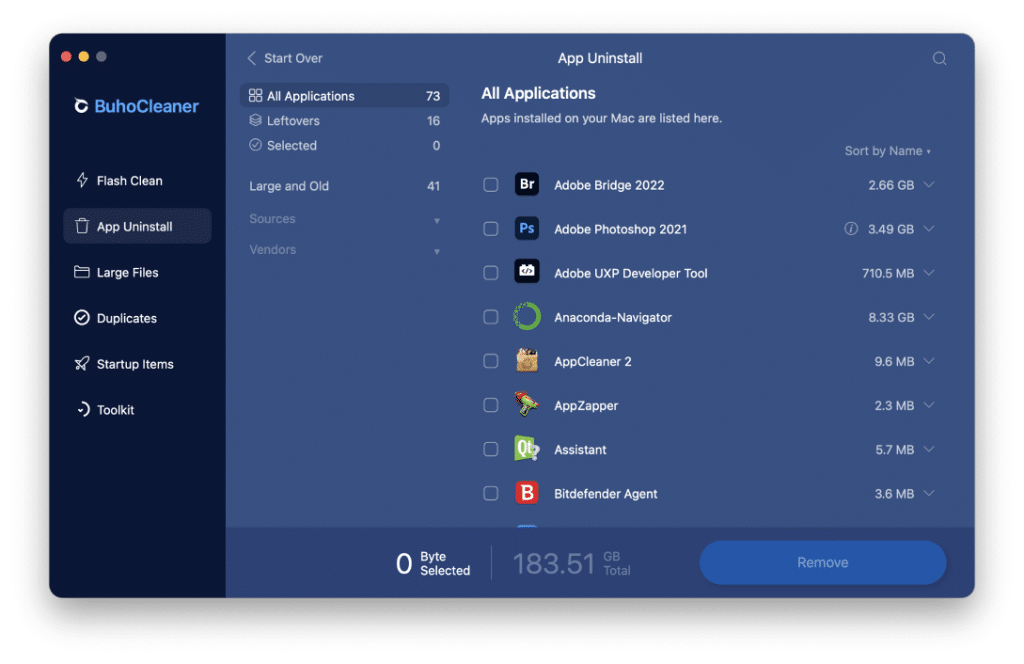
App Uninstall
Bid farewell to the tedious task of uninstalling applications. BuhoCleaner’s App Uninstall feature goes beyond the basics, offering powerful filtering and grouping options. This ensures a complete removal of applications along with any residual files, providing a thorough and efficient solution for decluttering your system from unwanted or outdated apps.
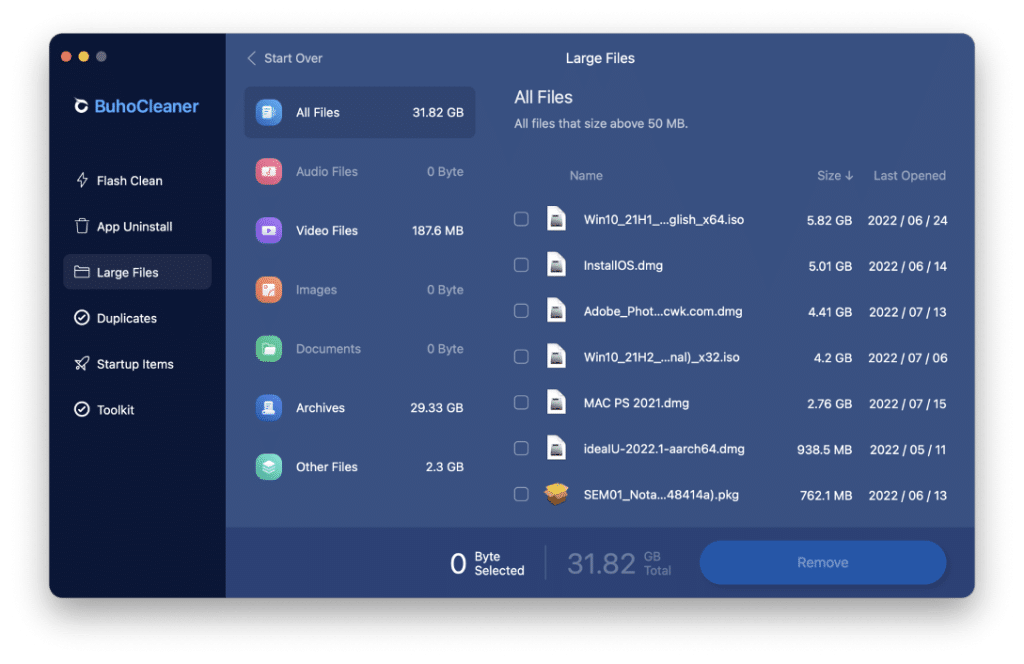
Large Files
BuhoCleaner takes the hassle out of managing large files with its intuitive system. No more sifting through folders to find those space-consuming culprits. This app efficiently identifies and helps you remove those overlooked large files, providing a seamless experience for users looking to keep their storage in check.
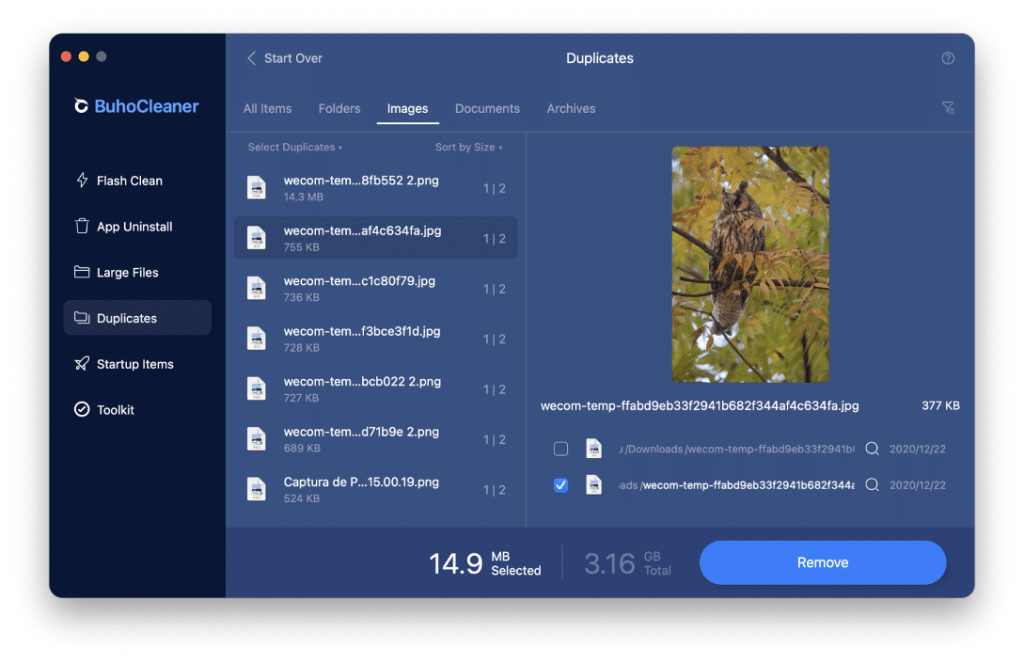
Duplicates
If you’re like me and your digital life is cluttered with duplicated files, BuhoCleaner has you covered. The Duplicates feature is a true lifesaver, effortlessly scanning for identical photos, files, and folders. This streamlined process allows you to declutter your digital space by eliminating unnecessary duplicates and optimizing your storage efficiently.
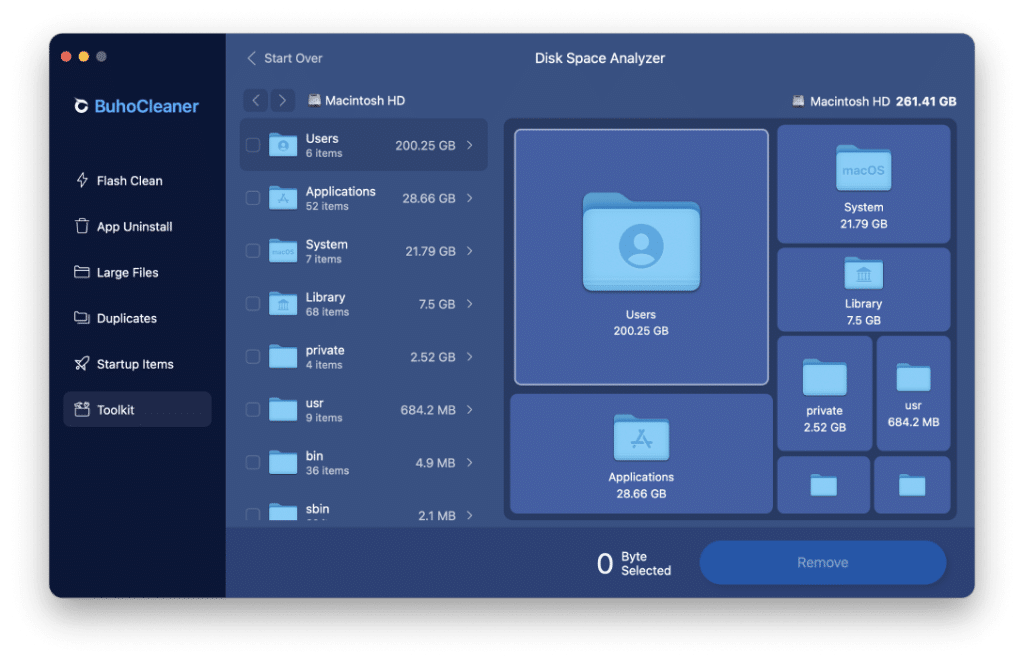
Disk Space Analyzer
Understanding your disk space usage is made easy with BuhoCleaner’s Disk Space Analyzer. The visual representation provides a clear overview of your storage landscape, helping you identify and delete unneeded files effortlessly. This visual approach simplifies the process of managing your storage, making it accessible even for users who aren’t tech-savvy.
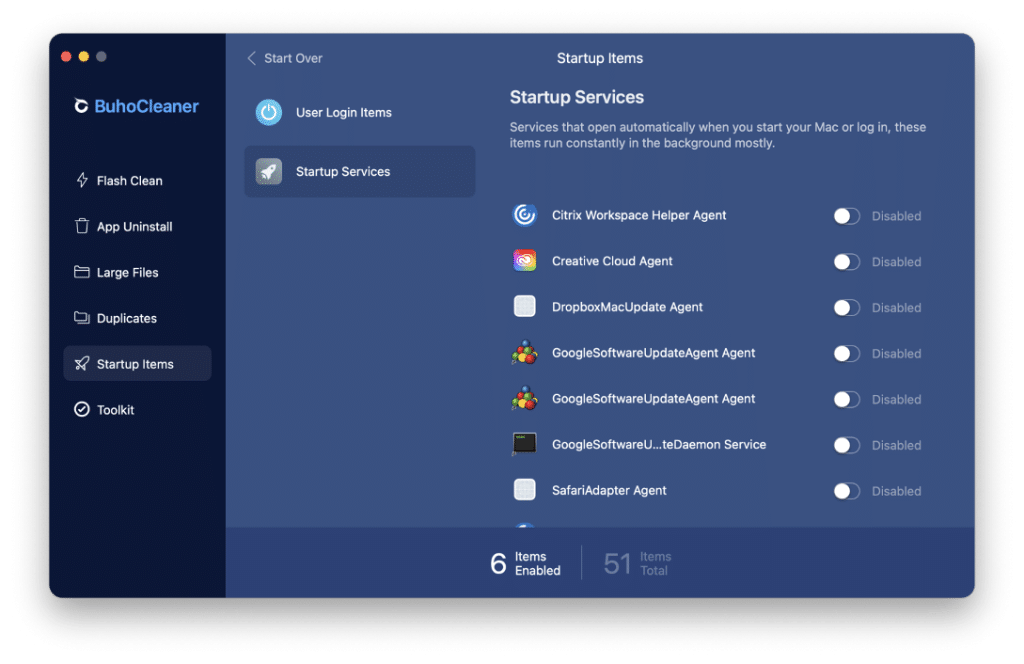
Startup Items
BuhoCleaner doesn’t stop at cleaning and decluttering; it’s dedicated to enhancing your Mac’s speed and responsiveness. With features to free up RAM, disable broken or hidden login items, and manage startup services, it empowers users to optimize their Mac experience. The result? A Mac that runs smoother, responds faster, and lets you stay focused on your tasks.
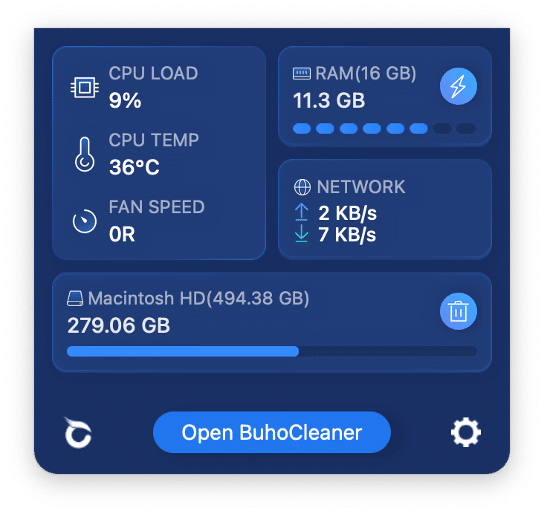
BuhoCleaner Menu
Keeping an eye on your Mac’s performance is made simple with BuhoCleaner’s real-time system monitoring. The menu bar provides instant insights into RAM and disk usage, CPU load and temperature, fan speed, and network speed. Stay informed and make informed decisions to keep your system running at its best.
Conclusions: Is BuhoCleaner Worth Trying?
In conclusion, BuhoCleaner has become an indispensable tool in my Mac optimization arsenal. Its user-friendly interface, coupled with powerful features, makes it a must-have for anyone looking to elevate their Mac experience. If you’re ready to declutter your digital space, optimize your system’s performance, and keep your Mac running smoothly, BuhoCleaner is the app you’ve been waiting for. Give it a try, and experience the difference firsthand.











