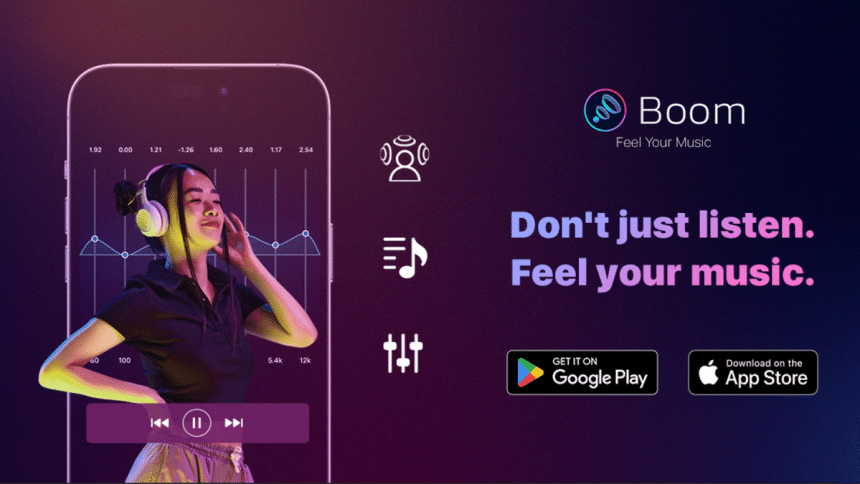
Bass effects and equalizers are usually handled natively in-app or through a streaming service. However, sometimes we find them lacking and wish for more oomph in the auditory department. Enter Boom Mobile, an app that promises better sound and granular controls. Tidal subscribers take note- Boom allows you to log in and enjoy your favorite tunes. In this Boom Mobile review, we check out the music player’s features and what you can do.
What is Boom Mobile?
Boom Mobile is a standalone app and music player. To clear things up, Boom is not a system-wide audio enhancer so it won’t work to enhance music on Netflix or Spotify, for example. In itself, the Boom app has some features that will make you change your mind about music streaming apps.
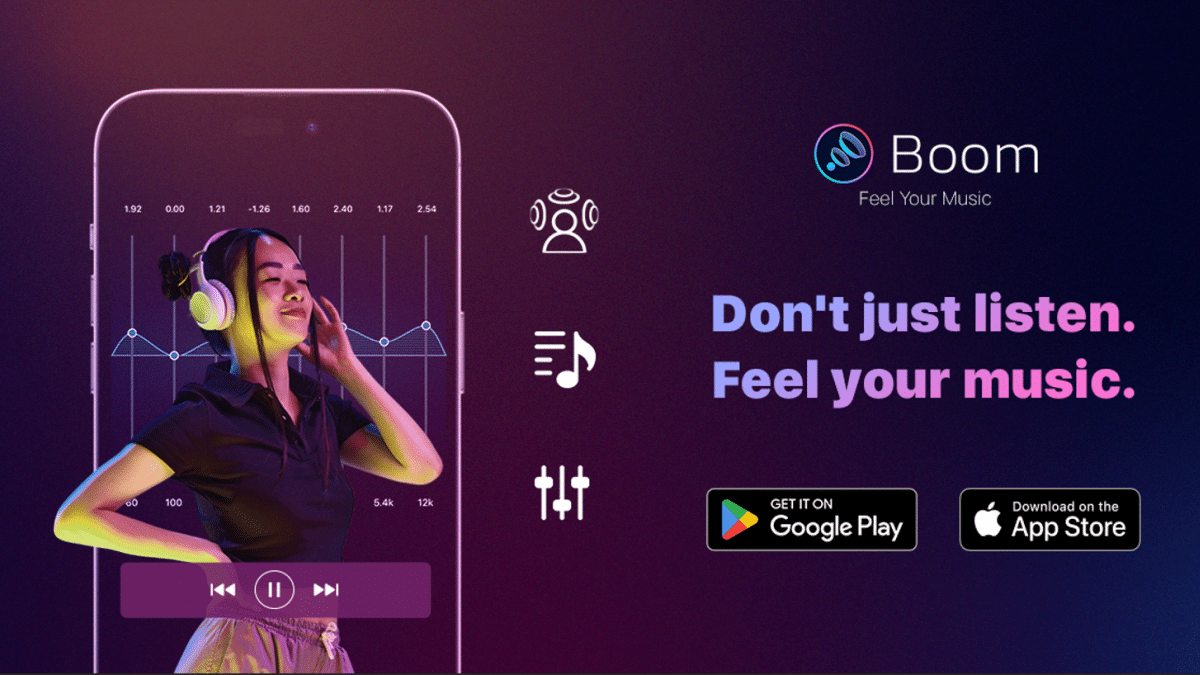
As a bass booster app and music player, Boom offers a decent amount of content, including equalizer presets, TIDAL support, and thousands of podcast stations and radio stations you can listen to. Boom Mobile is available on iOS and Android, so you can grab it from the App Store or Play Store.
Boom Mobile App Features
3D Surround Sound
Boom’s 3D surround sound is on par with the others and offers granular controls over what you want to hear. You can activate Bass Boost, or each individual satellite to enable or disable them. It’s worth noting that 3D surround works even if your smartphone is connected to a Bluetooth speaker or something similar.
Equalizer Presets
The Equalizer feature is robust and has a total of 27 presets ranging from Classic to R&B and more. Audiophiles will like the fact that they can control each Gain and customize their equalizers as their very own. Granted, tuning to the perfect sound for your ears will take a huge amount of time but it will be well worth it in the end.
Audio Intensity Slider
Those who don’t have the time for granular equalizer control will find the Audio Intensity Slider to work in a pinch. You can enable or disable 3D surround and Surround, and a slider for Bass Boost and Intensity are available. In a thoughtful move, Boom has preset equalizer options at the bottom should you want to see which works best with the medium you’re listening to.
Stream Tidal
Link your Tidal account to the app and you can access your music collection. All the Boom effects will be unlocked, and you get to hear your favorite tunes as if you’re listening to them the first time. You can also browse through the service and find new tracks and the latest hits.

20,000+ Podcast Stations and Radio Stations
Boom becomes more useful with the podcast and radio station features. You can browse through podcasts across 120 regions and more than 40,000 international and local radio stations. Connect your smartphone to your car and you’ll have some background music on the go.
Boom Mobile – The Experience
Boom: Bass Booster & Equalizer download is fairly quick, and soon I had the app installed on the phone. Loading is fast as well, with the app showing a standard and modern layout designed for mobile.
The Home, Search, and Favorites section is found on the bottom, while the three-line icon expands to show the other features. The layout is similar to most streaming services, so navigation shouldn’t be an issue.
Unlike other music equalizer apps, Boom has a robust set of audio options if you want to enrich the sound. Connecting to TIDAL is a cinch, and soon the library of songs appears on-screen. There’s a significant difference the moment you turn on the bass boost, and fiddling with the equalizer does the same thing. The surround sound works great if you’re listening to live recordings or concerts. There’s also the audio intensity slider for different improvements across intensity and bass. Since each one of us have different audio preferences, there’s no recommended setting.
Should You Try Boom Mobile?
Boom is a great app you can use to enhance your Tidal tracks and for listening to radio stations and podcasts anywhere you are. Robust audio features can definitely make a world of difference, so you should try it today.