
![Best Robot Voice Generators [Real-time/TTS]](https://ilounge.pro/wp-content/uploads/2025/08/Best-Robot-Voice-Generators-Real-timeTTS-860x484.png)
Introduction
Smart robot voice generators convert human speech to robot sounds. These programs generate mechanical or futuristic voices using AI and voice effects. Robot voice generators include real-time voice changes and TTS software. TTS allows you to write text into a robot voice, while real-time tools function while you talk. These tools are increasingly widespread, particularly in the field of internet content. Gamers use them while streaming. YouTubers and TikTok makers use robot voices in skits, stories, and humor. Businesses use robot voices in commercials and cartoons.
Whether you’re a gamer, content maker, or prankster, these tools can make your speech seem robotic in seconds. You can also try the AI song cover generator, if you are a singer or a musician. Today’s top 3 robot voice generators are covered here. Learn what they offer, how much they cost, and which one is appropriate for you. Let’s begin!
![Best Robot Voice Generators [Real-time/TTS]](https://ilounge.pro/wp-content/uploads/2025/08/Best-Robot-Voice-Generators-Real-timeTTS.png)
alt: best robot voice generators
Top 3 Robot Voice Generators
1. Aurylab Voice Changer
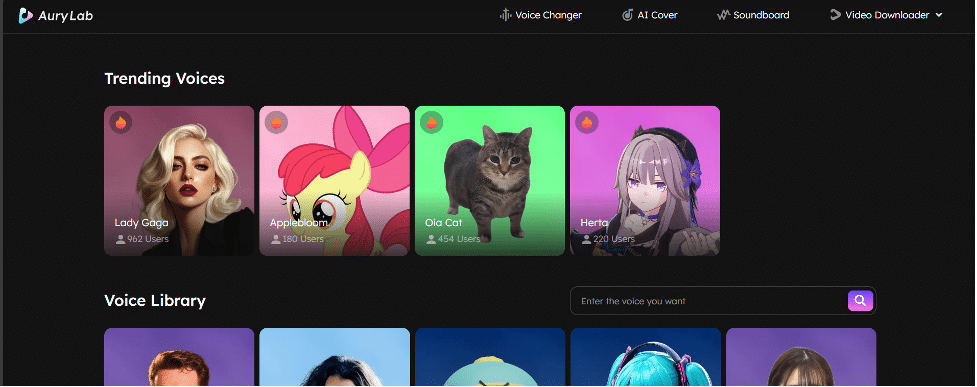
Aurylab Voice Changer is a cutting-edge real-time voice changer. Users can choose from over 1000+ AI voice effects and soundboards for robot, sci-fi, and humorous character voices. Aurylab makes it easy to sound like a robot when streaming, gaming, filming, or conversing online. It works with Discord, Zoom, and OBS on Windows and macOS. Its ease of use—no audio editing abilities needed—is a strength.
Choose a voice model, talk into the mic, and your robot voice is ready. Unlike the free version, the paid edition enables voice packs and tools. Variety and real-time transformation are benefits. One drawback: advanced features may require training. This is great for content developers and entertainers.
Availability & Price
It is time-limited free for now.
Pros:
- Huge variety of robot and character effects.
- Built-in soundboard for effect drops during live sessions.
- Ideal for YouTubers, TikTok creators, and livestreamers.
Cons:
- May lack high-end tuning tools.
- Potential latency or lower fidelity in the free tier.
How to Make an AI Song Cover with Aurylab (Step-by-Step)
Aurylab makes AI song covers easy, fast, and enjoyable. Simply follow these simple steps to turn your favorite audio into an AI-generated track:
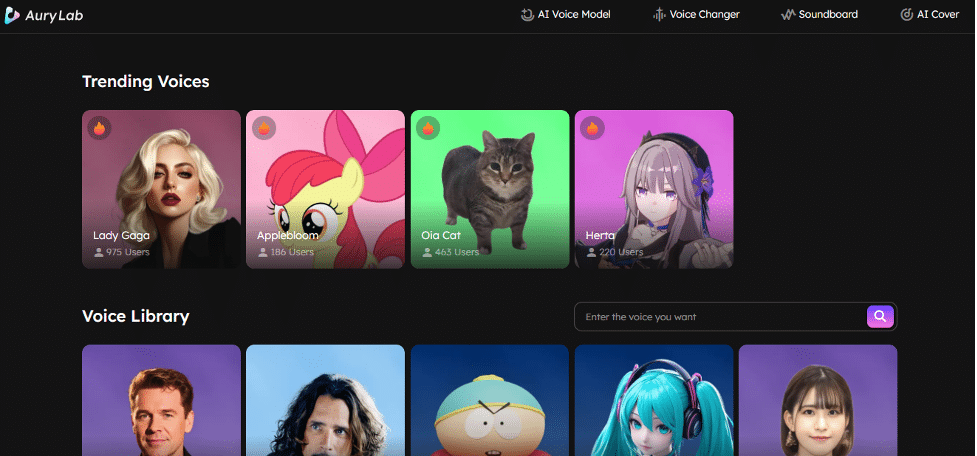
Step 1. Choose from Aurylab’s wide library of high-quality robot AI voices. A voice model can complement your creative vibe, whether you want a robotic or celebrity-inspired tone.
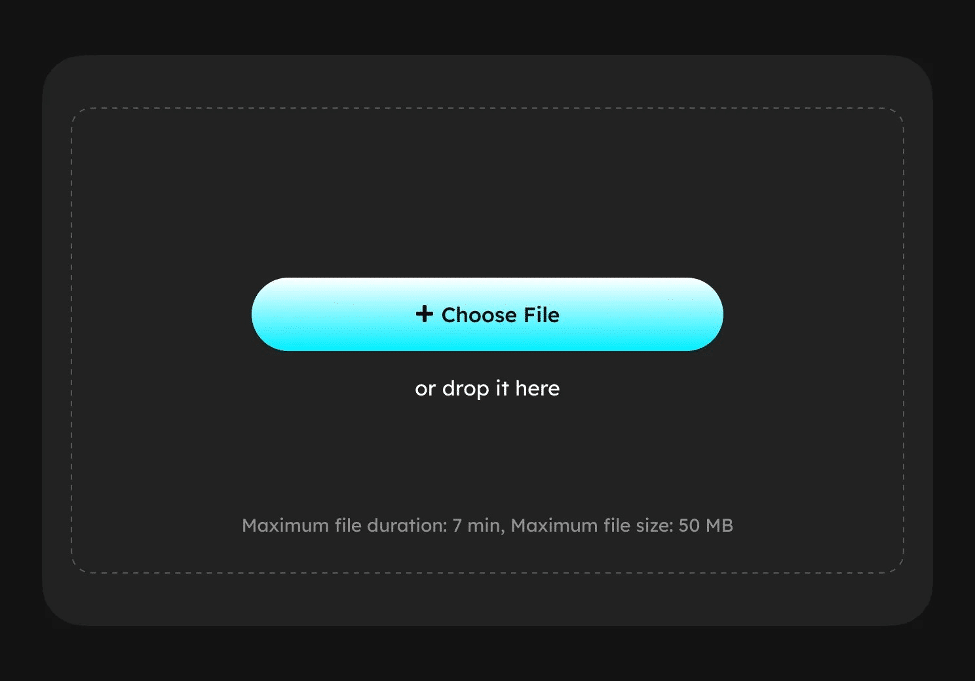
Step 2. Upload an audio file from your device to convert. Aurylab supports a maximum file duration of 7 minutes and a file size up to 50MB.
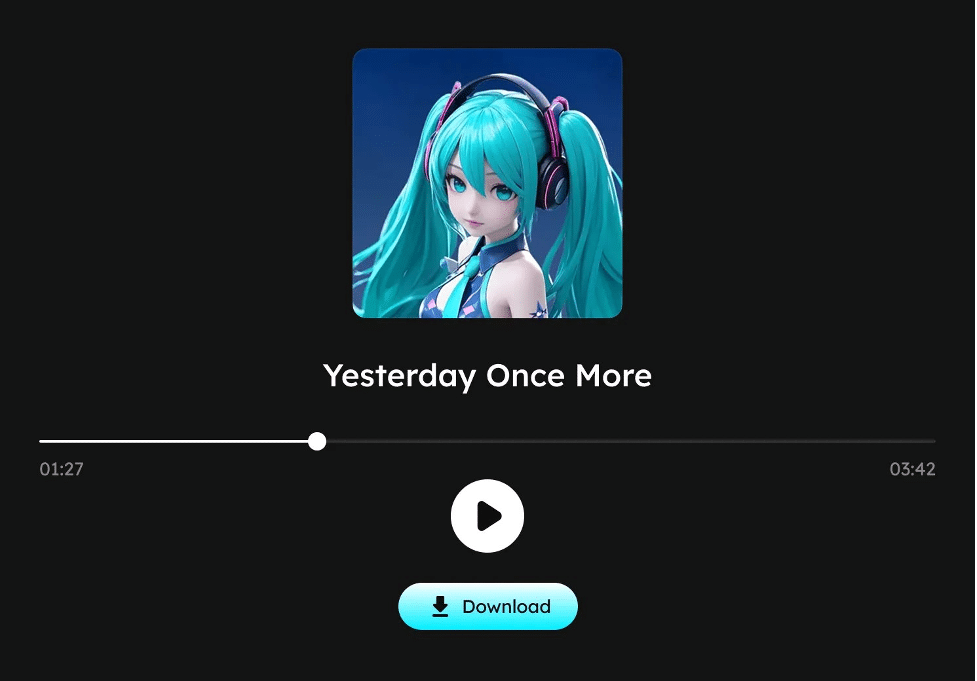
Step 3. Create a robot voice with a single click. Aurylab processes audio and applies voice models in seconds. Once ready, download and share your robot voice on social media or with friends!
2. MorphVOX
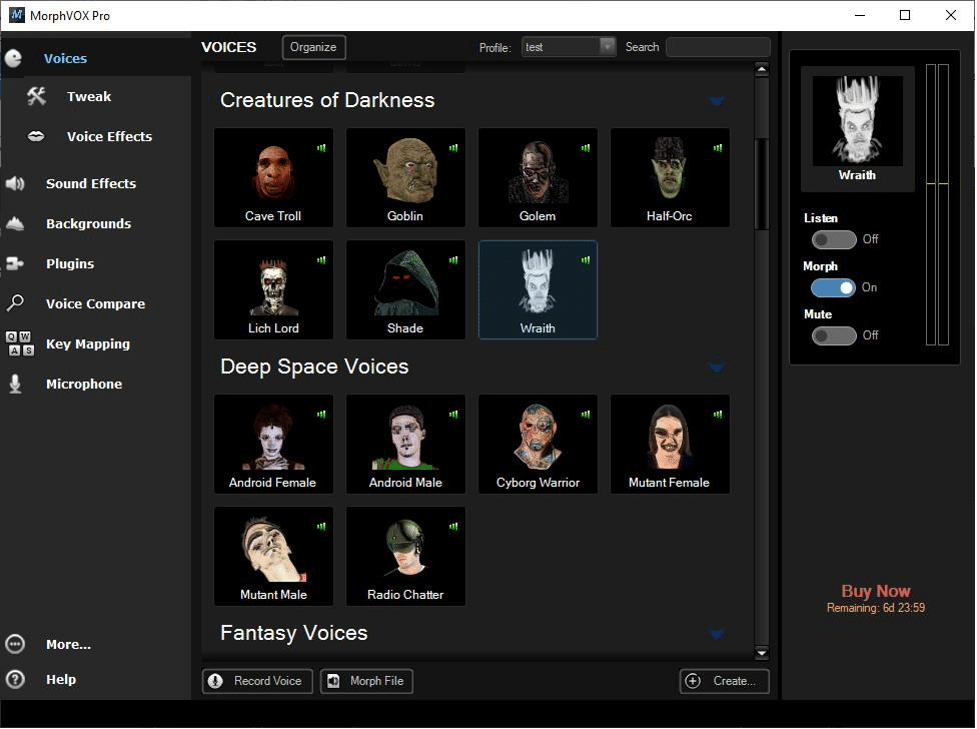
MorphVOX is a popular real-time voice changer for streamers, gamers, and performers. Multiple voice models include robotic, extraterrestrial, and synthetic effects. It connects effectively with Skype, Discord, and gaming platforms on Windows. MorphVOX Junior is free, and Pro has more features. Pro users get enhanced voice-learning algorithms, clearer audio, and personalized sound effects.
For sci-fi, online role-playing, and prank calls, its robot voice is ideal. Users like its low CPU consumption for live gaming and multitasking. The interface is slightly antiquated, and certain voices may need tuning. It remains one of the most reliable real-time robot voice generators. For control and customization, MorphVOX is ideal.
Availability & Price:
A free trial is available, with the full version priced at about $39.99.
Pros:
- Advanced voice‑learning algorithms for realistic sound.
- Ultra‑quiet background cancellation ensures clean, high‑quality audio.
- Low CPU usage makes it ideal for gaming and streaming.
- Soundboard support, background ambience, and voice packs for extra fun.
Cons:
- The interface feels dated and outdated.
- Pricey compared to simpler voice changers.
3. FineVoice
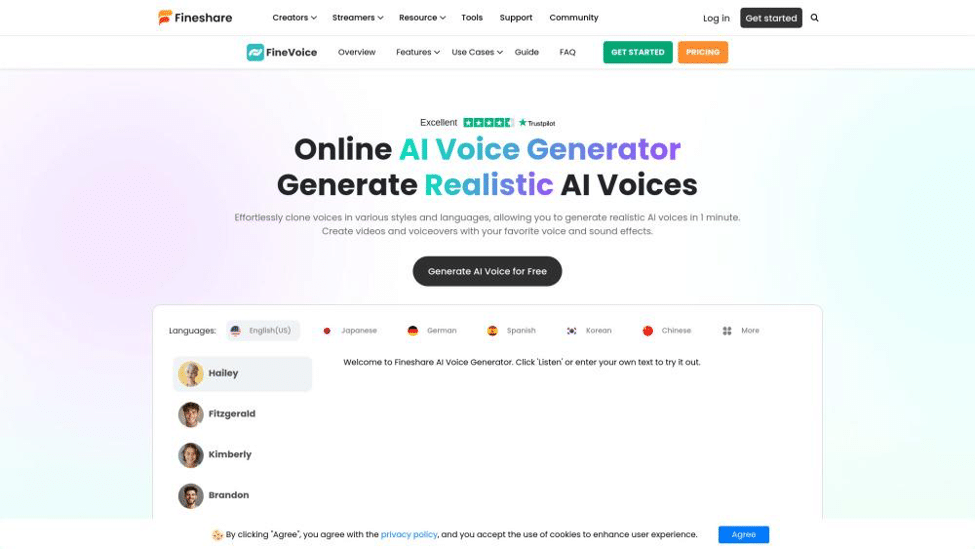
FineVoice, an all-in-one voice changer and TTS application, delivers 1000+ real-time vocal effects, including robot voices, transformers, and space-themed filters. Live conversations, video making, podcasts, and presentations are possible with Windows. Its clean, modern interface makes it beginner-friendly and straightforward to use.
FineVoice offers voice cloning, text-to-speech, and AI-based transcription. Its robot voice model is ideal for YouTubers, Twitch streamers, and anyone looking to add a futuristic touch. The app interacts with Zoom and Google Meet. While FineVoice is free, the subscription edition offers premium voice packs and HD audio output. Mac users lack access, which may be to their disadvantage. For creative and professional voice transformation on Windows, FineVoice is a good choice.
Availability & Price:
Free to try online. The basic plan is $5.99/month. The Premium plan begins around $17.89/month, unlocking more features like full voice cloning and recording tools.
Pros:
- No software download; runs in browser.
- Natural-sounding TTS with emotional realism.
- Advanced voice cloning captures tone, pitch, and inflection down to the word level.
- Compatible with global languages and accents.
- Offers recording, soundboard, and text-to-speech in one studio.
Cons:
- The free version has limitations.
- Conducting long sessions may require a paid subscription.
- No built-in tutorial; may have a small learning curve for beginners.
Conclusion
Robot voice generators are entertaining and powerful ways to improve streaming, gaming, and video content. As top tools, Aurylab Voice Changer, MorphVOX, and FineVoice each provide something special. MorphVOX is perfect for gamers who desire control and low system consumption, while FineVoice’s elegant interface and text-to-speech features shine.
For the most realistic robot voice, Aurylab Voice Changer is best. It’s ideal for beginners and pros with 1000+ voice effects, real-time voice altering, and a massive soundboard collection. It simplifies robot voice effects, works with all your favorite programs, and is straightforward to use. If you want to sound like a robot—or anything else—try Aurylab Voice Changer first. Fun, flexibility, and amazing sound are in one smart package.
FAQ on Robot Voice Generators
Q1: What is a robot voice generator?
Robot voice generators convert live audio or written text into a robotic or mechanical voice. Fictional personas, gaming avatars, and tech-related narration are typically created with these generators. TTS and real-time effects are available in several tools. Robot voice generators help you produce emotionless, futuristic tones that simulate AI or robots for fun, narrative, or YouTube videos.
Q2: How do I make a robot voice?
Real-time voice changers like Aurylab Voice Changer can create robot voices. You may rapidly apply robotic effects to the microphone input using these tools. Text-to-speech tools like FineVoice let you type and choose a robotic voice from the voice library. You can alter pitch, echo, and speed in some programs to customize robotic sound for tasks or content.
Q3: How many text-to-speech robot voice options does Narakeet have?
More than 800 text-to-speech voices in 100 languages and accents are available on Narakeet. These include robotic or digital voices suitable for sci-fi and futuristic material. Users can effortlessly input or upload their screenplay, select a robot voice style, and generate speech. Narakeet’s vast range of robotic voices makes it easy to match your project’s tone for videos, tutorials, and podcasts.











