
Experienced web developers who have been working with WordPress for a long time are aware plugins for this management system are indispensable tools for administering a blog or site. At the same time, new users rarely use them at first being content with the basic CMS initial version functionality which is quite enough for the usual daily resource activity.
A plugin is a small program that has auxiliary functions. Such modules expand the main program capabilities. There are lots of plugins developed not only by professional engineers but also by ordinary users for this content management system. Being a highly specialized program, plugins implement individual functions. Multifunctional plugins are a rareness, and there is no need for them.


How to Choose Anti-Spam Plugins
The spam can damage the WordPress blog as it boosts traffic, as well as can even adversely affect the performance of your site in search engines. There are many web resources containing WordPress plugins archive, and it’s worth taking their selection seriously. After getting familiar with Anti-spam plugins for websites on https://cleantalk.org/, it will be easier for a beginner to choose the appropriate option to deal with it.
The process for determining and selecting only the necessary plugins requires considerable effort and time. Moreover, an unreasonably large number of WP-plugins on your site will adversely affect its performance reducing its speed which can affect the website statistic. And the most unpleasant thing is that it can lead to plugin conflicts that will cause your website to be temporarily down.
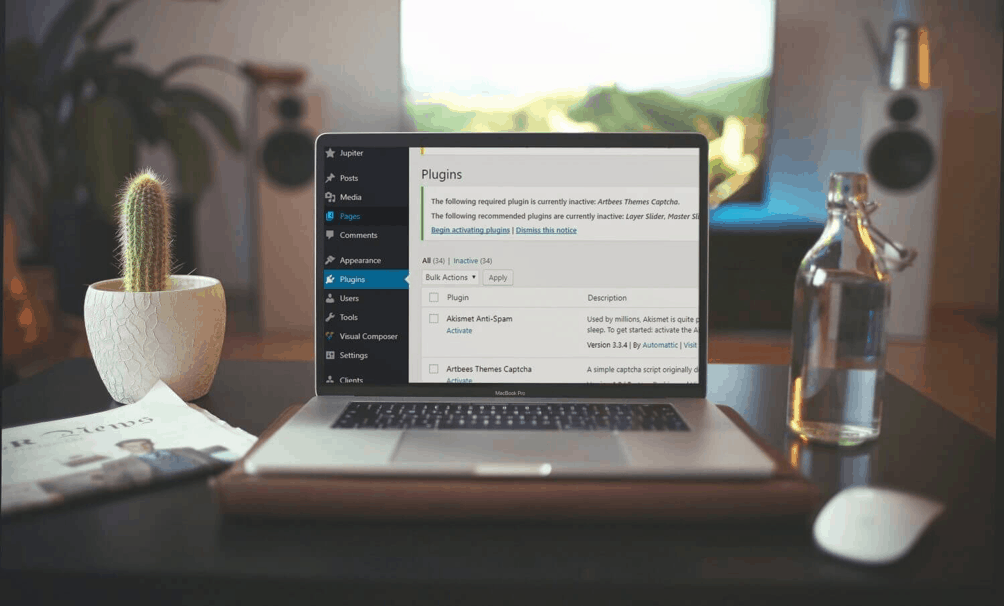
Protecting Your Website Against
Spam
Trying to increase traffic to their own sites, some spammers are acting on third-party web resources where they post fraudulent content and spam links. Disabling comments can be a solution, but they can be a good source of new information that has semantic uniqueness. This makes the site attractive to users who like discussing things and fighting corners on certain issues. There are lots of ways to make forums and blogs unattractive to spammers:
- Update software. Keep your software up-to-date and pay special attention to updates and patches regarding website security. Install the CAPTCHA block — this is a special test that may distinguish real users and robot programs.
- Blocks for determining suspicious behavior — it is possible to set time limits and plug-ins to detect excessive traffic from individual IP addresses or proxies, as well as to detect suspicious activity on the site that is typical for bots, not for ordinary users.
- Disable some types of comments. If you are not checking the forum, and users no longer communicate there, then disable comments completely.
- Use partial moderation opportunities — make message moderation more flexible. Change the settings to prohibit anonymous messages or check all messages from new users.
- Make a spam terms blacklist — this list includes all inappropriate comments and spam messages. Add all inappropriate terms that are only used by spammers to the list.
Install automated protection — integrated systems protect the site in automatic mode. For example, systems such as Cleantalk have plugins for fully protecting sites from spam comments. Anti-spam plugins are easy to install and do the main job automatically protecting forums from spammers.











