
Nowadays you can easily find an online PDF converter from Google, most of them indicate that their products are free, but you will soon receive a notice during processing the PDF file: your free quota has been used up. At this time, you can only buy their services or find another PDF converter. Of course, there are also completely free PDF converters, but you will soon find out various problems, such as low output quality, missing file information, and so on.
By chance, EasePDF appeared, a free online PDF converter, and I found out that there were really good products. So I want to recommend it to you, I believe all of you will like it after trying its products.
EasePDF: An All-in-one Online PDF Converter
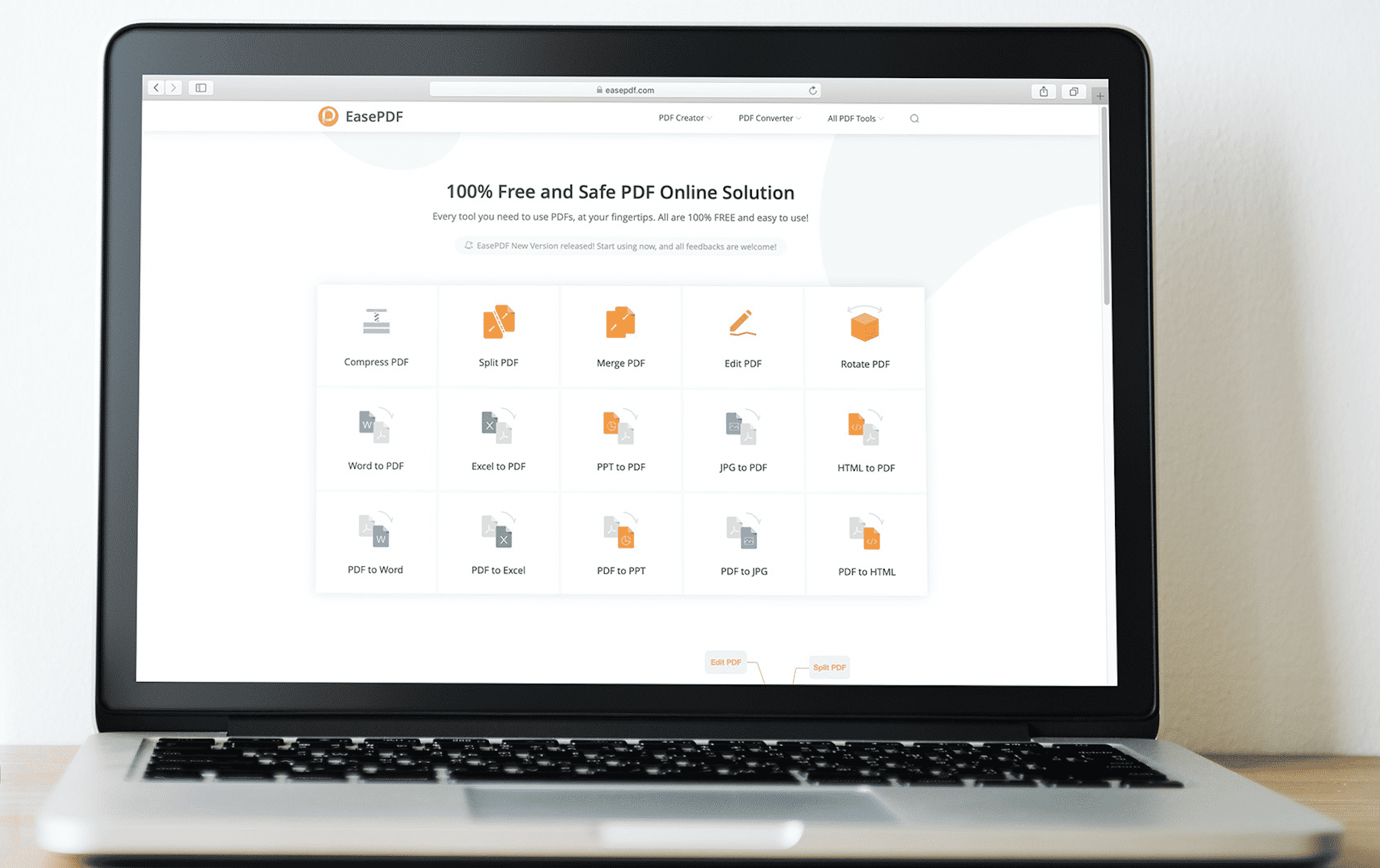
If you come to their homepage, you will see some of their PDF tools, but please don’t think that’s all the tools provided by EasePDF. Go to the upper menu bar and click on All PDF Tools, you will find more. EasePDF provides more than 20 kinds of PDF tools in total, including the conversion of PDF files and other format files, such as PDF to Word, PDF to Excel, PPT to PDF, Image to PDF, etc. Tools such as Compress PDF, Split PDF, Edit PDF are also provided. These tools are all free to use, and it is not difficult to get started. Even if you are using it for the first time, you can quickly become familiar with the manipulation.
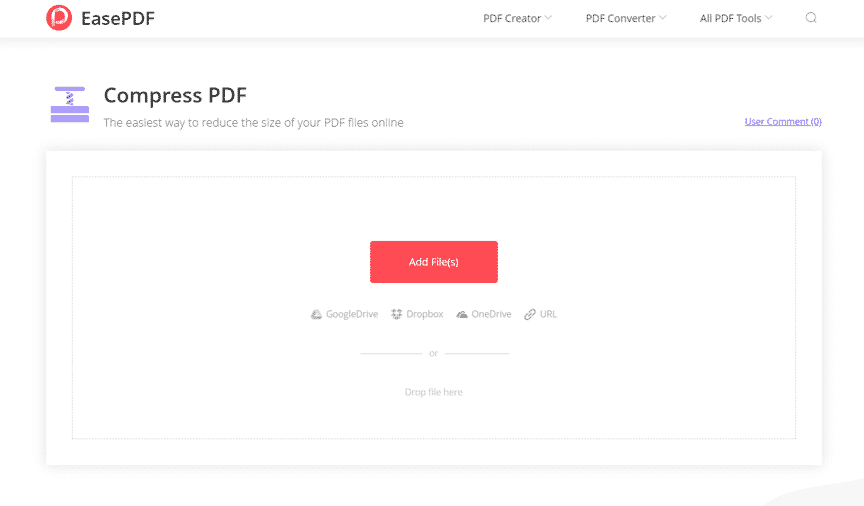
Due to my work, I need to extract some pages in a PDF file and compress them so that I can send them to my colleagues by email, so I used their Split PDF and Compress PDF. Then I was pleasantly surprised to find that the Split PDF tool provides three modes. I can freely select the pages that need to be extracted, and the server also divides the pages into different colors for easy differentiation. After I successfully downloaded the new PDF file, I used Compress PDF, which also provides three modes, and I can choose the compression level according to my needs. Finally, when I reach the download page, I can also send the PDF file directly to my colleague. It doesn’t require me to log in to the mailbox. It’s really convenient, isn’t it?
Integrated with Several Cloud Storing Platforms
It must be mentioned that EasePDF provides multiple ways to upload and download files. EasePDF has integrated with Google Drive, Dropbox, and OneDrive, so that users can upload and save files from and to different cloud storing platforms, not just local computers. Besides, EasePDF also supports uploading the file through the URL link, which means that you can directly copy the link of this file and upload it directly through the link.
On the download page, in addition to the several cloud storing platforms mentioned above, there are also functions provided by EasePDF, such as sending files via email and sharing files with a link. You can send files to others by email without logging in to the mailbox, and you can also copy the links generated by the server to share fi les with your friends.
Free and Safe to Use
After I used it many times, I confirmed that EasePDF is completely free to use. There are no items that need to be charged, and no additional plug-ins need to be downloaded. Its user interface is simple, and it looks comfortable. In addition, I also learned from their Privacy Policy that EasePDF will automatically delete user information and files within 24 hours after the conversion is completed, and the link for sharing will also be invalidated.
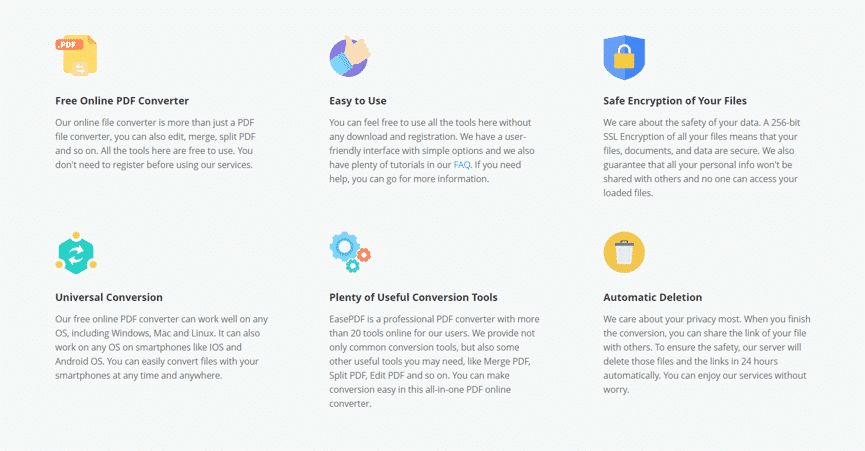
After my testing, EasePDF is really a very good tool for those who often need to deal with PDFs and want to have tools to get the job done. You don’t need to spend a penny to get the job done easily with the help of EasePDF.











