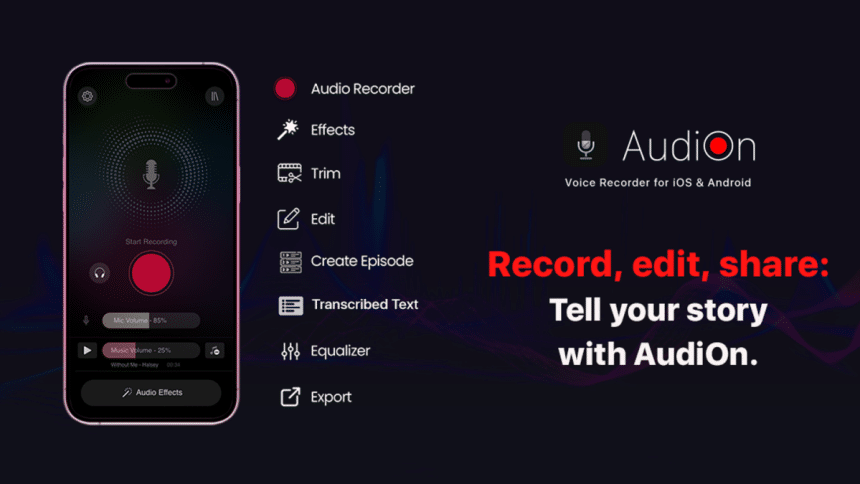
While it’s true that voice recording software are a dime a dozen on a computer, there’s only a handful of good ones on smartphones. AudiOn seeks to change that with its intuitive interface and robust offering of voice recording options. As a go-to audio recording solution, AudiOn can create voiceovers, audio effects, podcasting, song vocals, and more. Let’s see how AudiOn stacks up by exploring the features in the AudiOn review.
What is AudiOn Mobile App?
AudiOn is a studio-style voice recording app for mobile phones. While you can certainly use the native voice recording app on your Android phone or iPhone, there’s a great chance that you’ll need to have some post-processing work done to improve audio quality and filter out unwanted noise. The app intends for you to do away with all of that by having a high-quality recording from the get-go.
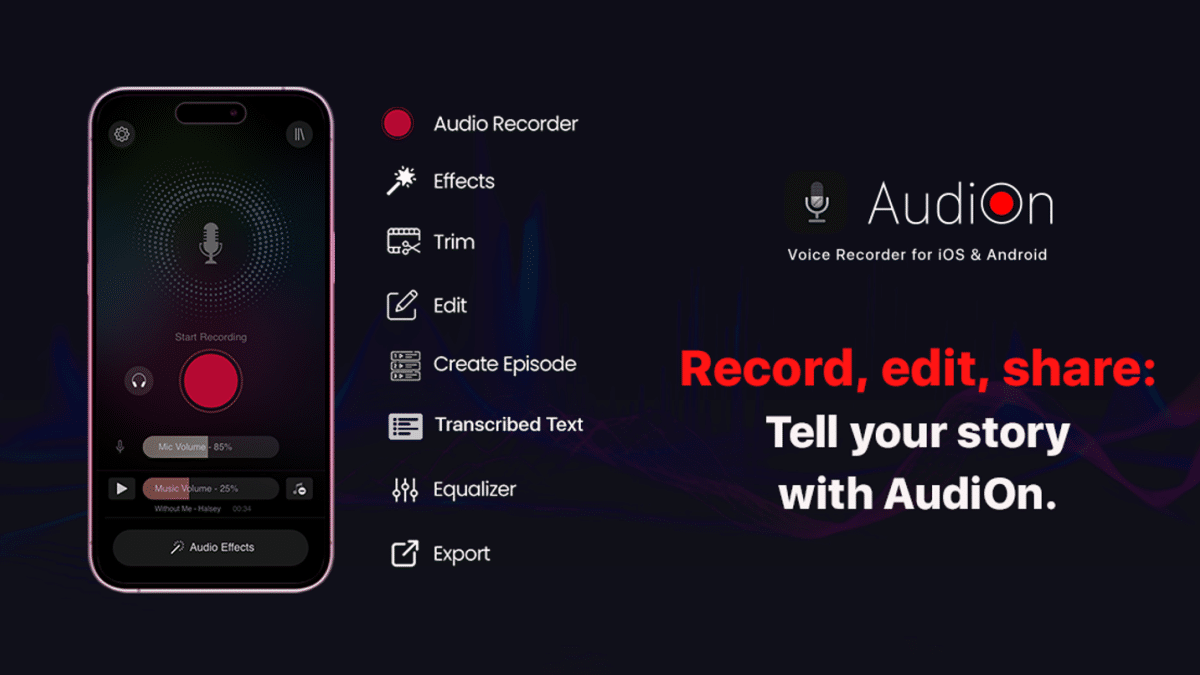
AudiOn is versatile enough to handle all kinds of voice recordings. Need a voiceover for a YouTube video, or an app that can record audio notes in a flash? Or maybe you’ve been inspired to sing a new song that you can’t wait to go home and record it. In these cases, AudiOn can record that for you, and in high-quality format too.
AudiOn Features
iOS Lossless Audio Recording
Not a lot of voice recorders use Lossless audio technology, and it’s nice to see one in AudiOn. Your voice will be recreated faithfully regardless of content, e.g., a podcast, voice memo, song recording, or voiceovers. The difference in quality is noticeable and you’ll find the app to be worthy as your primary voice recorder app.
Android Enhanced Mic Sensitivity
AudiOn has a mic boost feature for Android, allowing you to increase sensitivity by up to 200%. The boost doesn’t come with audio distortion or blown-out noise, so setting it to the max for every content is a good idea if you’re constantly working outdoors.
Skip Silence and Noise Removal
As part of the post-processing format, you can have the app automatically skip silent parts and combine sentences into a more coherent tone. The app has a noise removal technology to filter out the background noise further and improve audio quality at the same time.
Trim and Blend Voice Clips
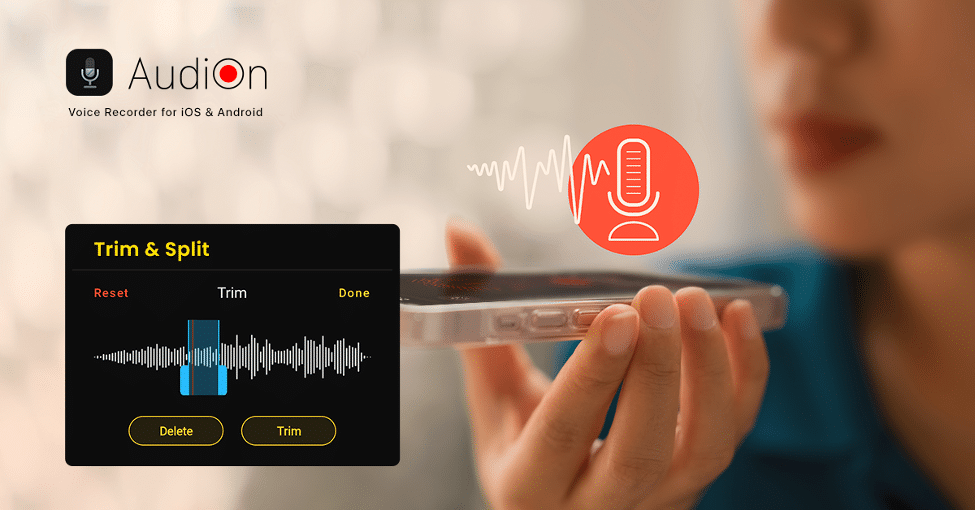
With AudiOn you don’t have to wait until you have a computer in front of you for post-processing. You can trim and blend voice clips on the go and draft the content anywhere you are. Renaming and arranging the voice files can be done straight from your smartphone as well.
Record and Add Effects
AudiOn also supports adding effects and background music for your recordings, ensuring your branding stays on every episode or song you create.
The AudiOn Mobile Experience
After finding the AudiOn app on my iPhone, I downloaded the software and opened it without trouble. Inside, the layout is nice and simple, and in a few minutes I could go from one place to another without getting off-track.
To record, simply tap on the plus sign at the top of the screen. AudiOn does not require you to have headphones or earbuds on for recording- you can use your smartphone’s built-in mic in a relatively quiet place. Background noise is kept to a minimum, and it works similarly to Active Noise Cancellation in a sense. However, excessive noise and rumbles will still appear on the recording.
Layering tracks and merging voice recordings to create cohesive content is surprisingly easy. After a few minutes, I had an amateur podcast episode sample that was quite good. Different mic modes, equalizer settings, and more can be accessed if you want to refine your audio content further.
AudiOn Voice Recording Software – Should You Try It?
AudiOn is an all-in-one voice recording software available to download on iPhone and Android devices. You can download the app directly from the Play Store or App Store. The robust features compared to native apps on either operating system are worth the try, and it’s definitely a must-have for those who create podcasts and use voice recordings for notes on a daily basis. That said, AudiOn is definitely worth your while if you want a professional-grade voice recording app on your smartphone.