
iLoungeiLounge
  • News
    • Apple
      • AirPods Pro
      • AirPlay
      • Apps
        • Apple Music
      • iCloud
      • iTunes
      • HealthKit
      • HomeKit
      • HomePod
      • iOS 13
      • Apple Pay
      • Apple TV
      • Siri
    • Rumors
    • Humor
    • Technology
      • CES
    • Daily Deals
    • Articles
    • Web Stories
  • iPhone
    • iPhone Accessories
  • iPad
  • iPod
    • iPod Accessories
  • Apple Watch
    • Apple Watch Accessories
  • Mac
    • MacBook Air
    • MacBook Pro
  • Reviews
    • App Reviews
  • How-to
    • Ask iLounge
Font ResizerAa
iLoungeiLounge
Font ResizerAa
Search
  • News
    • Apple
    • Rumors
    • Humor
    • Technology
    • Daily Deals
    • Articles
    • Web Stories
  • iPhone
    • iPhone Accessories
  • iPad
  • iPod
    • iPod Accessories
  • Apple Watch
    • Apple Watch Accessories
  • Mac
    • MacBook Air
    • MacBook Pro
  • Reviews
    • App Reviews
  • How-to
    • Ask iLounge
Follow US

Articles

Articles

All That You Wanted To Know About 8k Connectivity

Last updated: Jun 26, 2020 6:25 am UTC
By Lucy Bennett
All That You Wanted To Know About 8k Connectivity

The world of display resolutions has seen some sensational advancements in the last few years. From Full HD 1080p to 4K and now 8K, the resolution upgrade has been quite impressive.


Even though the 8K technology has been introduced for quite some time now,  but the introduction of 8K connectivity is fairly new. The whole concept is certainly much more than plugging in an old cable to a brand new display. 
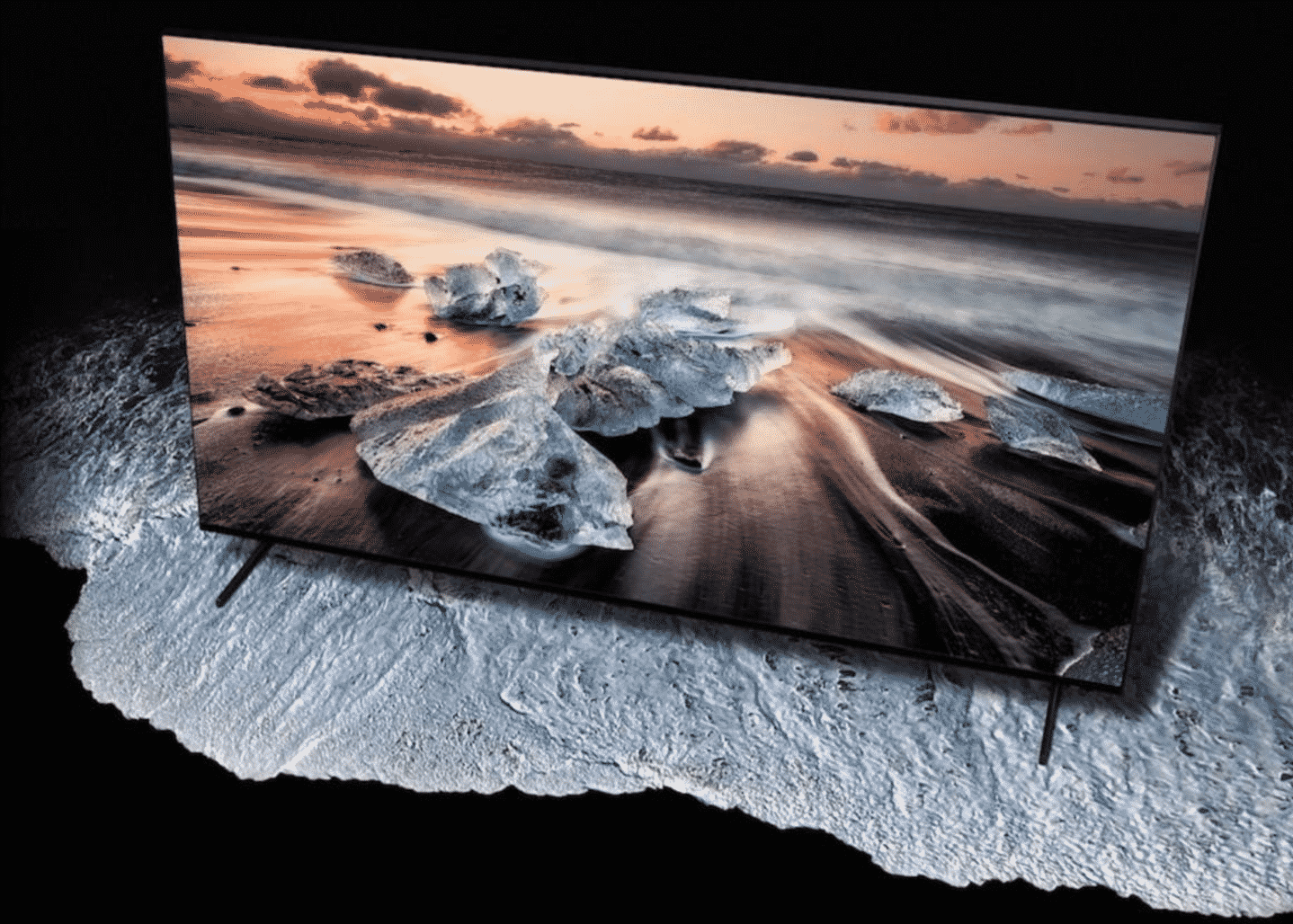
All That You Wanted To Know About 8k Connectivity

So what is 8K all about and how is it relatable in our lives? Let us find it out.

What is 8K resolution?

8K resolution is not the double of 4K resolution, in fact, it is four times the latter! 


This means that the display technology should really be advanced to support such a high resolution. The electronics developers are working on this and hence getting the perfect hardware for 8K is not a distant dream anymore. You would, in fact, get 8K monitor cables quite easily looking if you search for them.

What are the keys to enable 8K?

HDMI and display ports are the latest inclusions in the world of transmitting audio and video. The market is now definitely relied on this and it is one of the most predominant choices. Now as the Display Port 1.4 and HDMI 2.1 got introduced, hence the incorporation of 8K is coming up as a reality. As the display ports and HDMI upgrades, viewing with higher resolutions would not be a problem at all.


How to implement the 8K connectivity?

To implement the 8K connectivity in the best possible way, it is important to consider tow two things from the hardware’s point of view. Firstly, one would need to consider the current technology landscape and then they should account for the future development in the hardware that is currently underway. It is to be noted that both Display Port 1.4 and HDMI 2.1 are capable of handling the high throughputs to enable the 8K transmissions.


Based on the current scenario, let us see the various configurations for both desktops and laptops.

  • Desktop – There are three options of connecting a desktop to an 8K display, the first one is through an HDMI 2.1 cable or a Display Port 1.4 cable to an 8K@30Hz monitor or two separate Display Port 1.4 cables to drive the necessary bandwidth. But to support this, your desktop should be equipped with processors and graphic cards that have the capability of outputting a high enough bandwidth signal to support 8K. Also, both the Display Port 1.4 and HDMI 2.1 should be certified as per their standard.
  • Laptop – Laptops do have space constraints and hence they are considered to be less dynamic. The current laptops are not capable of offering the dual Display Port 1.4 connections.

However, you can go for a simple setup where Thunderbolt 3 laptop is connected to an 8K@30Hz monitor. This one can give you the desired results.

With the 8K being a relatively new technology, some initial hiccups in installing it can be expected. However, with the right guidance, you can enjoy a truly immersive viewing experience like never before!



Latest News
The Apple Watch Series 11 46mm GPS Is $100 Off
1 Min Read
Clamshell Style iPhone Being Looked Into By Apple
1 Min Read
Foldable iPhones May Have the Largest Battery Ever
1 Min Read
Apple and TSMC’s 10-Year Collaboration May Be Ending
1 Min Read
The 13-inch M5 iPad Pro 256GB Wi-Fi Is $149 Off
1 Min Read
M5 Pro and M5 Max Chips for the MacBook Pro could Roll Out with macOS 26.3
1 Min Read
Mac Ordering Process Revamped
1 Min Read
Check Signed By Steve Wozniak and Steve Jobs Sold For $2.4 Million
1 Min Read
The Anker 140W 4-Port GaN USB-C Charger is $35 Off
1 Min Read
No iPhone Air 2 This Year, according to Latest Report
1 Min Read
New Report Corroborates Split iPhone Release Dates
1 Min Read
Apple Losing More Researchers As They Plan To Release 2 Siri Versions
1 Min Read

iLounge logo

iLounge is an independent resource for all things iPod, iPhone, iPad, and beyond. iPod, iPhone, iPad, iTunes, Apple TV, and the Apple logo are trademarks of Apple Inc.

This website is not affiliated with Apple Inc.
iLounge © 2001 - 2025. All Rights Reserved.
  • Contact Us
  • Submit News
  • About Us
  • Forums
  • Privacy Policy
  • Terms Of Use
Welcome Back!

Sign in to your account

Lost your password?








