
Aiarty is an AI-powered image enhancing software crafted for professionals and amateurs alike. N-frills, it focuses on helping you process your portraits, family photos or AI-generated images with highest possible quality and desired picture size. In this article, we outline the robust features and how you can use this AI image enhancer & upscaler to remove noise, blur, grains, pixelation from images and add more details for your photos or art works.
Get Closer to Aiarty Features
1. AI Generate More Details
Most image upscaler software is able to upscale your images 2X or 4X larger, but at the price of details loss, especially when it comes to images with hair, fur, feather or skin. Well, it’s a different story with Aiarty Image Enhancer.
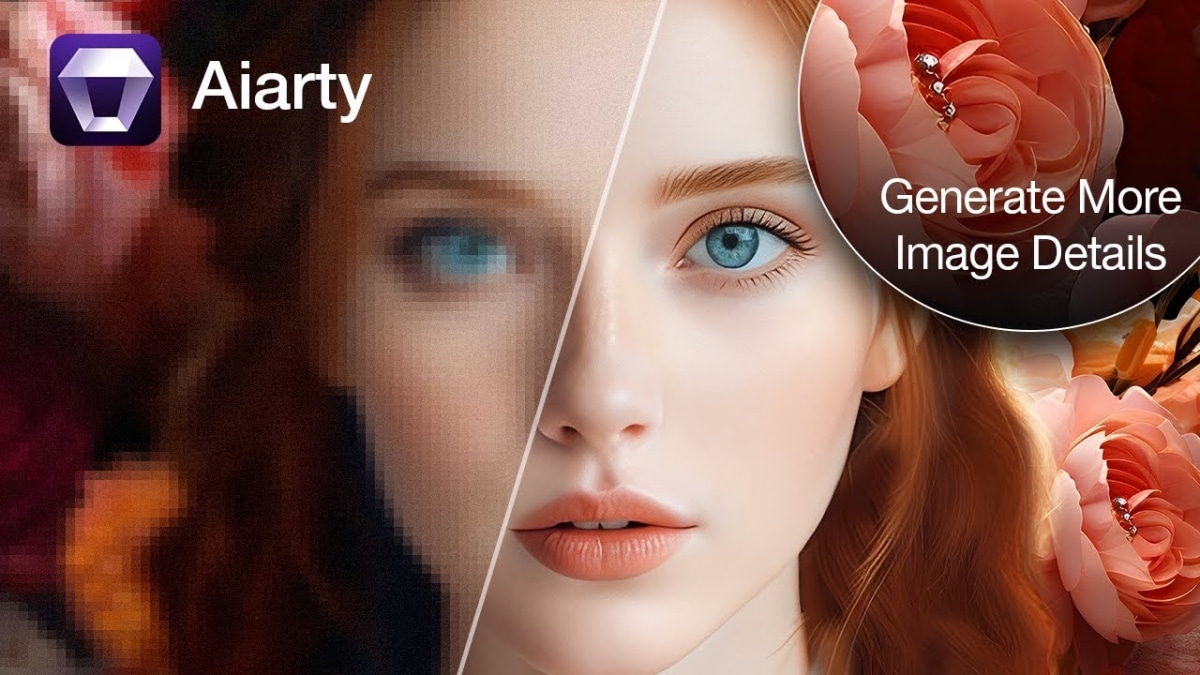

Aiarty comes loaded with More-detail GAN AI model (Generative Adversarial Network), which generates more details, more clarity & sharpness while upscaling your images to 2X, 4X or even 8X larger. This model is well-designed for skin, hair, pore, and other intricate pattern. This will save your photo fidelity at the highest possibility and guarantee your large-size purposes like photo printing, demonstration, art showcase, etc.

2. Smooth Diff
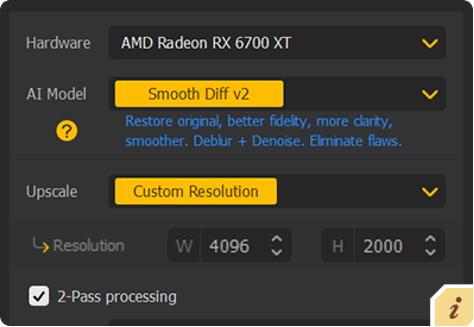
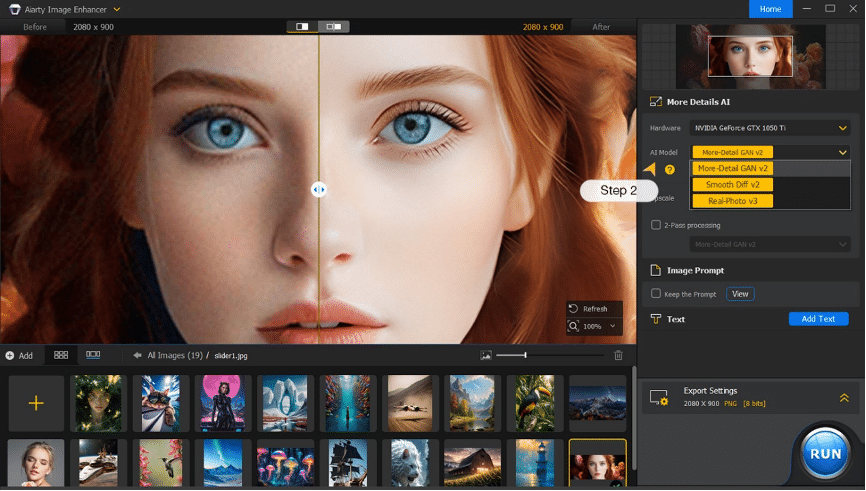
The architecture for this AI image model goes to Diffusion, which is exceptional in restoring original and eliminating flaws from your images and meanwhile improves your photo resolution up to 8X bigger. Enable this AI model to process your 2D images, some faces, glass surface, smooth texture, anime, line art to get fidelity, more clarity, and a relatively smooth, polished look.
3. Real Photo
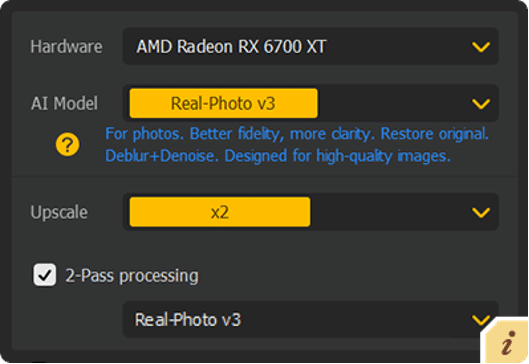
Simply judge it from its cover. Yes, it’s designed for your realistic photos, not for anime/cartoon or Midjourney/Stable Diffusion AI generated images. Different from the previous two models, it only lets you increase your image resolution 2X larger.
On top of that, Real Photo is the best model to remove noise from your picture. It puts more focus on denoise and smoothness sides. When it comes to AI process family photos, photorealistic materials, product pictures, it outweighs with zero efforts.
How to Use Aiarty to Upscale and Enhance Images
Step 1. Import your images after Aiarty download and installation. Just drag and drop your pictures into this image enhancer toolkit. For a bounty of photos, no biggie, just load them. It supports bulk photo enhancement, as well.
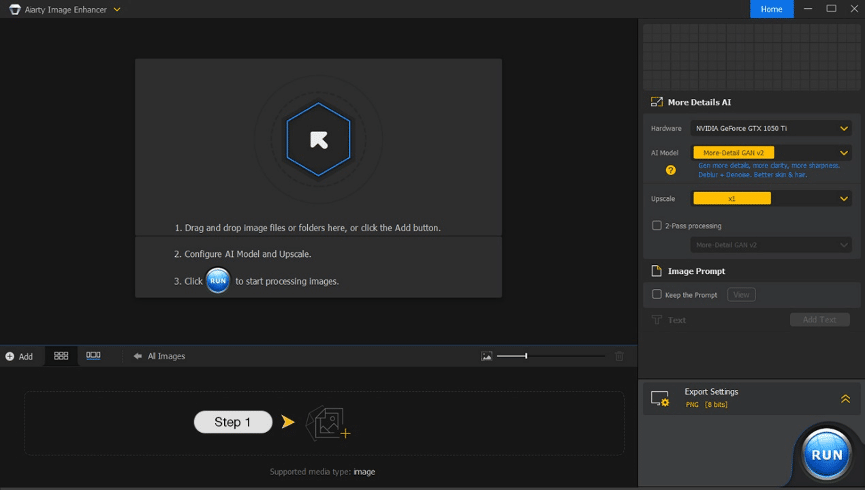
Step 2. Choose AI model and scale preset. The default model goes to More-Detail GAN, which can handle most of your images, realistic style or cartoon style. Meanwhile, remember to select the scale you need, 2X, 4X, or 8X (up to 32K).
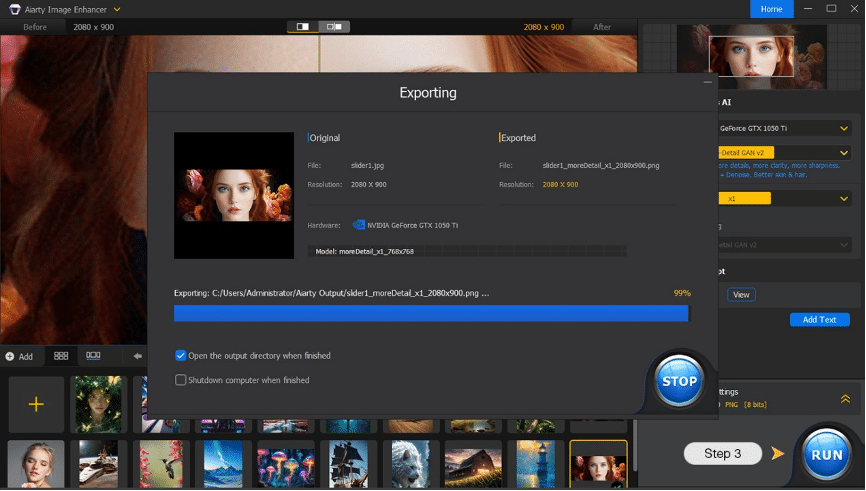
Step 3. Click the blue button “RUN” when everything is ready. The internal AI processing engine will go into action then. Just give it a second to upscale and enhance your image. Afterwards, it will auto export the output images to your drive.
Should you try Aiarty Image Enhancer?
Now you get the hang of Aiarty Image Enhancer. It’s definitely a worthy try especially for those who work with images and art works for professional purposes. The integration of AI makes tedious image enhancement work much shorter without sacrificing quality. There’s a trial version so you can experience the software’s capabilities with your own eyes.











