
YouTube Shorts now attracts 200 billion views a day, putting vertical video on par with long-form content.Yet many creators still spend hours editing a 60-second clip. AI video generators are changing how creators produce visual content, closing that gap. In May 2025 Google merged its Veo 3 text-to-video model directly into the Shorts camera, so a typed prompt instantly becomes an eight-second preview, according to TechRadar.Tools like Leonardo, which specialize in rapid, high-fidelity video generation, are accelerating this shift even further.
This guide compares seven standout AI video generators, shows when each fits your workflow, and explains how to avoid YouTube’s new anti-spam rules—all in less than five minutes of reading.
How to use this guide
We sorted each AI tool by the task it handles best, then ranked the options by speed and reliability.
Start by pinpointing your bottleneck: Do you need fresh footage, a fast way to mine long videos, or a presenter who isn’t you?
- If fresh footage is your bottleneck, jump to Create from scratch.
- If you’re sitting on hours of recordings, open Repurpose & auto-edit.
- If you need a talking head without filming, head to On-camera without a camera.
Each branch starts with a quick decision tree, highlights the strongest pick, and flags hidden costs. By the time you reach the comparison table, you’ll know which two or three platforms deserve a test drive.
Starting below, we cover the tools that generate brand-new visuals from nothing but a prompt.
Leonardo AI: turn still images into motion in seconds
Most AI video apps rely on stock footage. Leonardo AI’s Motion tool starts with a single image (generated or uploaded) and animates it with pans, zooms, or ambient effects like drifting snow. According to the platform’s documentation, each render runs four seconds and finishes in under 60 seconds.¹
Why that speed matters: Shorts viewers decide in roughly two seconds whether to swipe. A snappy animated intro can buy you that attention window. Drop a logo into the Motion tab, adjust the intensity slider, and export a loop that feels handcrafted without extra apps or timeline juggling.
Limits still apply. Motion clips cap at four seconds, and the tool lacks a multi-scene editor. Export several loops and join them in your usual editor. Treat Leonardo as a rapid-fire B-roll generator rather than a full studio.
Quick use cases
- Logo sting at the start of every Short
- Animated backdrop between tips
- Kinetic call-to-action in the final three seconds
If originality tops your list, Leonardo delivers custom motion faster and at a lower cost than any other tool we tested, which is why it leads the Create from scratch branch.
¹ Source: Leonardo AI help center, “Motion tool FAQs.”
Runway ML: generate custom B-roll from a single prompt
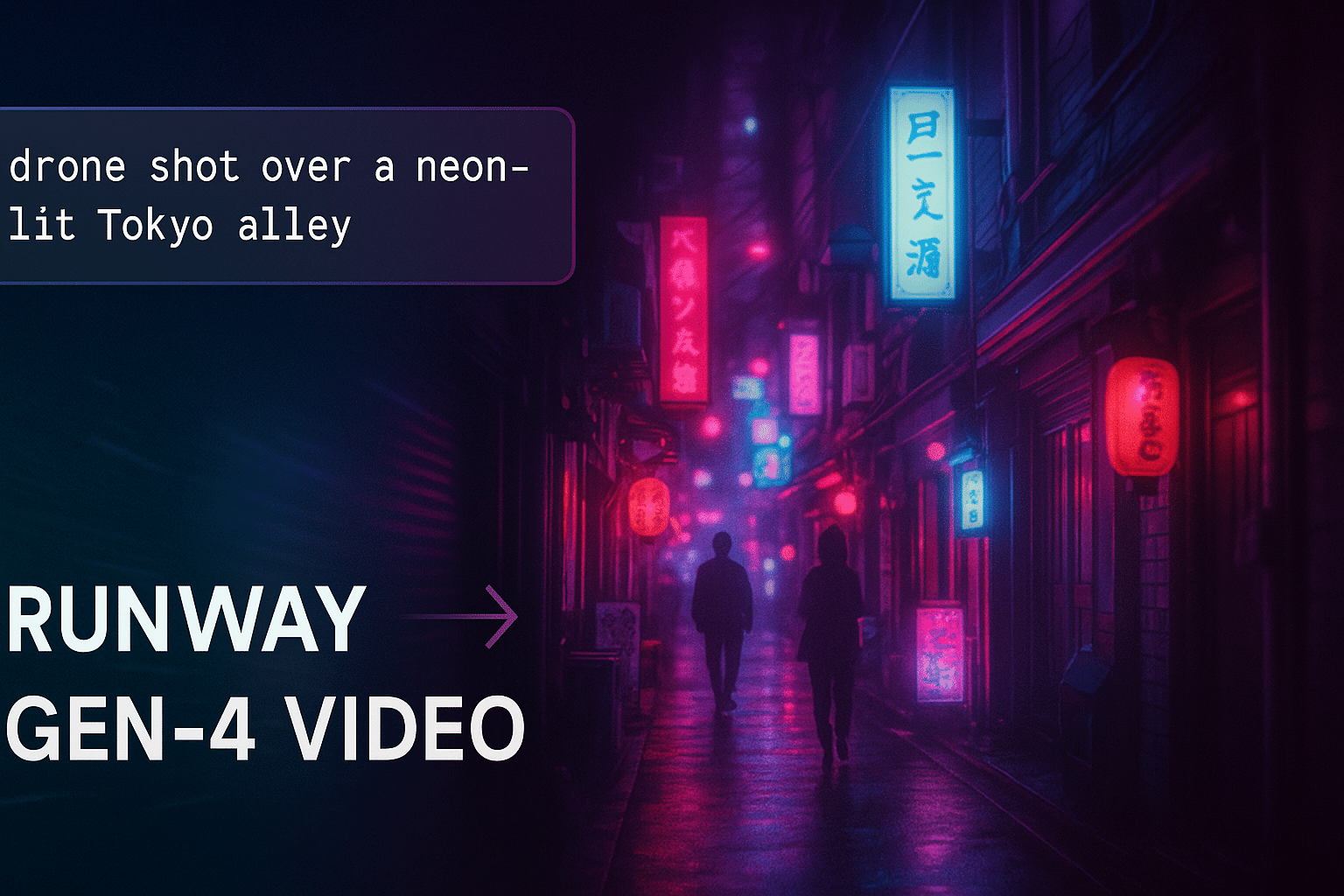
Type “drone shot over a neon-lit Tokyo alley,” select Gen-4 Video, and in roughly 60 seconds you’ll have a five- or ten-second clip ready for Shorts. Runway’s model turns plain language into vertical video, complete with camera moves you choose (pan, dolly, crane).¹
The workflow stays in one tab:
- Enter a prompt and pick a duration.
- Adjust camera motion or style weight, then hit Generate.
- Send the output to Runway’s cloud editor to trim, color-grade, or stack several generations on a vertical timeline.
Because everything runs in the browser, you can move from idea to finished asset during lunch.
Limits to note
- No sound; add music or voice-over later.
- Human faces may appear soft.
- Clips top out at ten seconds, so string several together if you need more runtime.
Pricing and queues Runway’s free tier offers unlimited low-priority renders in Explore mode, but you may wait during peak hours. The Creator plan starts at 12 dollars per month and unlocks faster, HD renders.²
Quick use case Shoot yourself against a blank wall, remove the background with Runway’s one-click tool, and drop your cut-out into that neon alley for an instant hook.
Leonardo gives you motion loops; Runway supplies full scenes, making them a potent combo for original Shorts content.
¹ Runway Help Center, “Creating with Gen-4 Video — Supported durations”
² Runway pricing page, accessed November 2025
Opus Clip: one-click highlights for long videos
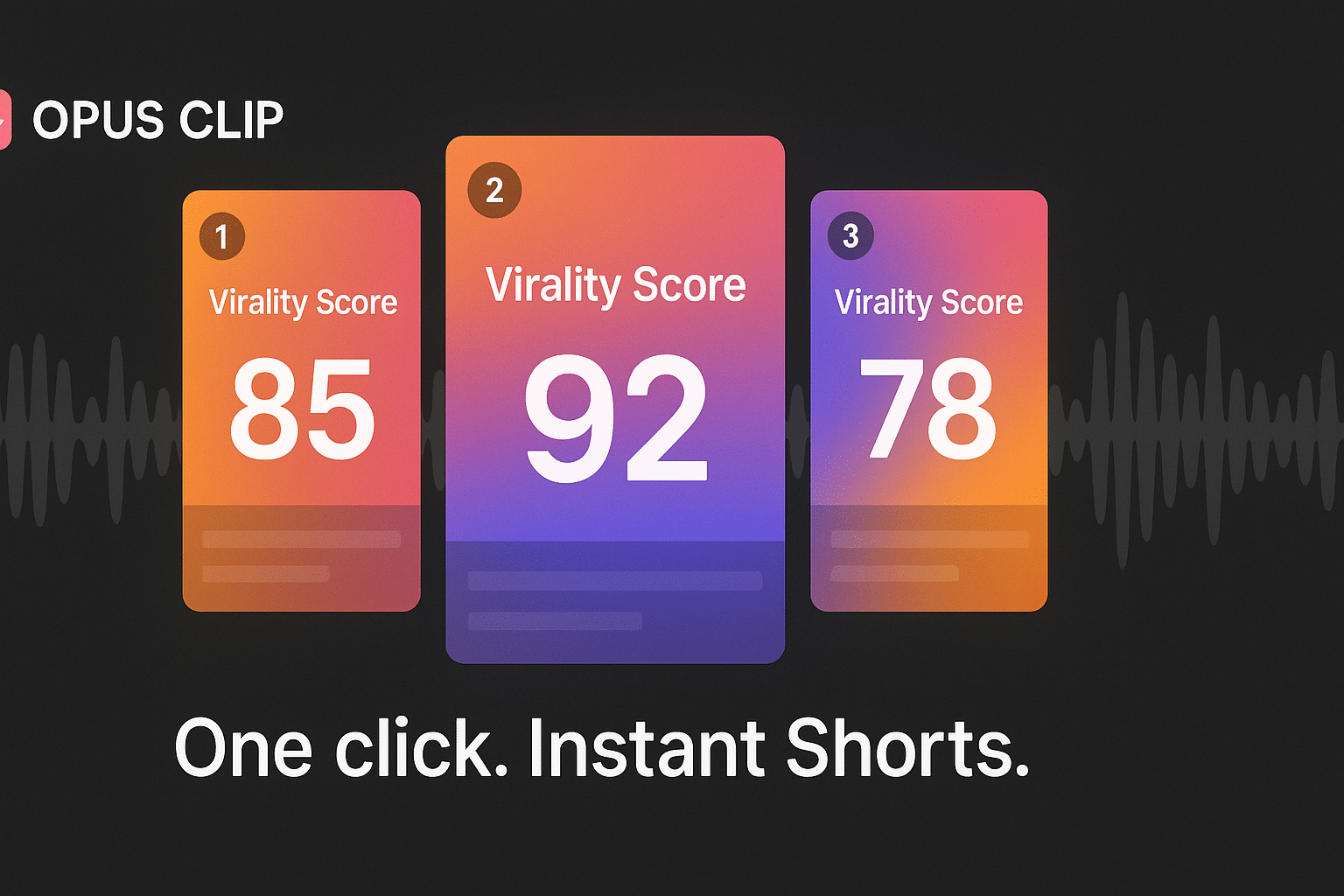
Paste a YouTube URL and Opus Clip scans the transcript, flags high-emotion spikes, and assigns each segment a Virality Score (0–99) that predicts engagement.¹
Hit Generate and the tool:
- Reframes each pick to 9:16, centers faces, and adds animated captions with emojis.
- Lets you preview a ranked shortlist instead of scrubbing a 40-minute timeline.
- Packages clips in vertical format so you can post the best one now and schedule the rest.
Why it scales The free plan includes 60 processing minutes per month, enough to turn a half-hour keynote into five Shorts.² Upgrade to Starter or Pro for faster renders and up to 300 minutes monthly.
Points to check Audio must be clear or the transcript will stumble, and jokes that rely on earlier context can miss the mark. Always preview and tweak captions in the built-in editor before exporting.
When your back catalog piles up, Opus turns hours of talk into snackable clips in minutes, letting you post consistently without extra late-night editing.
¹ Opus Clip Help Center, “What is the Virality Score?”
² Opus Clip Plans page, Free Forever plan details (60 minutes)
Pictory: turn text articles into vertical videos in minutes
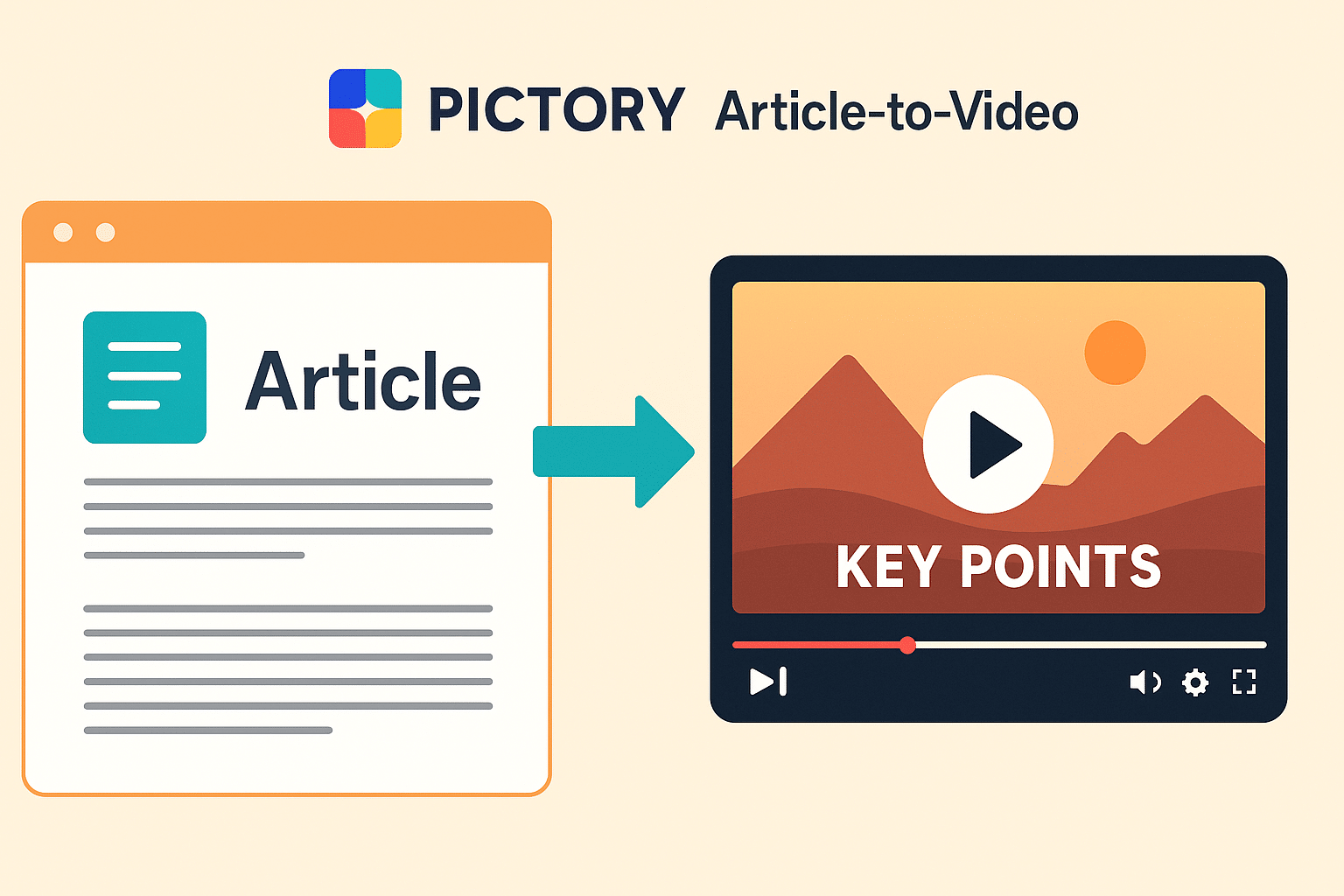
Paste a blog-post URL or upload a document, and Pictory skims the text, extracts key points, and builds a storyboard of scenes, each paired with stock footage, captions, and copyright-free music.¹
How it works
- AI breaks the text into scenes at every sentence or line break (default setting).²
- It highlights keywords, picks visuals, and syncs captions automatically.
- You fine-tune: swap clips, trim scene length, or add an AI voice from dozens of languages.
- Export a 9:16 video ready for YouTube, TikTok, or Reels.
Why it keeps attention Scene-per-sentence pacing means a new visual lands every few seconds without manual cuts, a tactic top Shorts creators rely on to hold viewers.²
Plans and limits
- Free trial: 14 days of full access, although downloads lock after the trial ends.³
- Starter plan: 19 dollars per month unlocks 30 videos and 10 hours of source content each month.³
Points to refine Standard stock clips and flat AI voice-overs may feel dull, so replace the weakest visuals or record your own narration for a stronger finish.
One evergreen article can generate four weekly Shorts, a handy option when ideas flow but footage is scarce.
¹ Pictory Product Page “Article to Video” feature overview
² Pictory Help Center, “How to adjust scene settings on the script page”
³ Pictory Help Center, “FAQ – Pricing and Plans”
Compare your options at a glance
| Tool | Best use case | Stand-out edge | Free plan? | Entry price* |
|---|---|---|---|---|
| Leonardo AI | Custom motion loops | Animates any still image in < 60 s | Credits on sign-up | Pay-per-credit¹ |
| Runway ML | AI B-roll & effects | Gen-4 text-to-video scenes | Yes (low-priority queue) | $12 / mo (Creator)² |
| Opus Clip | Mining long videos | Virality Score + auto-highlights | 60 min / mo | $0.20 per extra min³ |
| Pictory | Blog-to-video recaps | Auto-summarizes + storyboards | 14-day trial | $19 / mo (Starter)⁴ |
*Prices verified November 2025. Always confirm current tiers before subscribing.
Most free tiers let you test features but add watermarks or cap minutes. Treat them as sandboxes; once a Short wins watch-time, upgrading usually pays for itself.
¹ Leonardo pricing page
² Runway pricing page
³ Opus Clip plans FAQ
⁴ Pictory plans FAQ
Pro tips for Shorts that stick
AI can trim production time, but viewer retention depends on craft. Follow these habits to lift watch-time, confirmed by YouTube creator guidelines.¹
- Lead with tension.
Your first frame should raise a question or promise a payoff: bold text, a startling stat, or a Runway visual no one has seen. - Change the visual every 2–3 seconds.
YouTube advises frequent cuts or motion to keep attention in vertical video.¹ Punch-in zooms, jump cuts, or color-popping captions all qualify. - Respect mobile safe zones.
Keep important text inside the center third of the screen. Canva and VEED templates mark these zones, so treat them as guardrails. - Stack tools for speed.
Workflow example: animate a logo in Leonardo, layer it under a Synthesia avatar, then auto-caption in VEED. One asset, three layers of polish. - Test, then iterate.
Upload two or three hook variants of the same Short and study retention curves. Cheap AI iterations let the algorithm promote the version viewers complete.
Lock in these fundamentals and every platform in this guide becomes an accelerator instead of a crutch.
¹ YouTube Help, “Enhance your Shorts” viewer retention section
FAQs creators keep asking
Is YouTube okay with AI-generated Shorts?
Yes, as long as the video adds unique value. Since July 15, 2025 YouTube withholds Partner Program revenue from “mass-produced or repetitive” AI uploads. Original, well-edited Shorts remain eligible.¹
Which free plan lasts longest before paywalls?
Canva’s free tier lets you export watermark-free vertical videos and test Magic Edit. VEED and Opus Clip also start free, but they add a watermark or cap minutes after 60 and 30 minutes a month, respectively.² ³
Fastest solo workflow for daily Shorts?
- Record one vertical take on your phone.
- Auto-caption and trim silences in VEED (≈5 min).
- Add trending audio in CapCut (≈2 min).
Total hands-on time: under ten minutes. On no-footage days, paste yesterday’s blog URL into Pictory for an auto-generated Short (≈7 min).
How short is too short?
YouTube recommends at least six seconds. Anything shorter may finish before autoplay counts the view. Aim for 15–45 seconds so viewers have time to like, comment, or tap your profile.⁴
Have another question? Add it in the comments, and we’ll fold popular topics into the next update of this guide.
¹ El País, “YouTube’s July 2025 policy on mass-produced AI content”
² Canva pricing page, Free vs Pro features, accessed Nov 2025
³ Opus Clip FAQ, Free plan = 60 processing minutes per month, accessed Nov 2025
⁴ YouTube Help, “Enhance your Shorts,” retention section
Conclusion
AI video generators are no longer fringe novelties—they are practical shortcuts that let individual creators match the output of full production teams. Identify your biggest bottleneck, pair the right tool to the task, and use the pro tips above to keep viewers watching until the very last second. Faster workflows are good; retaining real human creativity is better.











