
If laptops used to be an essential accessory for school and college students, the COVID-19 pandemic has made it an inevitable tool in education. Now, laptops only double up as textbooks and notebooks; they are also your window to your classrooms.
It is likely that in the future, their significance will increase even further. So if you are looking to buy a new laptop, you need to consider its durability as well as usability. Here is what you need to look for in your latest laptop.
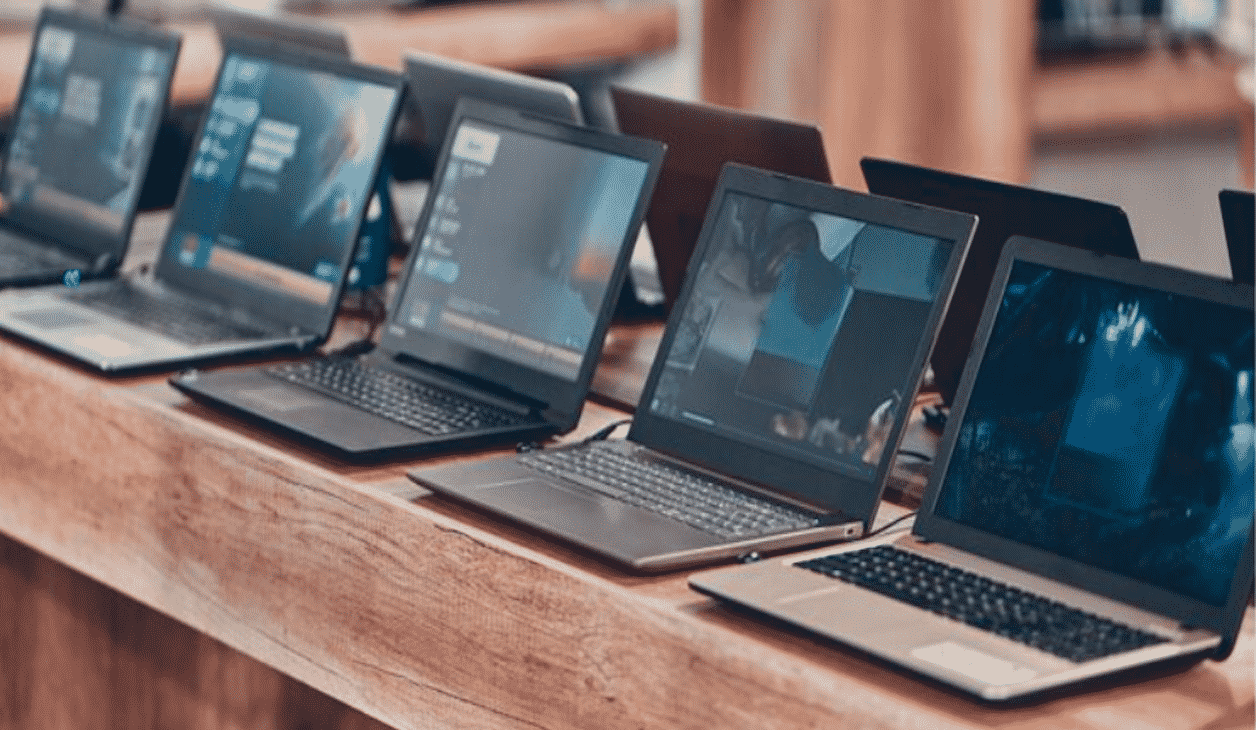
Figure Out Your Requirements
The right laptop for you will undoubtedly depend on what your needs are. For instance, a literature student would be using a whole different set of programs than a designer. The latter might need a boosted RAM and a fast processor to accommodate the multiple software running simultaneously in the background. Some might need a larger screen, while others prefer portability and lightness.
If you are merely going to use your laptop for the in-built apps and browser to look for academic platforms such as writepaper.com, you do not have to invest much in a big memory bank. So the first step is to identify what you are looking for and begin your search based on those parameters.
Check out the 2-in-1 Models
Laptops are constant companions of students. Acknowledging this, laptop designs have evolved to accommodate versatility at its forefront. The tablet-laptop hybrid device has plenty to offer in this regard. You can detach the keyboard or bend the screen back 360 degrees to convert the device into a tablet. These also have touch screens that add to the functionality as well. If you are an artist or like to take notes with a pen, a hybrid might be more suited for your demands.
If you don’t see yourself preferring a tablet mode, then you are likely to find more value for your money in the traditional laptop models.
source: https://unsplash.com/photos/ylveRpZ8L1s
Fix Your Budget
With your expectations set right, the next thing that would close the bracket for your conditions is the price range. There are laptops that range from less than $100, and ones that go up to well over $3000. If you are financing your own computer, then you might need to look for budget options. And on that note, you can also keep an eye out for refurbished laptops that fit your bill.
Another factor that would influence your budget is the operating system you need. As you know, macOS laptops tend to be on the higher end relatively. On the other hand, Windows have more flexible options when it comes to the price. But today, you have more options, including Android, Chromebook, and more to consider.
Look for All the Basic Utilities
Regardless of which model or operating system you choose, there are some specifications that need to tick off on a laptop. For students, the most crucial among these are:
- Battery life that can give you long hours without compromising performance
- A screen size that gives you the right balance between portability and usability
- Weight of the device; the larger the screen, the heavier it will be.
- Connectivity such as Bluetooth, Wi-Fi, and LTE to use on the go.
- Accessories such as CD drive, USB ports, memory card slots, and more.
It is worth noting that some of the recent models are reducing the number of ports and accessories to make the computer more lightweight and thin. So ultimately, it is up to your preferences to see which way you should go. Make sure that you can find accessories that work for the brand. If not, you are better off choosing a laptop that comes with all these options.
Look at the Brand
A reliable laptop should be able to give you solid performance for at least three years. In a case it fails to do so, you want to be able to fall back on insurance and customer service. This is where the brand value takes a front seat. Seek brands that have made their mark on laptops that can guarantee you strong technical support. If you buy cheap brands, you might not even be able to find service centers. Ensure that the brand offers warranties, and you are covered at least for the first two years.
Points to Note:
- Intel Processors power the majority of laptops. It is recommended to go for the i-series chips from Core i3 to i9, based on the power you need.
- Unless you are developing high-quality 3D renderings, graphics, or is an avid gamer, the in-built graphics card should be sufficient.
- Look for models that have expandable RAM; this will help you upgrade your device’s performance if need be.
- A Solid State Drive (SSD) is faster than a Hard Disk Drive (HDD). If you need more space, look at cloud-storage options that will also give you better accessibility.
Laptop designs are constantly evolving, with new designs coming out every month. As significant as this decision is, it is also utterly confusing for students. So it wouldn’t hurt to take your time doing the research, find out the pros and cons, and making a choice that is worth every penny.











