
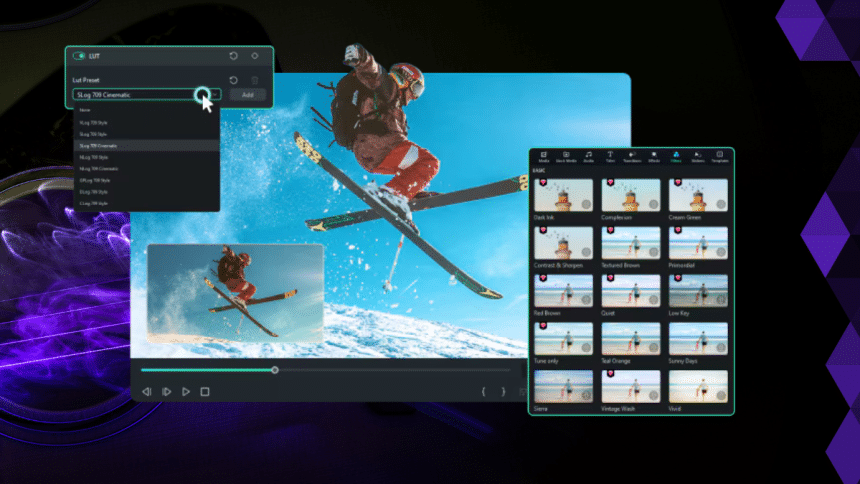
Video editing is the process of making changes to a video. Producing a large quantity of good content is simple due to advanced tools and features. One such feature that is an excellent example is the 3D LUT. This template for a color grading filter has already been installed.
It changes the video’s tone by adjusting the colors and providing an intense impact or any other required finishing touch. Filmora is a simple-to-use video editing program that allows you to use the 3D LUT feature.
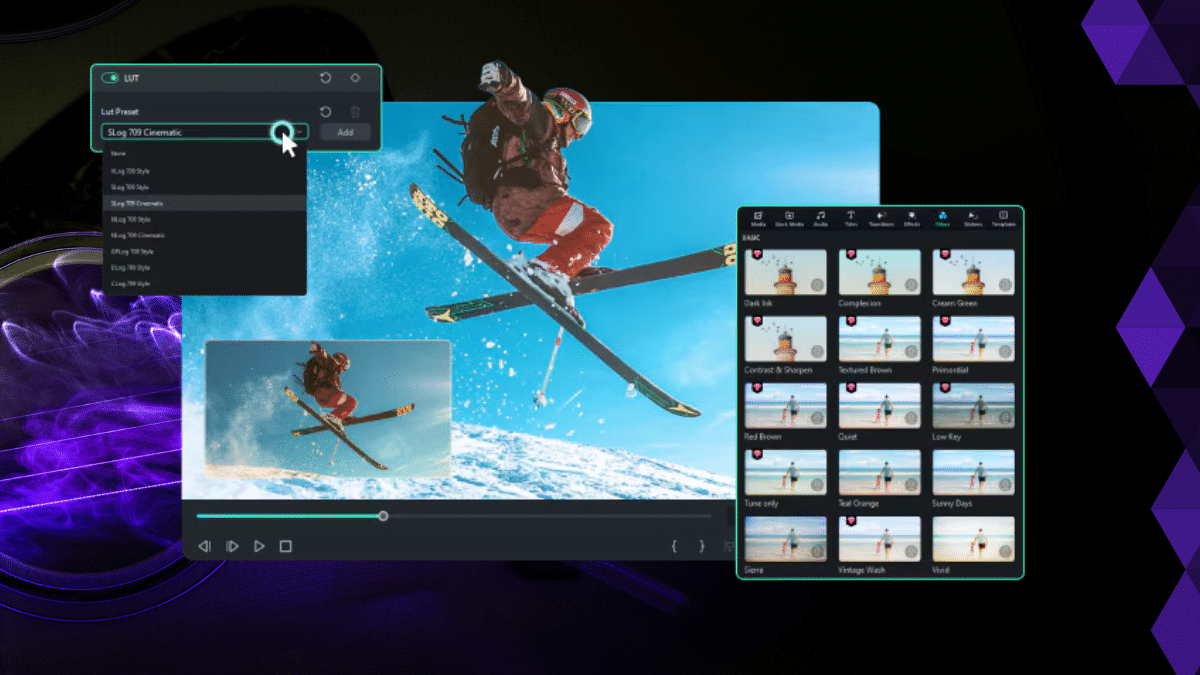
This article will show you how to use 3D LUTs in Filmora.
Part 1: Exploring Wondershare Filmora 3D LUTs
Wondershare Filmora is a well-known video editing software. Video producers, both beginners and experts, can use it. The most well-liked aspect of Filmora is its accessible UI. This simplifies the editing process without sacrificing the quality of the video.

Transitions, effects, and text can be added, and clips can be trimmed, chopped, or merged. Keyframing and motion tracking are among the advanced features it offers. The fact that Filmora supports 3D LUTs is a crucial feature. It makes it easier for users to include professional color grading in videos seamlessly.
Filmora 3D LUTs allow you to apply color adjustments to the videos by transferring color space to another. A table that transforms input colors into various output colors is called a 3D LUT. This can significantly alter your video’s appearance.
Features
Here, we will explore some features of Filmora 3D LUTs.
- With Filmora, you can make whatever kind of video you want by utilizing its extensive library of hundreds of carefully designed 3D LUTs and effects.
- With Filmora’s camera LUTs, you can add texture and keep unique camera styles for a professional look. Also, use color and light variations to give your videos a look suitable for an expert.
- With Filmora’s powerful algorithms, you can achieve remarkable depth by refining highlights and shadows, deepening or removing certain hues, and unlocking further color refinement.
- Choose from a carefully chosen selection of filter categories with ease, simplifying your work process and producing expert results with just one click. No complex parameter adjusting is needed.
Part 2: Step-by-Step Method to Use 3D LUTs with Filmora
It’s simple to use 3D LUTs in Wondershare Filmora. Use these detailed instructions to apply 3D LUTs to your video projects:
- Step 1: Open and Import
Open Wondershare Filmora and choose “Create Project” from the left side to get started. After that, select “New Project” and press “Import” to add your video to the timeline.

- Step 2: Select a LUT
To access the sidebar, pick “Filters & LUT” after selecting the “Effects” tab. To choose the ideal 3D LUTs for your video, click “LUT” and look through the selection.

- Step 3: Utilize and Enhance
After downloading your preferred LUT, drag it onto your clip. To change the LUT’s intensity, click on it and drag the “Opacity” slider to the desired value.

- Step 4: Examine and Save
Watch a preview of your video’s finished effect. After that, Save your project if you’re satisfied. If not, you could go back and change the LUT or use a different one.

Part 3: What Makes 3D LUTs in Filmora Stand-Out?
One of the most excellent tools for video editing is Wondershare Filmora, which must be mentioned. Despite having all the capabilities anyone could want in a modern web builder, it is still relatively simple. The fact that it supports 3D LUTs demonstrates its capability.
Performance: Filmora is a far superior program to some other video editing software, and it does an excellent job of providing these functions. It provides customers with smooth video viewing and fast editing by supporting high-definition video files and additional effect stages.
This makes it perfect for applications requiring several visual effects or high resolution. Additionally, it works with various computer systems, so you can work on your clips without frequently upgrading your system.
Review and Ratings: According to some reviews, this application is for you if you want the overall color grading of your videos to look much better. In addition to having several pre-sets, the 3D LUTs are built-in and range from artistic filters to dramatic colors. From this angle, it truly is mind-boggling to consider that you can change the tone of your film with just one click.
The feature to import custom LUTs is also a favorite of some reviewers. It opened up a lot of creative options, which is very helpful—especially if you’re trying to replicate the colors of your favorite movie or capture the show’s specific vibe.
The most unique feature of Filmora’s 3D LUTs is their ease of use. Although when a person is not too knowledgeable in video editing and its tools, applying 3D LUTs in Filmora is simple and doesn’t require rocket science.
AI Features: Filmora has many features and an extensive list of advanced AI products that simplify editing while simultaneously adding mystery. This includes AI-based audio ducking, motion tracking, scene detection, etc. This tool can be beneficial for each editor because of multiple AI features, which help you save time and enhance overall quality.
All in all, Filmora is an excellent choice for anyone wishing to produce high-quality videos. You’ll be shocked at how quickly you can deliver results that seem professional.
Conclusion
Wondershare Filmora can be used for any editing task you have in your locker. One feature that makes excellent color correction grading easy to execute is the 3D LUTs.
The simple user interface of Filmora, together with its abundance of tools and capabilities, positive customer feedback, and post-purchase assistance, all contribute to its use as an excellent editing tool. Filmora contains everything you need to create outstanding content, whether you’re a novice or an expert user of video editing software.











