
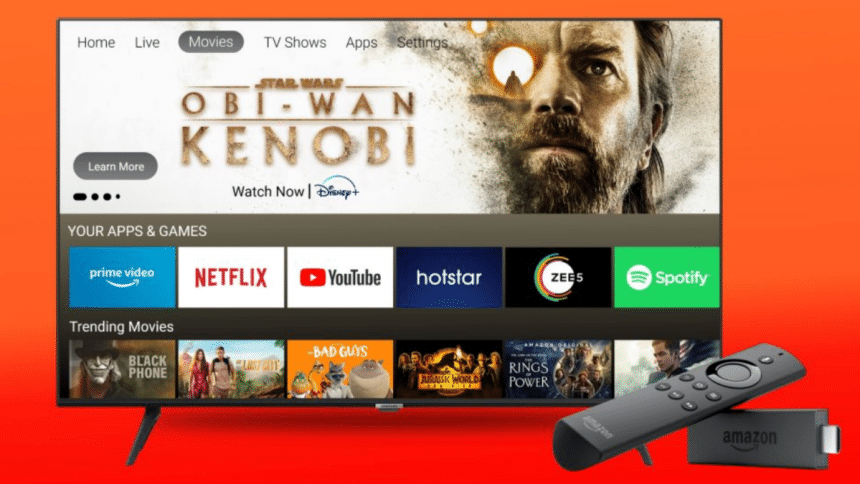
Amazon Fire TV is a powerhouse and boasts millions of users. Thus, creating an app for this platform requires planning, design capabilities, and the proper testing methodologies.
Know the Amazon Fire TV Ecosystem
Before development, familiarize yourself with the Amazon Fire TV ecosystem. Your design and development decisions will improve once you understand the device specifications, OS, and features. Your Android app could be a good starting point since the Fire TV OS is an Android version. However, developing apps for TV is a different experience from mobile.
Designing for the Big Screen
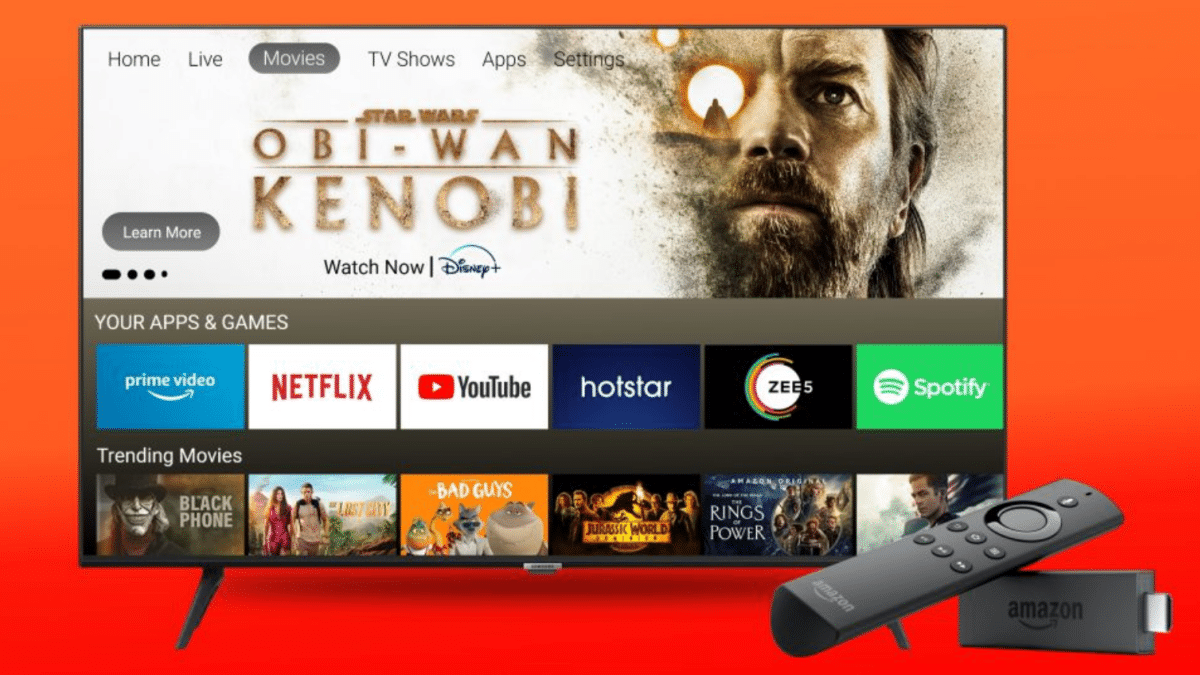
Designing for TV is distinct from mobile or web. Embrace a 10-foot user interface (UI) approach, which means the UI should be legible and interactive from a distance of 10 feet. Use large fonts, clear icons, and a simplified navigation structure. Avoid clutter; prioritize content that’s relevant to the TV audience.
Harnessing the Potential of the Fire TV SDK for Optimal Development
Developing an application for a specific platform like Amazon Fire TV requires a specialized toolkit. Thankfully, Amazon equips developers with the Fire TV Software Development Kit (SDK), a suite of tools and resources designed specifically for this task. Utilizing the Fire TV SDK ensures that your app capitalizes on the features and functionalities native to the platform. Let’s delve into the nuances of using this SDK:
- Comprehensive Documentation: The Fire TV SDK’s documentation serves as a comprehensive roadmap for developers. This resource highlights the platform’s abilities and potential pitfalls, ensuring developers can build their apps without hassle.
- Sample Code: Starting to develop from scratch is a daunting task for many developers. The Fire TV SDK offers a sample code that developers can leverage to help with a quick start. These code snippets are instrumental in understanding app structure, what functions to add, and its integration capabilities.
- Diverse Libraries and APIs: The SDK has many libraries and APIs, catering to varied functionalities such as voice integration (with Amazon Alexa), seamless video playback, and easy navigation. Tapping into these resources ensures your app is interactive, responsive, and user-friendly.
In essence, the Fire TV SDK is not just a development toolkit but a comprehensive suite providing guidance, resources, and tools. Leveraging it ensures that your app is tailor-made for the Fire TV ecosystem, offering an engaging and flawless experience for the end users.
Testing Your App on Amazon Fire TV: A Comprehensive Approach
Testing is not just a step in the app development process; it’s an integral component that ensures the application’s performance, stability, and usability. When it comes to Amazon Fire TV, the demands for a seamless user experience are even higher due to its wide user base and the nature of big-screen interactions.
1. Understand the User’s Perspective
Begin by placing yourself in the shoes of the end-users. How would they navigate through your app? What expectations might they have regarding load times, responsiveness, and content quality? This user-centric approach is crucial in identifying potential pain points and areas that need refinement.
2. Device-Specific Testing
The Fire TV family consists of various devices, from 4K streaming sticks to Fire TV Cubes. It’s essential to ensure compatibility across all these devices. Some might have different resolutions, while others may possess distinct hardware capabilities. Test your app on multiple Fire TV models to ensure consistent performance.
3. Performance and Latency Testing
Users expect high-definition content to stream flawlessly. Ensure that your app can handle high-resolution streaming without buffering issues. Evaluate the app’s performance under various network conditions to identify potential latency issues, especially if your app is content-heavy or reliant on real-time data.
4. Integration with Fire TV Features
Fire TV offers a range of features, including voice search through Amazon Alexa. If your app integrates with any of these native features, thorough testing is crucial. For instance, if you’re using voice commands, they need to be intuitive and responsive.
5. Leverage Specialized Testing Platforms
Utilizing platforms that offer specialized testing services for smart TVs can immensely benefit your testing process. HeadSpin, for example, provides a robust environment to test on Amazon Fire TV. Moreover, it enables developers to test their apps under real-world conditions. This ensures a high-quality user experience. HeadSpin, through Digital experience monitoring solutions, lets you capture performance metrics and identify issues before they reach your users.
6. Feedback Loop
After you test your app, gather feedback from a controlled group of users. Their insights will help you get new perspectives that automated tests might miss. This feedback will help you make informed improvements to your app and ensure success.
Conclusion
Developing Amazon Fire TV apps involves understanding its unique ecosystem, developing for users, ensuring high performance, and continuous testing and monitoring. The guidelines above will help you create apps that users will enjoy with issues. Remember also to leverage the expertise of software testing platforms like HeadSpin. These platforms will enhance your app development process.











