
iLoungeiLounge
  • News
    • Apple
      • AirPods Pro
      • AirPlay
      • Apps
        • Apple Music
      • iCloud
      • iTunes
      • HealthKit
      • HomeKit
      • HomePod
      • iOS 13
      • Apple Pay
      • Apple TV
      • Siri
    • Rumors
    • Humor
    • Technology
      • CES
    • Daily Deals
    • Articles
    • Web Stories
  • iPhone
    • iPhone Accessories
  • iPad
  • iPod
    • iPod Accessories
  • Apple Watch
    • Apple Watch Accessories
  • Mac
    • MacBook Air
    • MacBook Pro
  • Reviews
    • App Reviews
  • How-to
    • Ask iLounge
Font ResizerAa
iLoungeiLounge
Font ResizerAa
Search
  • News
    • Apple
    • Rumors
    • Humor
    • Technology
    • Daily Deals
    • Articles
    • Web Stories
  • iPhone
    • iPhone Accessories
  • iPad
  • iPod
    • iPod Accessories
  • Apple Watch
    • Apple Watch Accessories
  • Mac
    • MacBook Air
    • MacBook Pro
  • Reviews
    • App Reviews
  • How-to
    • Ask iLounge
Follow US

Articles

Articles

9 Tips to Safeguard Mac Hard Drive Data from Hackers

Last updated: Jul 2, 2020 7:17 pm UTC
By Lucy Bennett
9 Tips to Safeguard Mac Hard Drive Data from Hackers

Most people think that MAC is not vulnerable to hackers’ attacks. However, to your surprise, this is not the case in reality. Macs are also susceptible to the attack of hackers.


In this article, let’s look at the 9 tips to safeguard Mac hard drive data from hackers as a part of Macbook pro data recovery.
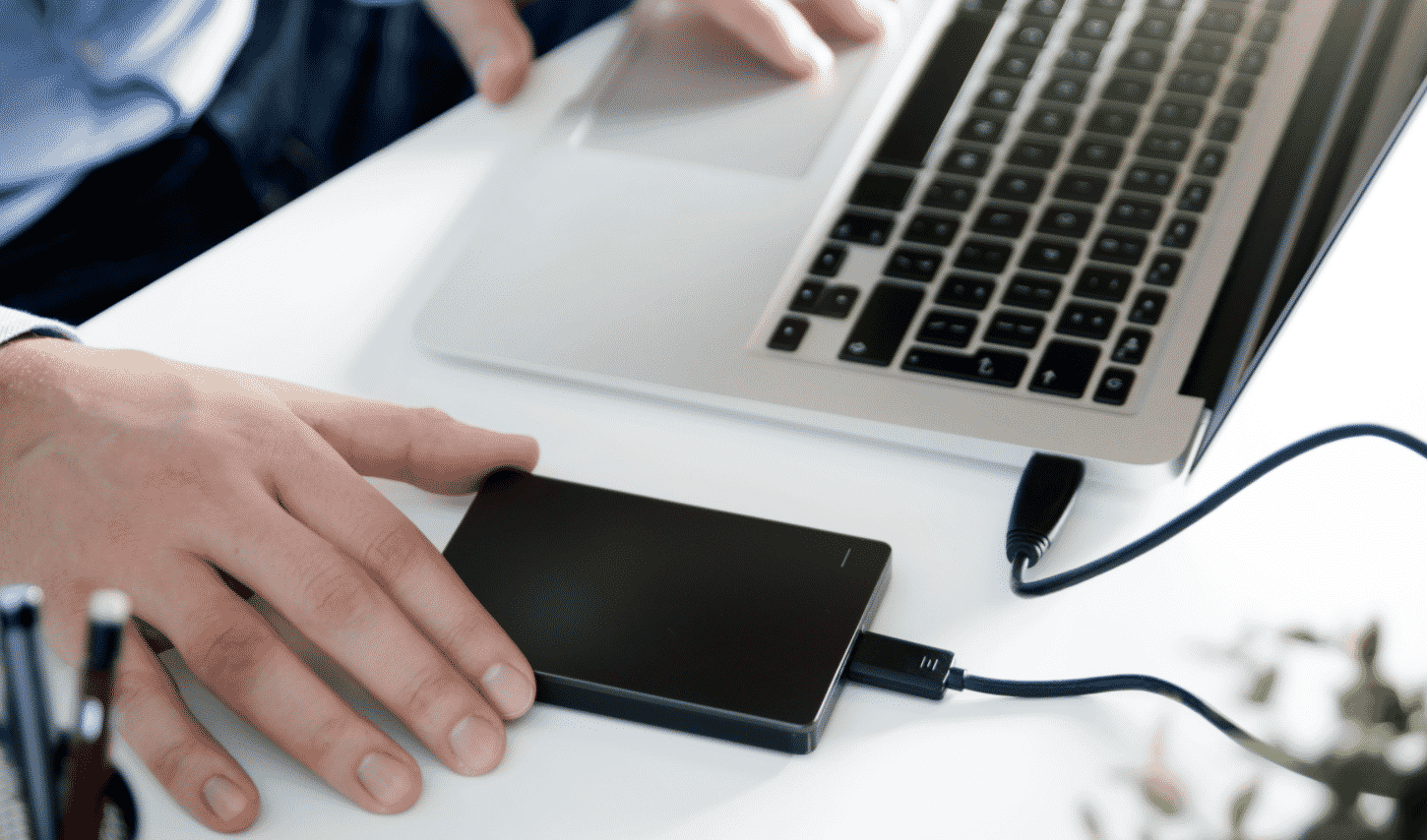
9 Tips to Safeguard Mac Hard Drive Data from Hackers

9 Tips to Safeguard Mac Hard Drive Data from Hackers

Here are 9 best tips to safeguard MAC hard drive data from hackers and for MAC data recovery.

●     Don’t Download from Untrusted Sources:

Some software is malicious; moreover, they dig too much in your personal information. Therefore, as a precaution to prevent hackers from attack, never download a software or an application from an untrusted source as an alternative first ask your IT staff to test software and then use it.


●     Set a Firewall:

The best way to stop the attack of hackers and build a wall between your information and the outside world is by setting a firewall. The firewall prevents penetration of any unauthorized person and informs you in case of an intruder. Therefore, the first thing you must do after purchasing a MAC is to set a firewall.

●     Backup Data Regularly:

Keeping a backup of your data is a must. Thus, back up your data regularly, so if any unfortunate event or hackers attack, you will leave with backup data. So, everyone, whether an individual or a business, should backup their data as a part of MAC recovery data.


●     Use Encryption:

Another excellent way to protect your data is through encryption. Encryption means a password will lock all your files. Therefore, only an authorized person with a password will have access to information. 

●     Disable Unnecessary Services: 

Services like Bluetooth, VPN, WebDAV, etc. are used by hackers to access your MAC. So, it is better to disable these services when you are not using them. In this way, hackers won’t be able to use these services to get access to your device.


●     Keep your MAC Update:

Updates mean your system security will be updated as well. Moreover, newer updates might make your phone safer and take it away from hackers’ attacks. Therefore, keep an eye on all the latest updates and update your MAC periodically.

●     Install Anti-Virus Software:

Install some good anti-virus software as it will immunize your computer against any virus attack. Moreover, a good antivirus software plays a significant role in detecting any real-time threats and ensuring the safety of your data.


●     Use Two-Factor Authentication:

Two-factor authentication is always better than single-factor authentication. It provides an extra layer of security, making it difficult for hackers to access your data because it will be difficult for them to guess randomly generated passwords.

●     Use a Password Manager:

Try to complex passwords for your accounts using different letters, numbers and symbols. Therefore, it will be difficult for hackers to guess your password. Therefore, use a password manager to create complex passwords for each account and manage them as well.

Final Words

MAC is not entirely protected against hackers’ attacks. Therefore, for MAC data recovery, use the tips mentioned above to get results.



Latest News
The 14-inch MacBook Pro with M5 Chip 16GB RAM/512GB is $250 Off
1 Min Read
Noise and Static on AirPods Pro 3 Still Unfixed
1 Min Read
New iMac with 24-inch OLED Display May be Brighter With 600 Nits
1 Min Read
The 15-inch M4 MacBook Air 256GB Is $250 Off
1 Min Read
Internal Kernel Debug Kit from Apple Reveals Tests for a MacBook with A15 Chip
1 Min Read
Apple Currently In Talks With Suppliers for Chip Assembly & Packaging of iPhones in India
1 Min Read
Apple Allows Easier Battery Replacement For M5 MacBook Pro with 14-inch Display
1 Min Read
The Apple Watch SE 3 44mm GPS is $50 Off
1 Min Read
20th Anniversary iPhone May Launch in Two Years
1 Min Read
Better Image Generation Capabilities and Apple Music Integration Coming to ChatGPT
1 Min Read
A20 Pro Chip Coming to Next Gen iPad Mini OLED
1 Min Read
Amazon has the AirTag 4 Pack Marked $29 off
1 Min Read

iLounge logo

iLounge is an independent resource for all things iPod, iPhone, iPad, and beyond. iPod, iPhone, iPad, iTunes, Apple TV, and the Apple logo are trademarks of Apple Inc.

This website is not affiliated with Apple Inc.
iLounge © 2001 - 2025. All Rights Reserved.
  • Contact Us
  • Submit News
  • About Us
  • Forums
  • Privacy Policy
  • Terms Of Use
Welcome Back!

Sign in to your account

Lost your password?








