
If you’ve just gotten a new iPhone, congratulations! You want to get the most out of it, wherever you take it. When you connect it to a VPN, you get greater security, improved privacy, and access to more information and entertainment. Here are seven ways a VPN for your brand new iPhone benefits you.
Ease of setup
You’ve already noticed how easy an iPhone is to use. Using a virtual private network with it is just as easy. You download the appropriate app for your service, start-up your subscription, and activate it.
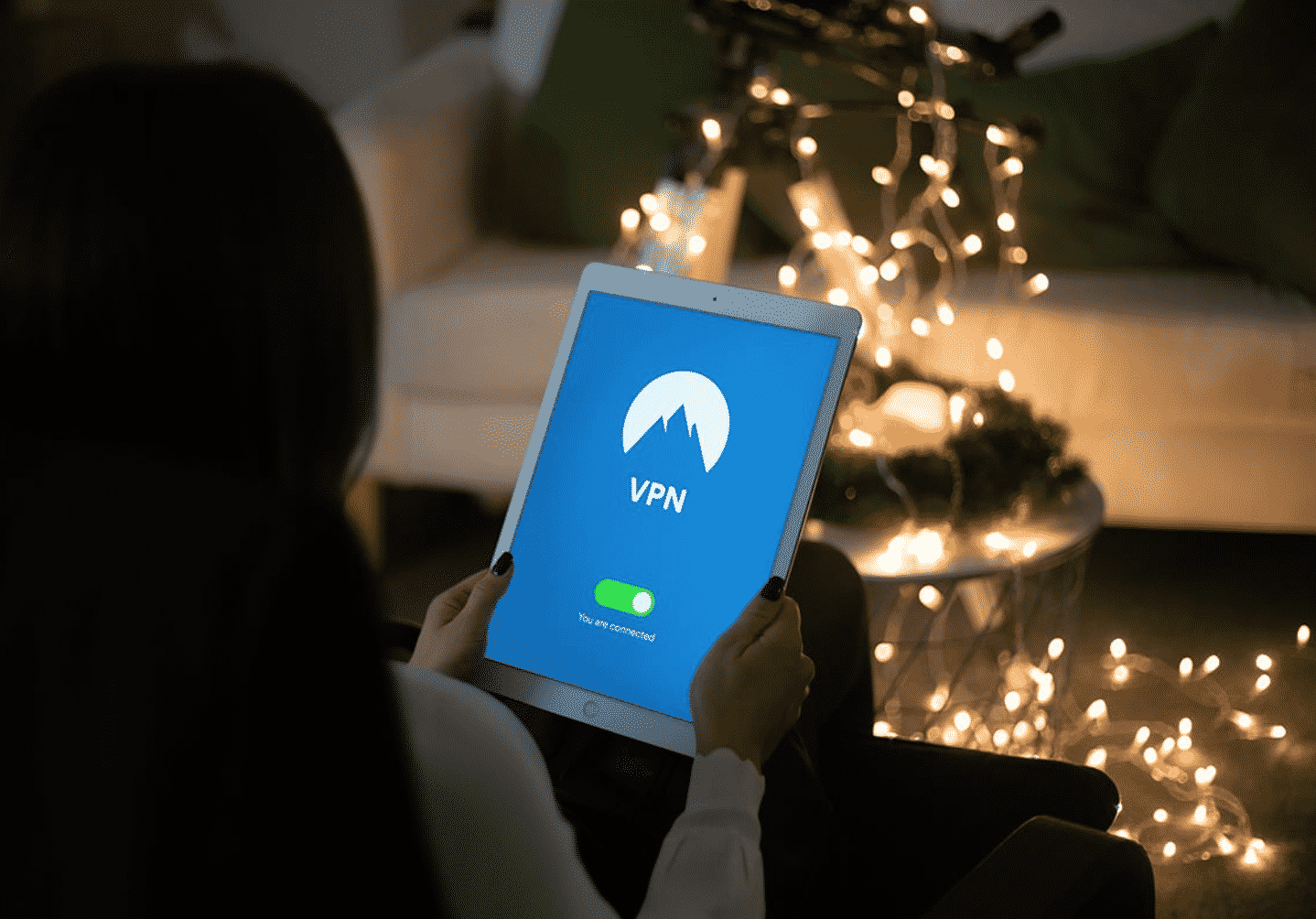
Much of the support for virtual private networks is already built into iOS. There is a VPN section under the device settings. A VPN-friendly operating system means that developers work with it instead of fighting with it. Apps won’t break with new system upgrades.
The “VPN” icon at the top of the screen tells you whether it’s working or inactive. Beyond that, the only time you have to think about it is when you want a particular server. Selecting a server or switching to one in a different place is simple.
Security
The iPhone’s security features probably attracted you. It offers biometric authentication, control over data collection, and easy user control over application access settings. A VPN complements these features by strengthening network access security.
It hides your IP address, thwarting targeted attacks on your phone. It encrypts data between you and its server, making it virtually impossible for anyone to intercept or alter your data along that path. You can use even an unsecured Wi-Fi connection with a greatly improved level of safety. Eavesdroppers won’t be able to pick up your credit card number or password.
Privacy
With a stable Internet connection, your Internet service provider or phone provider sees every connection you make. A secure HTTPS connection hides the data but not the destination.
When they track your Internet usage, machines can make annoying assumptions about your preferences. Search engines tailor their results to what they think you want, not what you’re looking for. Ads try to sell you more of what you’ve just bought.
A VPN lets you change your IP address as often as you like. The best providers, including Surfshark, give you bonus anonymization features to frustrate attempts to track you.
Wi-Fi safety
Public Wi-Fi, which doesn’t use a password, is terrible on security and privacy. It doesn’t encrypt your data, it makes it easy to intercept data or impersonate a hotspot, and sometimes it injects ads or controls what you can access.
Even so, you sometimes have to use it. You might be in a place without a good cell signal, or you may want to economize on your cell data usage. Sometimes, too, your phone will automatically switch to Wi-Fi when it comes within range of a hotspot that you’ve used before. You might do sensitive tasks like online banking without realizing how weak your protection is.
A password-protected Wi-Fi hotspot safeguards what you send over the air, but it sees all your data. A secure connection protocol doesn’t protect you from the hotspot itself.
If you keep your VPN active all the time, then you have a secure Internet connection even if you get switched to Wi-Fi.
Taking your home environment with you
An iPhone is great for travel. However, many sites will give you their local news in the local language if you visit a foreign country. Search engines will orient their results around your current location. Sometimes you want this; sometimes you don’t.
With a VPN, you have a choice. You can select a server near your home to get the news from back home and see everything in your native language. If you’re looking for shops and news in a place you’re visiting or plan to visit, you can choose a server located there.
Avoiding censorship
Internet services in some countries block information that they don’t want you to see. Some services run “nanny filters” to protect you from seeing anything they think should offend you. You might not be able to see the information that’s important to you. In the worst cases, the authorities might question why you’re trying to access it.
When you connect to a VPN server in a country that respects free communication, you bypass local censorship. The authorities can’t see or control what you’re viewing.
If you’re visiting a country where censorship is a serious concern, download the app and set up your phone before going there. Few places outlaw VPNs, but some make it difficult to get the software.
Bypassing geographic restrictions
The content which entertainment sites like Netflix offer vary from one country to another. It’s not because they want to make trouble for you but because they have contracts. Distributors of TV shows and movies make exclusive deals with one streaming service (often the one they own) and don’t let anyone else show it in the same country.
Netflix can’t show Doctor Who or Star Trek: Discovery in the United States, but it shows them in other countries. Having a VPN lets you travel virtually to the country of your choice and watch the available shows there.
An iPhone is already versatile, secure, and easy to use. Having access to a VPN lets you extend those qualities to your network environment. It’s a perfect match.











