
Any iPhone user who doesn’t apply a security-minded approach when using their smartphone is in for a rude awakening. Hackers are increasing their efforts to get into the iPhone, and new exploits keep flooding the market. Keeping this in mind, here are some security tips that iPhone users need to take note of.
The Apple iPhone has been around for more than a decade and has grown into one of the most sought after smartphones on the market. From the early days, things were clear that the iPhone wasn’t just here to provide another option for consumers. Apple set out to create something that would push the industry forward with its revolutionary vision, and they did.
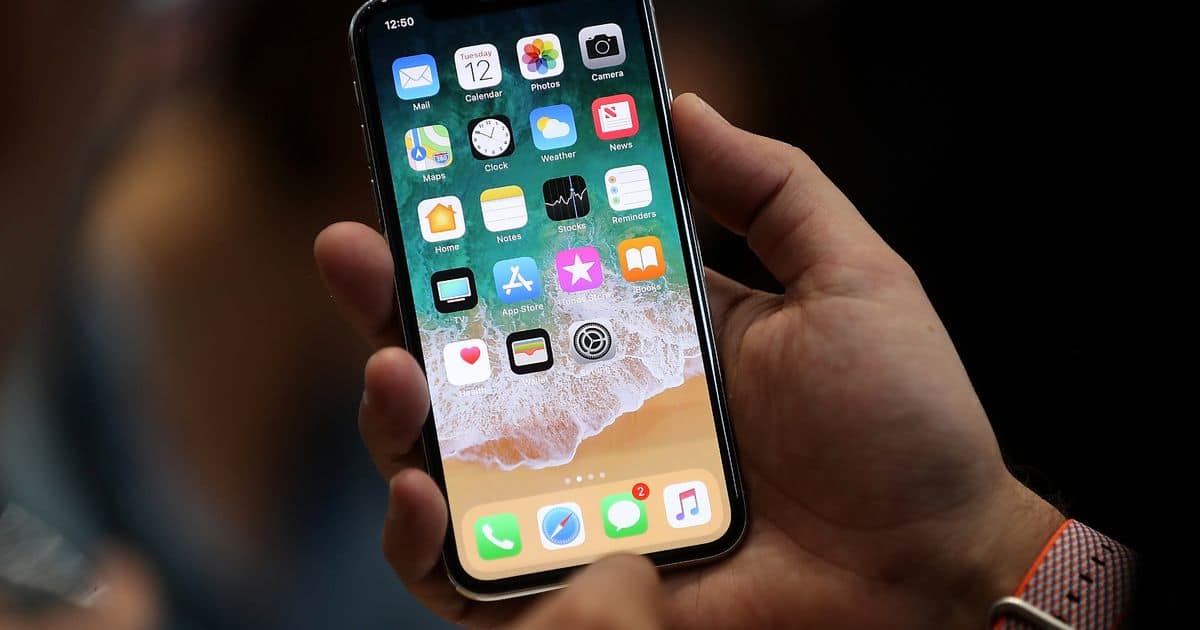
Now the iPhone 11 is here, bringing even more versatility and features. Yet, at the same time, it also brings new risks, thanks to a major security vulnerability. It goes to prove once again that iPhone users must learn about smartphone security.
People know that they hold powerful devices in their hands. Yet they also forget, at the same time, that this handheld “computer” should be treated with the same amount of consideration as a desktop one. People know that they need to take certain steps to protect their laptops and MacBooks, but they don’t give that same consideration to their phones.
1. Keep the iPhone’s Software Updated
Apple is constantly working to push new updates for its systems. These often contain security patches that work to keep the phone protected from those that want to invade it. So always make sure that the iPhone is running the latest version of iOS and is up to date with the latest updates. At the same time, check whether your apps are up to date as well, as cyber attackers can exploit security holes in those too.
2. Enable Two-Factor for Apple ID and iCloud
Should a criminal get access to your Apple ID, then you’re essentially screwed. A hacked ID could lead to losing control over the phone and having credit card details, files, or even identities stolen. It’s vital that everything possible is done to keep outsiders from being able to get in.
Normally, this means using a long, unique password. But, unfortunately, those can get stolen, forgotten, and even guessed. This is where two-factor verification can help, by making it very hard for hackers to get in – even if they have the password.
3. Set Up a Long and Complicated Passcode
An easy way to up the security on an iPhone is to use a strong password instead of a four-digit passcode. Those four digits can be guessed through a brute-force attack, so it isn’t secure at all. It’s time to raise the stakes for criminals by setting up a long-form password with a lot of characters. Try to combine as many different symbols, letters, and numbers as possible.
4. Secure the iPhone’s Network Connection
Some hackers forego sim-swap and malicious apps for something simpler – hacking the phone’s network connection. Whether that person visits dodgy websites or uses unsecured public WiFi, they have plenty of ways to get in.
One of the best ways to secure a connection is by getting a VPN for iPhone. A VPN will encrypt the network traffic going from and coming back to the phone. Even if a hacker gets in, all they will see is nonsensical series of symbols.
5. Make Use of Fingerprint or Face Recognition
Passwords and passcodes can be guessed, but it’s nearly impossible to get around a biometric lock. Many newer iPhone models now have fingerprint scanners, and the latest models have face-recognition as well. Either of these two options offers a great start for users to up their security ante.
6. Disable Siri When the Screen is Locked
Siri can be incredibly helpful and is an immensely convenient tool to use with the iPhone. But the problem is that she listens to everyone. This personal assistant just follows instructions, which can result in her sharing confidential information with anyone who asks.
Normally, while the phone is in use, that shouldn’t be a problem. But people don’t always have their phone on them while it’s locked. To keep others from activating Siri, turn the function off for when the phone is locked.
Security on the iPhone Should Be a Priority
Security seems to be an afterthought for many, and some people don’t think about it all. But in today’s environment, people can’t afford to be lax about their smartphone security anymore. These devices contain a lot of personal information and confidential data. Make sure to protect them.











