
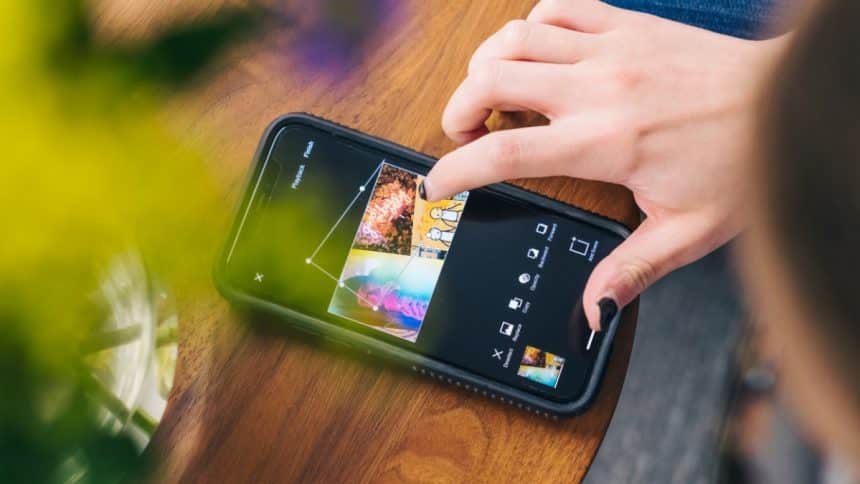
Do you want photo editing software for your iPhone? The good news is there are apps for that.
The worldwide photo editing software market was worth close to $1 billion — or specifically $932 million — in 2021. According to Business Research Insights, that number will exceed $1.5 billion in 2031. It’s clear there’s a strong demand for such applications.
Not all photo editing apps are available on iPhones, of course. One example is Portrait Pal, a photo editing tool with AI that helps users create professional-quality headshots.
But if you have an iPhone and want to know more about the best photo editors for the smartphone, continue reading to see six applications to consider downloading. You can download them for your Android devices, too, just in case you don’t own an iPhone.
1. Lightroom Photo Editor
Lightroom Photo Editor is a top-rated and esteemed photo editing application. PCMag describes it as “the gold standard in professional photo workflow software, equipped with exceptional organization tools” and more.
It offers a simple design, which makes it user-friendly. Benefits include great photo management and organization features, plug-in support, auto masking for local adjustments, and more.
Whether you’re a professional photographer or someone who likes to take great photographs, Lightroom is worth checking out. You can download it to iPhone or Android devices.
2. Snapseed
Snapseed is another option worth considering. Lightroom offers more filters and tools than Snapseed, but that doesn’t mean Snapseed isn’t worth downloading onto your smartphone. It’s a free app, after all. For a free application, Snapseed offers a wide degree of photo manipulation control and enough editing tools for most people’s photo editing needs.
If you want to take pictures on your mobile device, improve them with Snapseed’s filters, and share them with friends and associates on social media, Snapseed is worth having.
3. Lensa
Lensa AI is an app you can use to make avatars of yourself. But it’s not just for fun and games. You can use the app for professional editing and retouching of pictures.
If you’re using the app to create avatars, you’ll be amazed at the range of options available. For instance, you can choose avatars for humans and animals — specifically cats and dogs. So, if you’ve wanted an avatar for your beloved pets, download Lensa AI.
4. VSCO
VSCO is a popular photo editing application. It’s a basic app with some good video and photo editing tools. Professional photographers and amateurs who enjoy taking photos love the app’s suite of tools that offer a great deal of creative control.
According to many reviews, VSCO is number one for filters. In fact, it has hundreds of presets that give users plenty of options. While there are plenty of options, however, that variety can be overwhelming if you’re just getting used to working with the photo editing app.
5. Picsart
Picsart is another photo editing app to consider downloading to your mobile device. It helps users to make quick and easy edits to pictures and videos with some useful tools.
The professionally designed templates can be used to create everything from headshots to social media posts and from resumes to posters.
6. Google Photos
Yet another tool to consider is Google Photos. The online photo app includes some nifty AI tools. According to PCmag, it offers impressive facial recognition, clever photo enhancements, and an attractive, ad-free interface. It’s worthwhile to put the app through its paces.
These are some examples of photo editing apps worth downloading onto your mobile device. You don’t have to choose just one either. Try them all to see which works best for you.











