
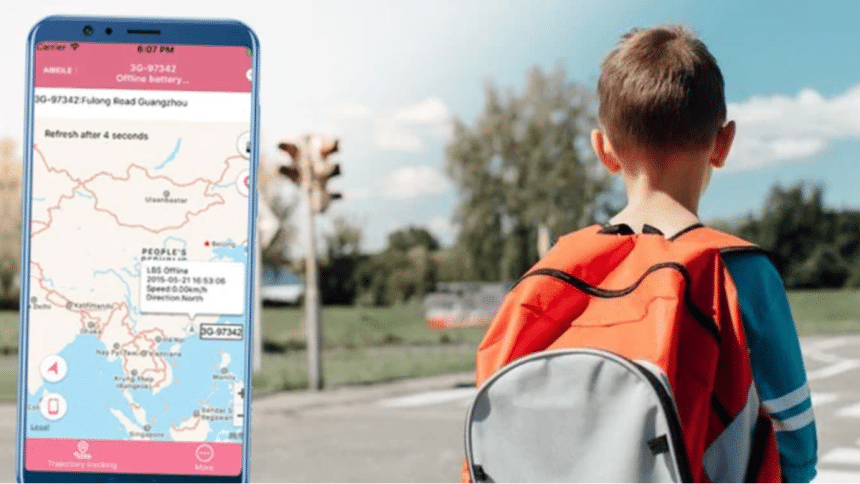
How to Track a Phone Easily for free
Why Parents Need to Track Their Child’s Location
Due to their low price and availability, smartphones have become a necessary item for children of all ages. This situation has both dangers and benefits.
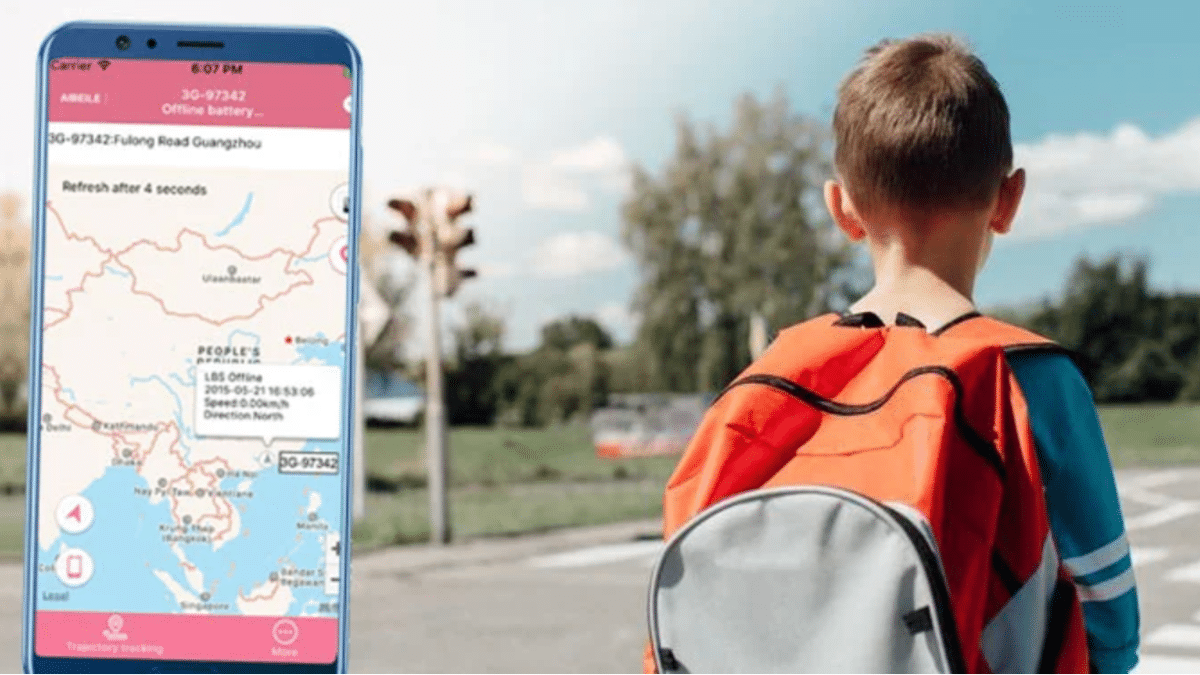
As social media sites such as Facebook and Instagram become ever more popular, children can be exposed to predators hiding behind false identities, and to cyberbullying. Easy access to the internet means they can potentially view content that is unsuitable for children – violence and pornography for example.
These threats have led to the development of parental control apps that allow parents to easily see and control what sites and content their children are accessing.
The main benefit of smartphones is that they allow parents to track their kids’ locations, and parental control apps provide GPS locating and geofencing so that parents can make sure the children are where they’re supposed to be at all times.
Top 5 Ways to Track a Cell Phone Location for Free
Using Built-in Phone Features (Find My Device & Find My iPhone)
Both Android and iOS have features that allow tracking and locating a phone.
For Android, the best free app is Google Find My Device. Provided you can access the target’s Google account, this app allows you to track it in just three simple steps:
Download and install the app on another phone. Next, enter the target’s Gmail account and log in. Provided the target phone is turned on and has WiFi or data, you can see its current location in real-time.
Find My is an app built intor all Pads, iPhones,, and iPods.To use it, youu need to use another device that is already signed in with the same Apple ID.Then, you cant select the target iPhone from the list of devices shown on the app and see its current location.
Google Maps Location Sharing
Google Maps provides a handy location tracker using GPS, and the location sharing option allows tracking of more than one device at a time.
To track a phone location with Google Maps, follow these steps:
- Open the app on the target cell phone and ensure it has signed into a Google account
- Select Location Sharing from the Profile option menu on the right of the screen
- Choose “New Share”
- Check you are listed as a contact and click your profile
You will then see the target phone location on Google Maps
Third-party apps for Free Location Tracking
There are also several free apps that can be used for phone tracking. Three of the most popular are: Life360, Glympse, and FollowMee.
Life360 is a location-sharing app for Android and iPhone. You need to open an account on the website and enter your details. You then need to open a second account for the target phone and install the app on that phone. You can then view the phone’s location.
Glympse is also a free location-sharing tracker for Android and iOS. Just download and install the app on your phone and the target phone, and select “Share Location” from the menu, to find where the phone is currently.
The FollowMee app is designed for iPhones and offers location tracking, location sharing and geofencing. After registering on their website, install the app on the target phone, and you can then view its location through the app or on the FollowMee website.
Using FamiGuard Pro for Advanced Monitoring
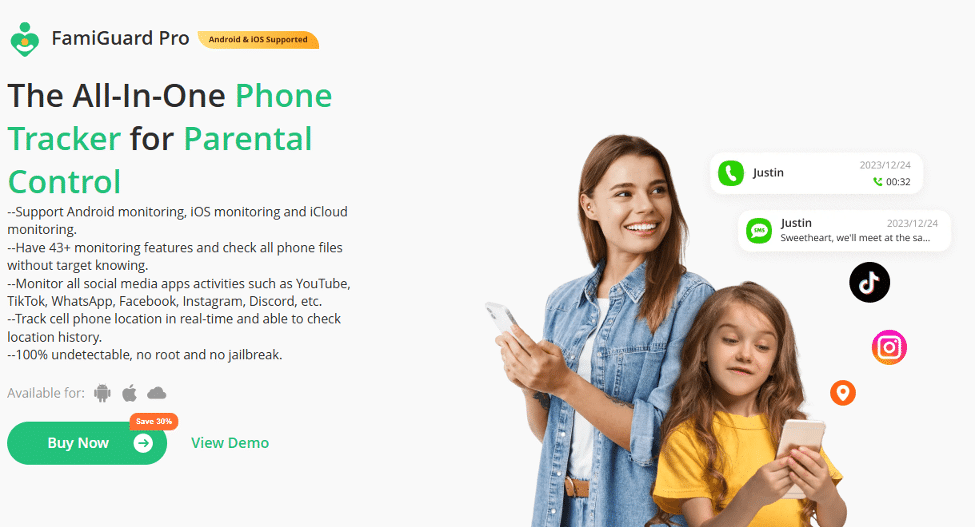
FamiGuard Pro is an advanced parental control app that enables parents to view all activity on their child’s devices and to track a phone in real-time, along with location history.
FamiGuard Pro is the top all-in-one parental control software that monitors all social media apps, such as Facebook, WhatsApp, YouTube, and TikTok. Supporting Android, iOS, and iCloud monitoring, it has over 43 monitoring features and can access the target phone in complete confidentiality.
It can track cell phone location in real-time with location history and geofencing and is 100% undetectable without rooting or jailbreak.
FamiGuard Pro – The Best Solution for Real-Time Location Tracking
Famiguard Pro has a wide range of parental control and monitoring features which make it an exceptional value for money, and it has some specific features for parents to always know where their children are, and what they are doing.
Key Features of FamiGuard Pro
Once the FamiGuard Pro app has been installed the target phone will always be visible, and from the user-friendly dashboard, the parents can access all the key features for tracking their kid’s phone.
GPS Tracking & Geofencing
Using GPS, FamiGuard provides the target phone’s location accurately on Google Maps and Mapbox. It gives the exact street address and GPS coordinates.
The geofencing feature allows parents to designate a set area for their child to stay within, and instant alert notifications are received if the phone strays outside the area.
Real-Time Location Updates
Because the location tracking is in real time it is continually updated to show the kid’s phone location whether it stays in one place or it moves around.
Activity Monitoring & Alerts
Remote monitoring is the key to parental control, and FamiGuard allows parents to constantly monitor all activity on their kid’s devices to make sure they are not accessing inappropriate content. Keywords can be preset to alert parents when potentially dangerous or unsuitable content is being searched and viewed.
Remote Control Features
FamiGuard allows parents to remotely control their children’s screen time and online activity and can set limits for screen time usage and what websites and apps can be accessed. This encourages the children to complete chores, homework, or other hobbies besides using their cell phones.
How to Get Started with FamiGuard Pro
Step 1: Sign Up and Install
The first step to get started with FamiGuard Pro is to register for an account on the website, choosing the plan that best suits your needs – 1 month, 3 months, or 1 year. Then you need to download and install the app on your phone and on the target phone.
Step 2: Set Up Location Tracking
To start location tracking, just navigate on the dashboard to Location Tracking>Locations /Geofence/ WiFi-logger and you can easily track the kid’s GPS location, and set a geofence for a boundary on their area of activity.
Step 3: Monitor and Receive Alerts
You can monitor the target phone location in real-time, or you can check the location history any time you want. You will also receive alert notifications if the geofence boundary is exceeded.
FAQs About Cell Phone Location Tracking
Is It Legal to Track My Child’s Phone?
There is no problem with location tracking provided the target phone user is aware that it is being tracked and monitored. Open communication between parent and child regarding this situation is the best way to teach responsible behavior.
How Accurate Are Free Location Tracking Methods?
Accuracy depends on the method used. GPS is more accurate than those based on cell phone networks or WiFi. FamiGuard for example uses all tracking technologies, so is very accurate.
Can I Track a Lost or Stolen Phone for Free?
The best free apps for finding a lost or stolen phone are the ones built into the phone’s system such as Find My Device, Find My, and Samsung Smart Find. Some third-party apps also offer a free trial with limited features.











