
In a world where every person is hooked to the internet, slow browsing speed can be a pain in the ass. When it comes to using the internet, the inability to stream your favourite movies, dropped Wi-Fi signals, wireless dead zones, and other problems can literally turn you into a mad sub-human. If you feel like your Wi-Fi performance has gotten sluggish, instead of blaming everything on God or ripping your peace apart, there are some cheeky tips and tricks you can use to fix the situation. So, without further ado, I am going to highlight five ways you can boost your Wi-Fi performance so that you can enjoy the internet to the fullest.
Get a Stronger Antenna or a Wi-Fi Range Extender
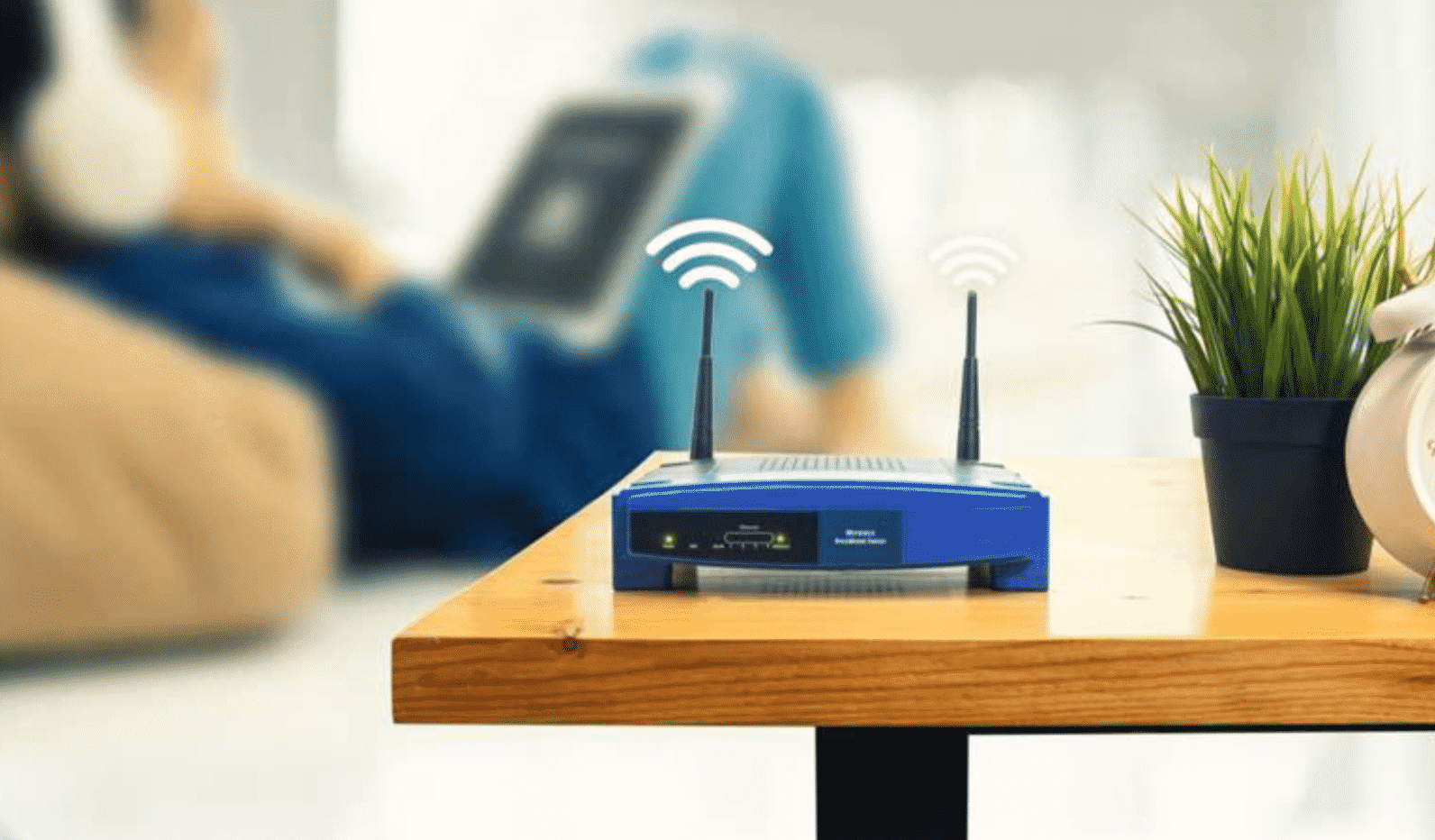
Most of the Wi-Fi routers that are provided by the ISPs come with small or weak antennas. Compared to the antenna that comes with your default router, you can get a 10-dB antenna which is going to extend that range of your Wi-Fi significantly. However, the antenna is going to protrude, and it is not going to be a pretty sight. A good alternative you can go for is to get rangextd wifi extender. You can easily solve problems such as slow Wi-Fi connection and Wi-Fi dead zones with the help of this handy little device.

Select a Good Place for Your Router
Many times I have seen a lot of people casually put their routers in places they shouldn’t. Not every place is suitable for your router. For example, you wouldn’t want to put your router anywhere close to metal objects or appliances that emit electromagnetic waves. Materials such as glass, wood, plastics, foam, and cardboard also hinder Wi-Fi signals, so you need to be wary of that. Ideally, you should keep your router in the middle of the room and slightly above the floor level.
Keep Your Router Updated
A common mistake that most people make is to forget doing any kinds of updates. As you know that there are a lot of malware attacks going on right now and the best way to keep yourself protected against them is to update your router firmware. If a malware affects your router, not only can the hacker steal your data, but he can also steal your bandwidth. So, launch a web browser, enter the IP address of your router, log in with the username and password, select the option to update your firmware, and you are done.
Cut of Wi-Fi Leeches
Wi-Fi leeches are just like real-life leeches as instead of sucking on your blood; they suck on your bandwidth. Now, as a rule of thumb, you should never think that your neighbours will not you’re your Wi-Fi because they have their own because – they will. You need to encrypt your router with a strong password that can’t be easily guessed. If you have given access to your router to a lot of people and you still wonder why you get low speed, the problem is with you, not with your router.
Control Bandwidth Hungry Applications
There are some applications that take a larger chunk of your bandwidth and make your internet slow. Luckily, modern routers come with an added functionality known as quality of service, which allows the users to configure which apps get a priority over the other. So, you can configure your internet so that apps like YouTube or Torrent won’t interrupt your gaming session ever again. You can locate the quality of service function by logging into your router page using the same method mentioned previously. However, make sure that you know what you are doing so that you don’t mess things up.











