
iLoungeiLounge
  • News
    • Apple
      • AirPods Pro
      • AirPlay
      • Apps
        • Apple Music
      • iCloud
      • iTunes
      • HealthKit
      • HomeKit
      • HomePod
      • iOS 13
      • Apple Pay
      • Apple TV
      • Siri
    • Rumors
    • Humor
    • Technology
      • CES
    • Daily Deals
    • Articles
    • Web Stories
  • iPhone
    • iPhone Accessories
  • iPad
  • iPod
    • iPod Accessories
  • Apple Watch
    • Apple Watch Accessories
  • Mac
    • MacBook Air
    • MacBook Pro
  • Reviews
    • App Reviews
  • How-to
    • Ask iLounge
Font ResizerAa
iLoungeiLounge
Font ResizerAa
Search
  • News
    • Apple
    • Rumors
    • Humor
    • Technology
    • Daily Deals
    • Articles
    • Web Stories
  • iPhone
    • iPhone Accessories
  • iPad
  • iPod
    • iPod Accessories
  • Apple Watch
    • Apple Watch Accessories
  • Mac
    • MacBook Air
    • MacBook Pro
  • Reviews
    • App Reviews
  • How-to
    • Ask iLounge
Follow US

Articles

Articles

5 Tips For Better Security In Your Google Meet Meetings

Last updated: May 29, 2023 1:25 pm UTC
By Lucy Bennett
5 Tips For Better Security In Your Google Meet Meetings

Whether you are a subscriber to G-Suite or use GMail on its own, Google Meet is a fantastic conferencing option for work and business. Google Meet is designed for seamless integration with Gmail and Google Calendar making it simple to organize a meeting with anyone who also uses Google products, and is also said to be secure.


However, complaints about security breach during online meetings are not uncommon. So how do you ensure your Google meeting is safe and sound?
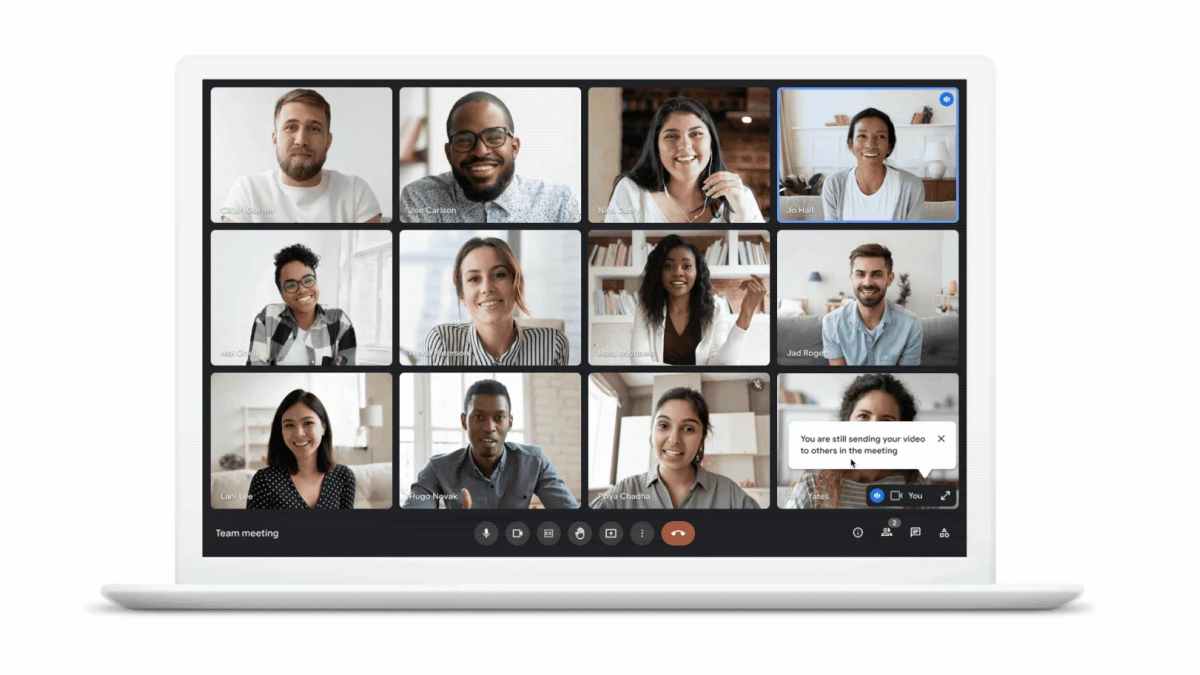
5 Tips For Better Security In Your Google Meet Meetings

Let us explore some effective tips here. Some of the methods described here are available only to G-Suite users.

Check-In On Google Meetings

As a Google Workspace Admin, keeping tabs on Google Meet usage at your organization may provide you with a comprehensive knowledge of your users’ virtual operations and help you spot any potential insider threats.


Google Meet Audits (with 30 days graph summary) detailing the number of meetings – per day – for a month is possible with the help of Google Workspace security solutions like GAT+.

Not every meeting needs to be recorded

For longer meetings, recording it and listening to it afterward may seem more appealing than taking minutes.

However, misuse of this function can compromise security.

Administrators of Google Workspaces should only enable recording for a limited number of accounts, remain constantly aware of which meetings are being recorded, and take precautions to prevent the recordings from being shared with third parties.


Do not allow latecomers into the meeting

Meetings are disrupted enough without an uninvited guest showing up.

Data Leakage (or DLP) incidents can appear out of nowhere if these conditions are met, and then a stranger with malicious intent is added to the mix.

Google uses top-notch, multi-layered security to prevent programmatic cracking of video meeting IDs, but you should still take precautions.

Keep the meeting’s URL to random people. This could happen if you shared a screenshot of your meeting room and the link so everyone could join.


Nowadays, it is normal practice for businesses to post examples of their staff communication on social media like LinkedIn. Even if it’s nice for public relations, there are more secure methods.

Finally, it is a good idea to construct separate rooms for each meeting to add the proper people to the right rooms.

Do not let anyone know your Google Meet URL

Never share the meeting’s URL with someone you haven’t met before. This is essential since the public can attend the meeting with the free version. You want someone to show up and make sure your meeting is good.


Do not give access to your device screen

Keep other attendees from taking over your screen-sharing session. If you let someone see what is on your screen or in a separate window, they could make unwanted changes or gain unsupervised access to your computer.

Conclusion

If you want to have a safe meeting with coworkers or friends, follow these steps to protect your Google Meet. The best way to influence the results of your course development efforts is through careful planning and preparation.



Latest News
The AirPods Pro 3 is $20 Off
1 Min Read
Exynos 2600 Chip 2nm Process Revealed by Samsung
1 Min Read
New Celebrity Ad Campaign Featuring Travis Scott Released by Beats
1 Min Read
Australia Getting Hypertension Notification Feature
1 Min Read
The 14-inch MacBook Pro with M5 Chip 16GB RAM/512GB is $250 Off
1 Min Read
Noise and Static on AirPods Pro 3 Still Unfixed
1 Min Read
New iMac with 24-inch OLED Display May be Brighter With 600 Nits
1 Min Read
The 15-inch M4 MacBook Air 256GB Is $250 Off
1 Min Read
Internal Kernel Debug Kit from Apple Reveals Tests for a MacBook with A15 Chip
1 Min Read
Apple Currently In Talks With Suppliers for Chip Assembly & Packaging of iPhones in India
1 Min Read
Apple Allows Easier Battery Replacement For M5 MacBook Pro with 14-inch Display
1 Min Read
The Apple Watch SE 3 44mm GPS is $50 Off
1 Min Read

iLounge logo

iLounge is an independent resource for all things iPod, iPhone, iPad, and beyond. iPod, iPhone, iPad, iTunes, Apple TV, and the Apple logo are trademarks of Apple Inc.

This website is not affiliated with Apple Inc.
iLounge © 2001 - 2025. All Rights Reserved.
  • Contact Us
  • Submit News
  • About Us
  • Forums
  • Privacy Policy
  • Terms Of Use
Welcome Back!

Sign in to your account

Lost your password?








