
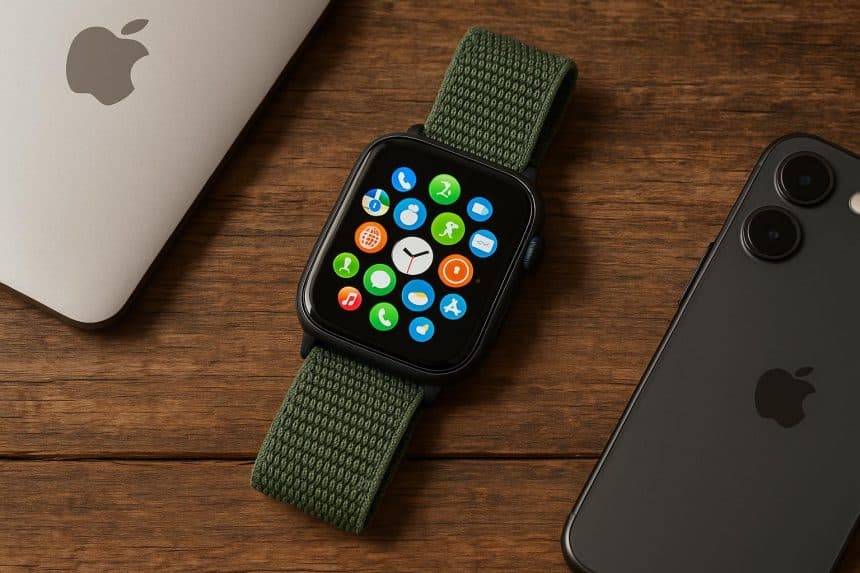
You already know, thanks to a famous trademarked slogan, that there’s an app for that.
But those apps aren’t just for smartphones and tablets anymore. They’re also for watches — specifically the Apple Watch that debuted in 2015. And you might be surprised at how much it can do. Many technology users only scrape the surface when it comes to exploring what their products can actually do day in and day out.
You might be a busy rental property owner in Texas who, even with the help of a Spring, Texas property manager, wants to track quality sleep or manage schedules. Or you might be a smart home automation user in New York, California, or elsewhere who wants an easy way to control the smart thermostat or smart home security system.
The Apple Watch has you covered. There are many not-so-obvious features you might be missing out on, so discovering them can change how you use the device altogether.
Here are five things many people don’t know they can do with an Apple Watch — and how each use case can benefit you in everyday life.
1. Use Your Apple Watch as a Remote Control
Your wrist can be a control center for the entertainment and devices around you. For instance, the built-in Remote app lets the watch control an Apple TV using simple taps and swipes. So, you can easily pause a movie, adjust the volume, scroll through options, and launch apps without touching the remote. It can be a game-changer.
It also integrates with some smart home devices: If you use HomeKit-enabled lights, outlets, thermostats, or security systems, for example, you can adjust them with a flick of the wrist. You can dim the lights before settling in to watch a movie, or unlock your smart lock when guests knock on the door. An Apple Watch can do all that and more.
2. Track Your Sleep and Get Better Rest
While sleep tracking isn’t new, many Apple Watch owners don’t know how capable their digital watches are at recording sleep analytics. You can track stages of sleep, understand just how long they stay in REM mode, and also measure overall quality.
Even more useful, though, is the fact that an Apple Watch can help improve your sleep by reminding you of bedtime and waking you up with silent haptic alarms via wrist vibrations rather than blaring ringtones. When you wake up much calmer and less startled, you can start the day with a more focused state of mind.
Good sleep also promotes better productivity and encourages better long-term health. The Apple Watch can nudge you toward these key benefits.
3. Use It As a Travel Assistant
An Apple Watch also makes a trusted travel assistant — one that is super helpful and does whatever you need. You can use it to store boarding passes in Wallet, then scan directly from your wrist without looking in a bag or having to unlock your phone at the gate.
Turn-by-turn walking directions will feel more natural with a watch that taps on your wrist instead of giving audible directions to turn left or right. There’s no need to stare down at a screen while navigating busy streets or airports.
Apps that allow for currency conversion, translator tools, and tracking of world clocks also make international travel seamless and far less stressful. If you rent a car, the watch can store digital keys for compatible vehicles, enabling you to unlock and start the engine without pulling out a key fob.
4. Unlock Your Mac and Authenticate Passwords
Another thing many Apple Watch owners don’t know is that they can automatically unlock a paired Mac as soon as they sit down to use it. Rather than type in a password every time or use Touch ID, the computer recognizes the watch on your wrist and logs you in immediately. That convenience adds up fast, especially if you enter passwords several times a day. Even better, your watch can authorize password-protected tasks, such as autofilling credentials, unlocking protected settings, and approving app installations.
A quick double-tap on your wrist will become a secure authentication method — no iPhone required. It’s a futuristic benefit you’ll quickly get used to.
5. Use It for Safety, Emergency Alerts, and Fall Detection
Perhaps one of the most underappreciated features of an Apple Watch is its set of safety features: it can detect when you take a hard fall and, if you don’t respond afterward, immediately call emergency services.
Heart rate notifications can also alert you to irregu rhythms, high resting rates, or sudden drops — sometimes catching medical issues early.
Emergency SOS features are also worth noting. Holding down the side button will initiate a countdown that calls local emergency services and sends your location to chosen contacts. Whether you hike alone, drive long distances, or work outdoors, this feature can offer peace of mind that you might not otherwise have.
Few owners tap into the depth of their Apple Watches. But once you dig deeper, it’ll be harder to think about going back to only using it for texts and alarms. Try one new feature at a time, and access settings you’ve never touched.
You may be surprised to find that the Apple Watch on your wrist is one of the most versatile devices you’ve ever owned.











