
The world of work will never be the same again. Post-Covid, staff are pushing for work-from-home privileges, and companies are responding to the demand.
Remote work offers plenty of benefits. For one, it’s great for life admin; we can easily put a load of laundry on or quickly wash the dishes during a lunch break. Plus, it helps to create a good work-life balance, something many of us were missing in the traditional, 9-to-5 corporate environment.
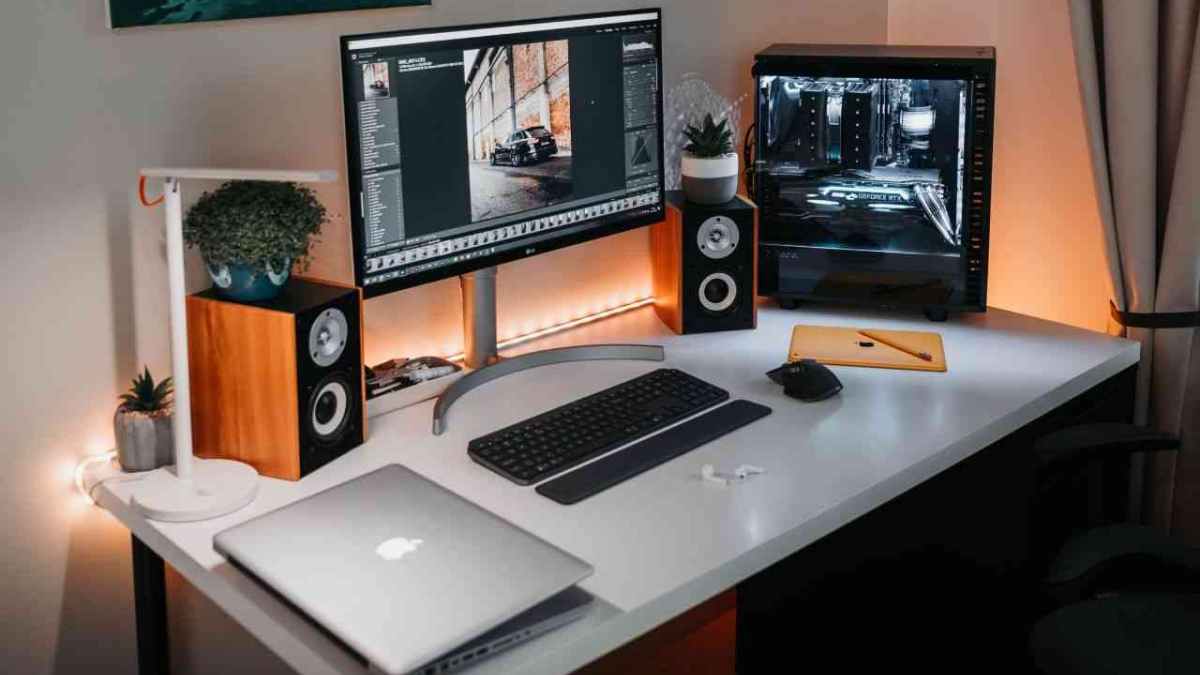
It’s not all roses, though. Remote work comes with its demands; some people report feeling less motivated, while others find distraction an issue. And all of us have had to contend with tech and connectivity issues at some point.
The latter point is quickly addressed with a good tech survival kit and a few must-have gadgets. Here’s our round-up of the top five tools to keep remote work, well, working:
A VPN Router
These tools are an excellent way to keep your smart home gadgets safe from any would-be hackers and ensure that any sensitive company data you handle is protected.
A virtual private network (VPN) is software that encrypts all your internet traffic and routes it through a server in another location, ensuring that no one can see your online activity. With a VPN router, unlike a VPN app on one device, you’re protecting all the devices in your home.
Wireless Hard Drives
Wireless hard drives are great for people who work remotely, allowing them to access their documents and essential information wherever they go. They are handy for people who primarily work from home but occasionally have to travel to the office or meet with clients.
As the name suggests, you don’t need to connect these hard drives to devices via a cable. Instead, these battery-powered tools have their password-protected Wi-Fi connection, which you connect to when you need to add or access documents and files.
Noise-Canceling Headphones
One of the benefits of working remotely—more time to spend with the kids—can also be one of the drawbacks. When you’re trying to get stuff done, and the kids are running amok and doing what kids do best, it can be super hard to knuckle down and concentrate.
Should you be ignoring all the ominous thumping and banging that’s ringing out throughout the house? Potentially not. But you still need to make that pressing deadline.
Noise-canceling headphones can be your new best friend when used judiciously.
A Wifi Extender
If you’re a remote worker, there’s a good chance that your wifi extender will be one of the essential tools in your arsenal. It’s an easy way to get more range out of your current network and can help you stay connected no matter how far from your router.
These tools mean you can extend the range of your existing network and get better coverage in areas that used to be dead spots. You can also connect more devices without issues, which is super handy when multiple people are online. Wifi extenders help distribute traffic evenly, so everyone gets their fair share.
An Additional Screen
One thing many of us miss about the office is working on dual screens, but this is something you can easily accomplish at home. If you need a second screen for your laptop, consider using an external monitor instead of buying an entirely new computer. It will be cheaper, easier, and more energy efficient.
It’s hard to underestimate the value of having the right tech gadgets for remote work. Depending on your position and role, you might need more tools to get the job done well at home, but if you’re new to remote work, these basic suggestions are the perfect place to start.











