
Each year, the iPad just gets better and better. The latest iPad Pro models can make even most Windows PCs a serious run for their money!
Since iPads have become such an invaluable part of our lives, it’s important to ask a few key questions. Are they as secure as MacBooks? Can you leave them unattended without a password?
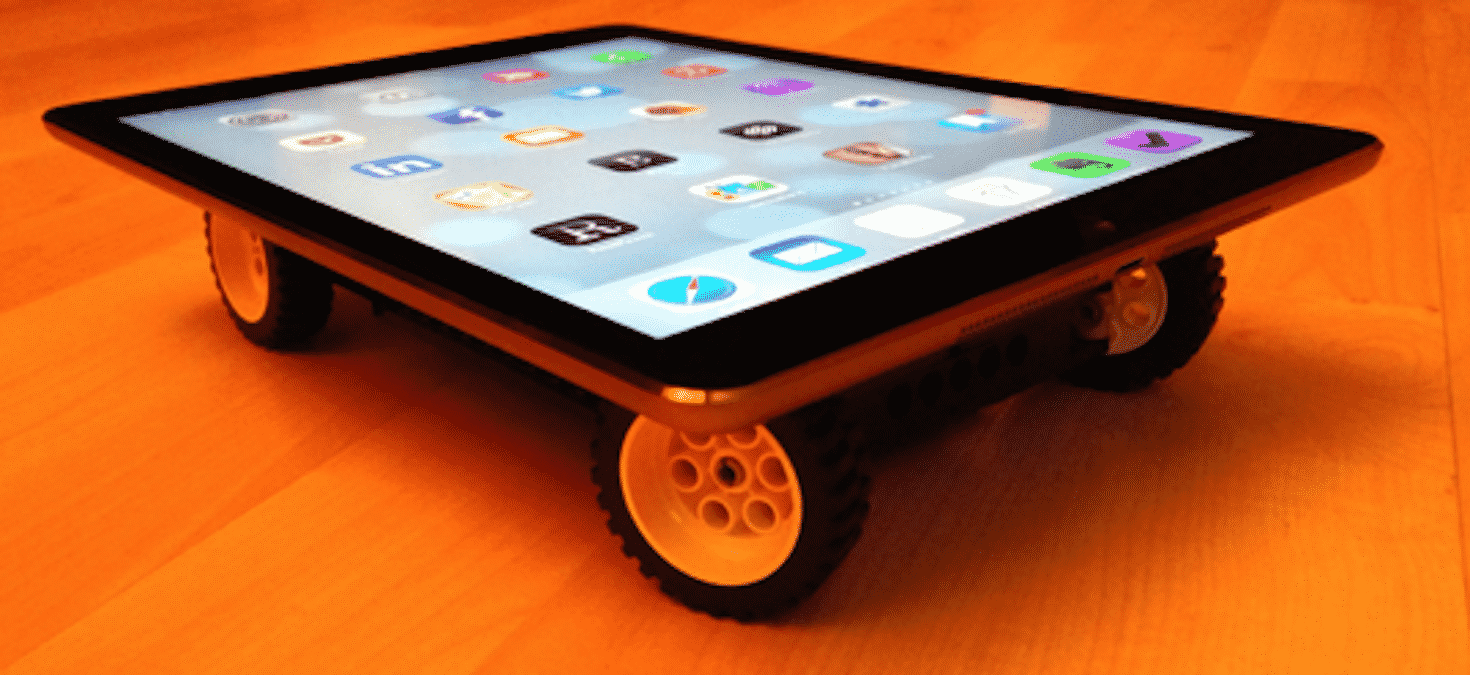
The truth is that most iPads have just as much, if not more, valuable personal data than our smartphones and laptops. But people are often likely to leave them unsecured.
Fortunately, a few steps will go a long way in keeping hackers and other threats away from your previous devices. Here are five easy things you can do right now.
Secure the Lock Screen

52% of people still don’t password-protect their mobile devices. And that’s exactly what a tablet is. They are awesome tools to take anywhere.
Without a passcode, it’s super easy for unauthorized people to access your email, social media, and other valuable information.
First, turn on your biometrics and use a passcode—six digits are better than four. Likewise, hide sensitive notifications and turn off previews. Finally, make sure Siri can only be accessed when your iPad is unlocked.
2. Use a VPN
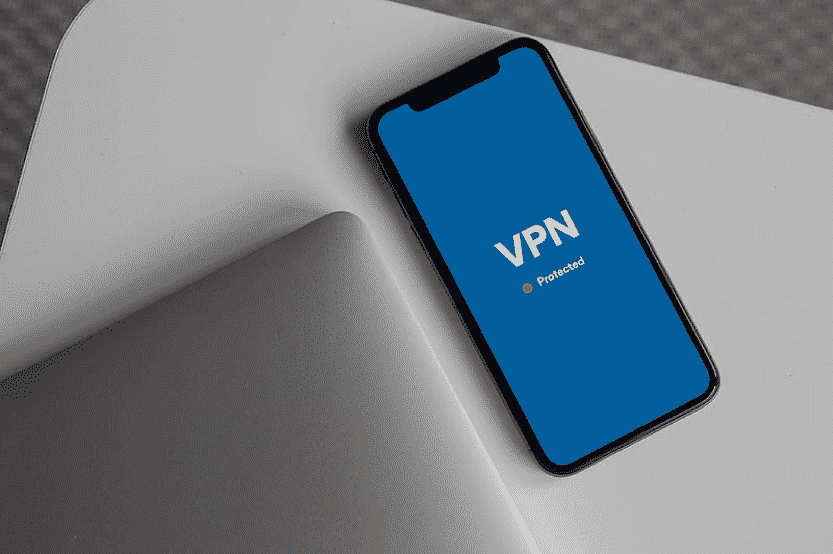
Passcodes protect you from threats in the physical world. VPNs protect you in the digital one. VPNs or virtual private networks encrypt your internet connection while anonymizing your IP address.
This results in a much safer and more private internet experience. It makes it difficult for hackers, advertisers, and other snoops to track your online activity. VPNs also reduce the likelihood of man-in-the-middle and other cyber-attacks.
They are also very helpful when connecting to public Wi-Fi. Many people don’t realize how risky public Wi-Fi can be. But you really have no idea who is controlling the network or if there are any security threats there.
That is why you should use a VPN anytime you connect to the internet, not just with your iPad but for all your devices. Get started using one now with this NordVPN coupon.
3. Keep Your iPad Updated
iOS is generally more secure than Android. But not by a whole lot. There are just so many hackers out there who want to get their hands on your data.
That’s why they find ways to exploit vulnerabilities in either iPadOS or in your apps. Fortunately, both Apple and most reputable developers keep a sharp eye on these activities.
They find these weaknesses and generally issue security patches quickly enough. All you have to do is update to stay safe. So, if you hear about an urgent update, then be sure to do it right away!
While you’re at it, don’t forget to turn on iCloud backups just in case something should go wrong. That can help save your important data.
4. Improve Your Account Security
On that note about iCloud, we all remember the iCloud hacks from a few years ago. What most people don’t realize, however, is that the iCloud platform is actually quite secure. Hackers actually find ways to directly access user accounts, usually by stealing login credentials.
Once they do this, they’ll not only have access to all your uploaded photos and videos but even your location if you have enabled Find My iPad.
Since your Apple account is so important, you need to secure it with a complex, lengthy, and unique password. You also should turn on two-factor authentication to create an additional line of defense.
While you’re at it, take this moment to improve your account security across the board. To help manage these complex passwords, consider using a password manager.
5. Encrypt Your Data
Data encryption is something you only think about on a desktop. But there are ways to bring these powerful tools to your iPad. As mentioned, VPNs harness encryption to secure your internet connection. So too, do password managers.
Apple also has data encryption built-in to the iPad as long as you have a password enabled. But there are additional ways to use encryption. For example, there are apps like SecureSafe, which combine double encryption and zero-knowledge architecture to enhance store data safety.
It’s cheap too. They offer both a free plan for 100 MB and 1 GB starting from $1.50/month.
Secure Your iPad Now
Your iPad can do it all. From streaming movies to writing your next business report, it’s an incredibly valuable tool. So, keep it safe and integrate these vital tips and strategies into everything you do now.











