
Thanks to modern technology, cars are so much safer now than ever before. In fact, technology has gotten so advanced that we are going to see driverless cars taking over the roads soon.
Even if you aren’t planning to buy a driverless car, you can enjoy quite a few safety features from ordinary cars. Air bags and better materials used in the manufacturing alone have made cars far safer and with less risk of injury or death in an accident.
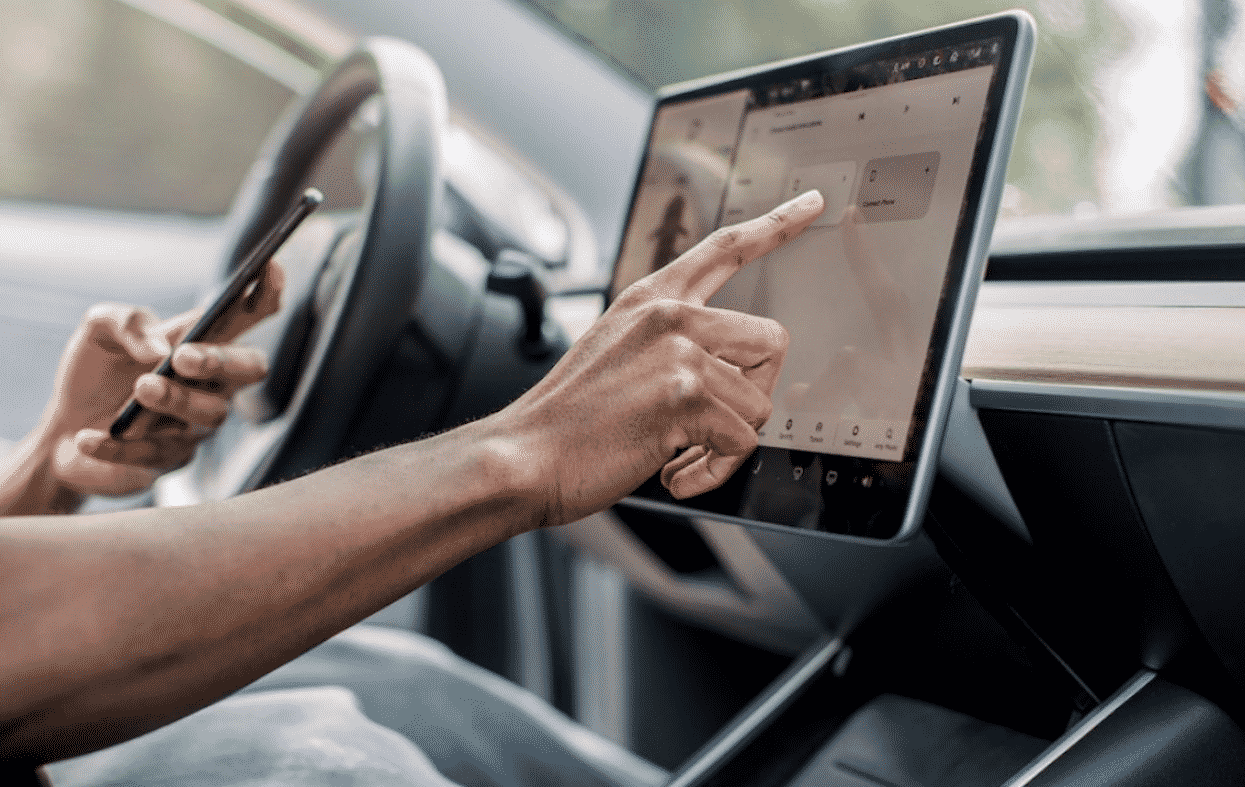
However, every car should have more than just the basics to make it safe to drive. And luckily, you can add on features to your existing car to make it even safer than ever.
In this article, I will go over several ways you can upgrade your car’s safety.
1 – Bluetooth
Bluetooth is the technology that wirelessly connects different devices. This makes it easy to use these devices in your car without needing to use your hands. This makes things very safe. With an Apple carplay head unit, you can receive and make phone calls without needing to hand your phone at all.
Plus, they can help you use things like your music apps without needing to take your eyes off of the road. Need to use your GPS to get directions but you don’t want to drive while distracted, then your receiver is the ideal way to do this since it is placed in your line of sight so you can keep your eyes on the road while you get directions.
2 – Reverse camera
Putting your car in reverse is one of the most dangerous things you can do in your car. Yet, it is totally routine and has to be done. There’s no way to avoid it.
Most accidents are caused by drivers in reverse as it is very easy to miss a pedestrian walking by or to hit another vehicle or object.
To get around this, you should have a reverse camera monitoring what is behind you where you can’t see. When you can see the area where you are driving, then accidents are reduced dramatically.
Even if your car is not already equipped with this outstanding safety feature, you can add one without needing to do a major installation. Again, thanks to Bluetooth and a receiver, you can put a camera in your license plate holder and connect it to a video screen on your dashboard. This allows you to cheaply and easily add this feature to your car.
3 – Teen driver mode
Unfortunately, teens are some of the most dangerous drivers on the road. They often go way beyond a safe driving speed and are often very distracted when driving.
Though you can’t be in the car with them to make sure they are driving in a safe manner, you can use a GPS tracking device to give you a readout of how they are driving. At the end of the month, or whichever period you choose, you can track how the car is being driven. Where they drive and how fast they drive is helpful to get an idea of what you need to do to make sure they are not driving in an unsafe way.
You can get instant notifications and even real time tracking so you know where the car is at all times. And, when they enter or exit a certain zone you will be alerted so you know if they are headed somewhere that’s off limits.
4 – Tire pressure monitoring system
These devices sit on your dashboard and connect with sensors you place on your car tires. If you need air in any of them you will be alerted by the display on the device in real time. If there is any change in pressure, from a puncture for instance, then you will know at the time so you can then take measures to get to safety before traveling too far on a damaged tire.
5 – Check engine light tool
All too often, we ignore the check engine light because it costs too much to go to a mechanic to check it out. Often it is nothing more than an alert to let you know it’s time to run some diagnostics.
The problem is when you ignore a potential problem and continue to drive with the alert lit. This device attaches to your on board computer and will let you know exactly what the problem is if any. This way, if there is a serious issue you know right away.











