
iLoungeiLounge
  • News
    • Apple
      • AirPods Pro
      • AirPlay
      • Apps
        • Apple Music
      • iCloud
      • iTunes
      • HealthKit
      • HomeKit
      • HomePod
      • iOS 13
      • Apple Pay
      • Apple TV
      • Siri
    • Rumors
    • Humor
    • Technology
      • CES
    • Daily Deals
    • Articles
    • Web Stories
  • iPhone
    • iPhone Accessories
  • iPad
  • iPod
    • iPod Accessories
  • Apple Watch
    • Apple Watch Accessories
  • Mac
    • MacBook Air
    • MacBook Pro
  • Reviews
    • App Reviews
  • How-to
    • Ask iLounge
Font ResizerAa
iLoungeiLounge
Font ResizerAa
Search
  • News
    • Apple
    • Rumors
    • Humor
    • Technology
    • Daily Deals
    • Articles
    • Web Stories
  • iPhone
    • iPhone Accessories
  • iPad
  • iPod
    • iPod Accessories
  • Apple Watch
    • Apple Watch Accessories
  • Mac
    • MacBook Air
    • MacBook Pro
  • Reviews
    • App Reviews
  • How-to
    • Ask iLounge
Follow US

Articles

Articles

5 Device Internet Safety Tips You Should Know

Last updated: Jun 21, 2025 9:18 am UTC
By Lucy Bennett
5 Device Internet Safety Tips You Should Know

The World Wide Web may be a wondrous place, but it has its dangers, mainly online threats such as malware and hacks, as well as people stealing your private information. To lower the risk of data leaks, you can follow these five internet safety tips starting in your own home at Faber Residence.


Avoid Public Wi-Fi

Free internet can be very tempting, but then you’ll be wide open to attacks and possible data extraction attempts. As a rule of thumb, you can use official public wi-fi networks from airports and establishments, but you should limit it to calls and communications.
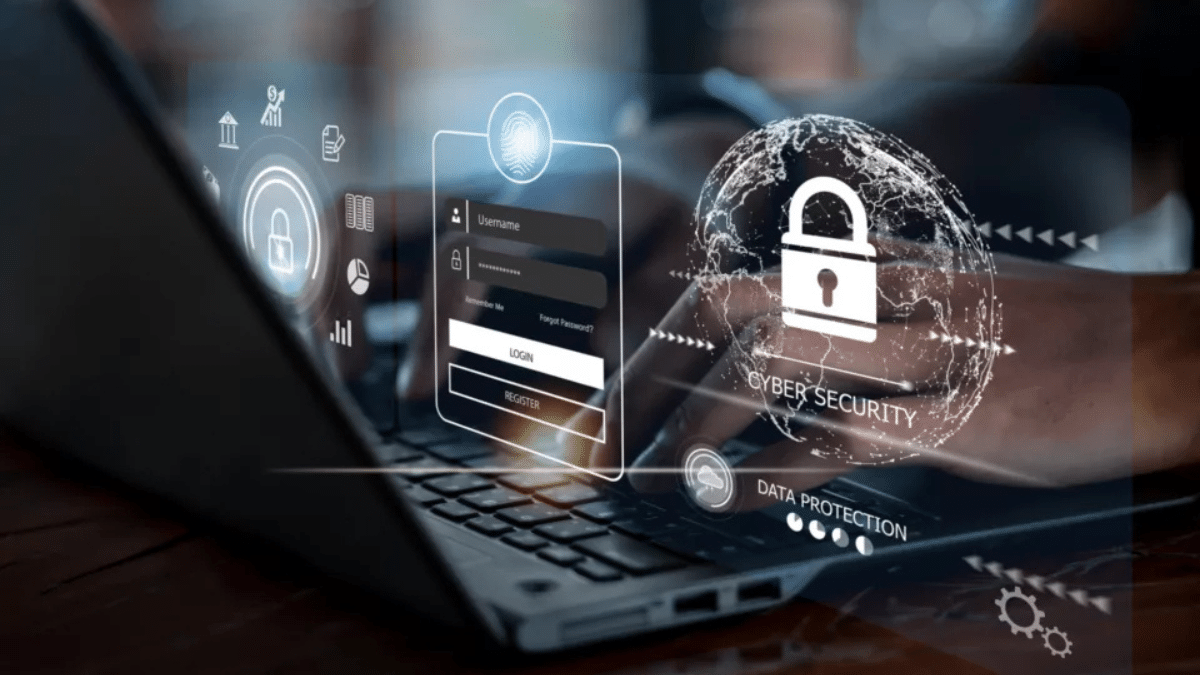
5 Device Internet Safety Tips You Should Know

Use a VPN If Needed

It’s best to use a virtual private network if you’ll be working with sensitive data. Examples include accessing work files, using your credit card, or filling out digital health records. A VPN can shield your online activity from prying eyes and keep your personal and financial data safe.


Create a Strong Home Network Password

Don’t forget to set a password for your wi-fi network, or just about any person will be able to access and use it. A strong password is one that’s made up of numbers and letters. If you want, you can add special characters and even insert a capital letter or two.

Add Encryption for Sensitive Data and Personal Information

Encryption is the process of turning data into something a normal person can’t recognize. It adds a level of protection and can be used on just about any device, including USB flash drives, external drives, and communication apps.

Don’t Visit Suspicious Websites

Lastly, you may want to steer clear of suspicious websites. These are the ones that Google flags (you’ll receive a notification that you’re about to enter a suspicious website) and those that aren’t well-designed. Also, don’t download anything and stay away from websites that have offers that are too good to be true.



Latest News
The 14-inch MacBook Pro with M5 Chip 16GB RAM/512GB is $250 Off
1 Min Read
Noise and Static on AirPods Pro 3 Still Unfixed
1 Min Read
New iMac with 24-inch OLED Display May be Brighter With 600 Nits
1 Min Read
The 15-inch M4 MacBook Air 256GB Is $250 Off
1 Min Read
Internal Kernel Debug Kit from Apple Reveals Tests for a MacBook with A15 Chip
1 Min Read
Apple Currently In Talks With Suppliers for Chip Assembly & Packaging of iPhones in India
1 Min Read
Apple Allows Easier Battery Replacement For M5 MacBook Pro with 14-inch Display
1 Min Read
The Apple Watch SE 3 44mm GPS is $50 Off
1 Min Read
20th Anniversary iPhone May Launch in Two Years
1 Min Read
Better Image Generation Capabilities and Apple Music Integration Coming to ChatGPT
1 Min Read
A20 Pro Chip Coming to Next Gen iPad Mini OLED
1 Min Read
Amazon has the AirTag 4 Pack Marked $29 off
1 Min Read

iLounge logo

iLounge is an independent resource for all things iPod, iPhone, iPad, and beyond. iPod, iPhone, iPad, iTunes, Apple TV, and the Apple logo are trademarks of Apple Inc.

This website is not affiliated with Apple Inc.
iLounge © 2001 - 2025. All Rights Reserved.
  • Contact Us
  • Submit News
  • About Us
  • Forums
  • Privacy Policy
  • Terms Of Use
Welcome Back!

Sign in to your account

Lost your password?








