

Finding a free VPN for your Mac that doesn’t compromise speed or security can be challenging. If you’ve tried free VPNs before, you may have encountered frustratingly slow speeds, limited data, or even privacy concerns. This guide highlights five top-performing free VPNs that address these issues by offering reliable, secure, and fast options tailored for Mac users. Whether you need protection on public Wi-Fi, want to bypass geo-restrictions, or simply want privacy for your browsing, these VPNs provide top-tier performance without sacrificing quality.
Top Must-Know Facts About Free VPNs for Mac
Before we dive into the VPN reviews, here are some essential aspects to consider when selecting a free VPN for Mac. Understanding these key points will help you make an informed choice that best suits your browsing needs.

Essential Criteria for Selecting a Reliable Free VPN
Privacy and Security: VPNs protect your data by masking your IP address and encrypting internet traffic, creating a secure tunnel for your online activities. Reputable VPNs typically use strong encryption standards, such as AES-256, which is virtually unbreakable by current computing capabilities. Additionally, protocols like OpenVPN and WireGuard balance security and speed, so prioritize VPNs that use these protocols.
Speed: Free VPNs can affect connection speed, but the VPNs chosen here minimize speed loss. Each VPN varies in performance, with some offering optimized servers specifically for high speeds.
Limitations: Free plans often have data caps or limited server access, which may be restrictive for heavy use. However, these VPNs still provide reliable service for occasional browsing, streaming, and light downloading.
Quick Tips for Choosing the Best Free VPN
To make the selection process even easier, here are a few specific tips for identifying the best free VPN download for your needs.
No-Log Policies: Prioritize VPNs that don’t track or store your data, which protects your privacy by ensuring your browsing history and online activities aren’t stored.
Data Caps and Ads: Free plans often include ads or data limits, which can impact usability. X-VPN, however, stands out by providing unlimited data without ads on its free plan, making it a top choice for frequent browsing.
5 Best Free VPNs for Mac (Reviewed Simply and Clearly)
Now that you know what to look for, here’s a quick comparison table of the best free VPNs for Mac. This will help you see the unique features and limitations of each option at a glance.
| VPN | Ideal For | Data Limit | Notable Features | Pros | Cons |
| ProtonVPN | Unlimited Browsing | Unlimited | Strong no-log policy, high privacy | Strong privacy, unlimited data | Limited free servers, potential slowdowns |
| X-VPN | Unlimited Data and Servers | Unlimited | Automatic server selection, 1000+ servers | No data limits, good speed | No manual server choice |
| Windscribe | Accessing Global Content | 10GB/month | Servers in multiple countries | Great for streaming, generous data | Limited data for heavy use, possible slowdowns |
| TunnelBear | Simple Private Browsing | 500MB/month | Beginner-friendly, easy to use | Intuitive, high encryption | Limited data cap, suited for light use |
| Hotspot Shield | Quick, Short Sessions | 500MB/day | Optimized for speed | Fast, easy to use | Daily data limit, includes ads |
With this overview, let’s now explore each VPN in more depth to help you find the one that best matches your online habits.
In-Depth Review of Each VPN
1. ProtonVPN – Best for Unlimited Free Browsing
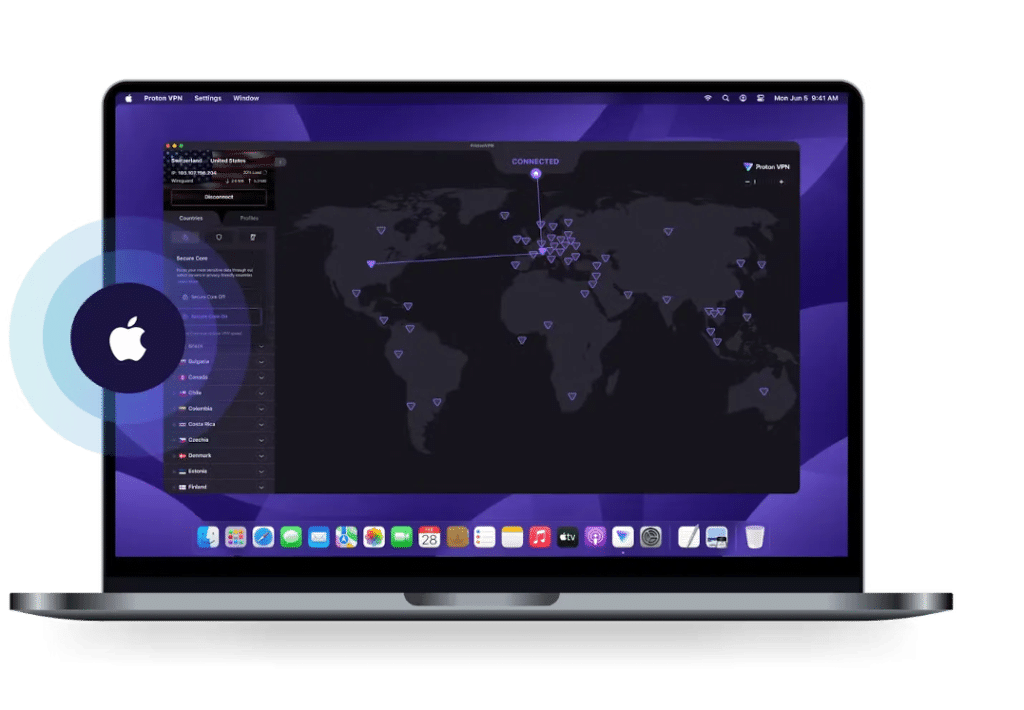
Overview: ProtonVPN offers unlimited data and has a strong commitment to privacy. Its no-log policy ensures that user activity isn’t tracked or stored, providing peace of mind for privacy-conscious users. ProtonVPN uses robust security protocols like OpenVPN and WireGuard, balancing security with efficient performance.
Quick-Glance Ratings:
- Ease of Use: ★★★★★
- Speed: ★★★★☆
- Privacy: ★★★★★
Use Case: Ideal for users who prioritize privacy and need a free VPN without data caps, ProtonVPN is suited for regular browsing and light streaming. With its intuitive macOS app, ProtonVPN simplifies VPN use for beginners.
Additional Insights: Although ProtonVPN’s free plan restricts you to servers in only three locations, they are carefully optimized for security, making it a reliable option for users concerned about data privacy.
2. X-VPN – Best for Unlimited Data and Server Variety
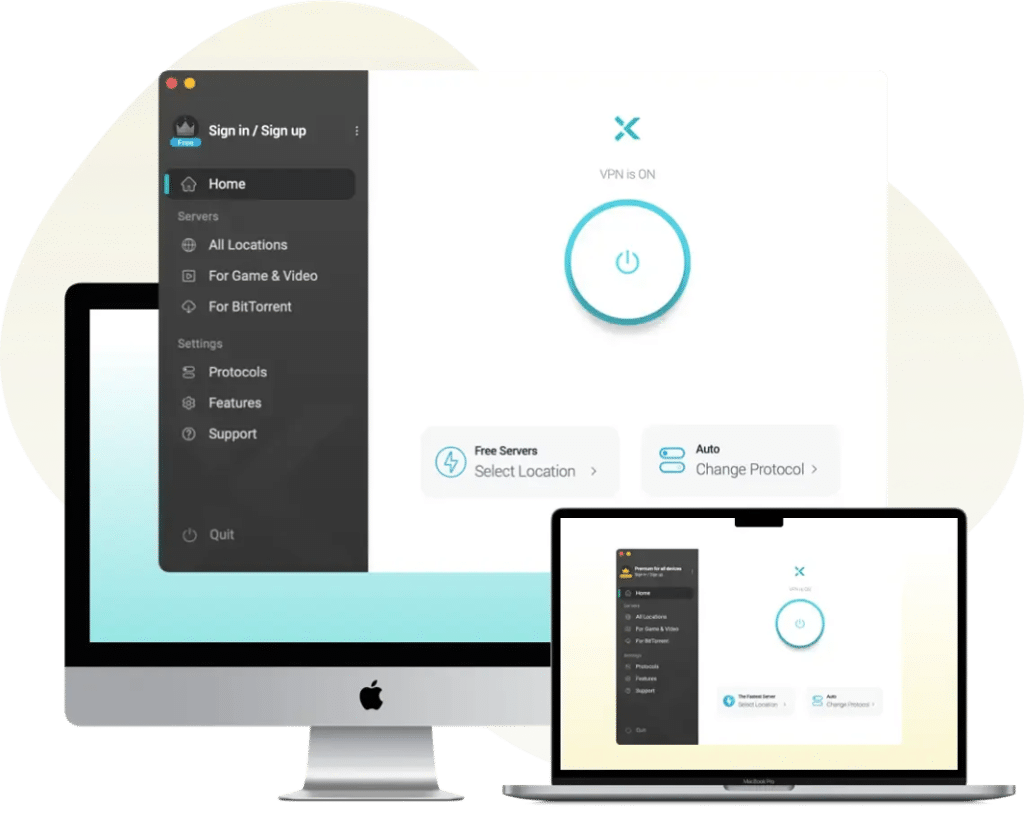
Overview: X-VPN offers unlimited data on its free plan and includes access to over 1000 servers. The app automatically connects you to the fastest server available, providing flexibility and reliable speeds.
Quick-Glance Ratings:
- Ease of Use: ★★★★★
- Speed: ★★★★☆
- Privacy: ★★★★★
Use Case: Ideal for users who need flexibility and frequent, hassle-free browsing. X-VPN’s unlimited data makes it a solid choice for regular use without the interruptions of a data cap.
Additional Insights: While X-VPN doesn’t allow manual server selection on its free plan, its automatic selection optimizes speed by connecting you to the most efficient server. It’s suitable for users who prioritize ease of use and don’t need precise server selection. ****
3. TunnelBear – Best for Simple Private Browsing
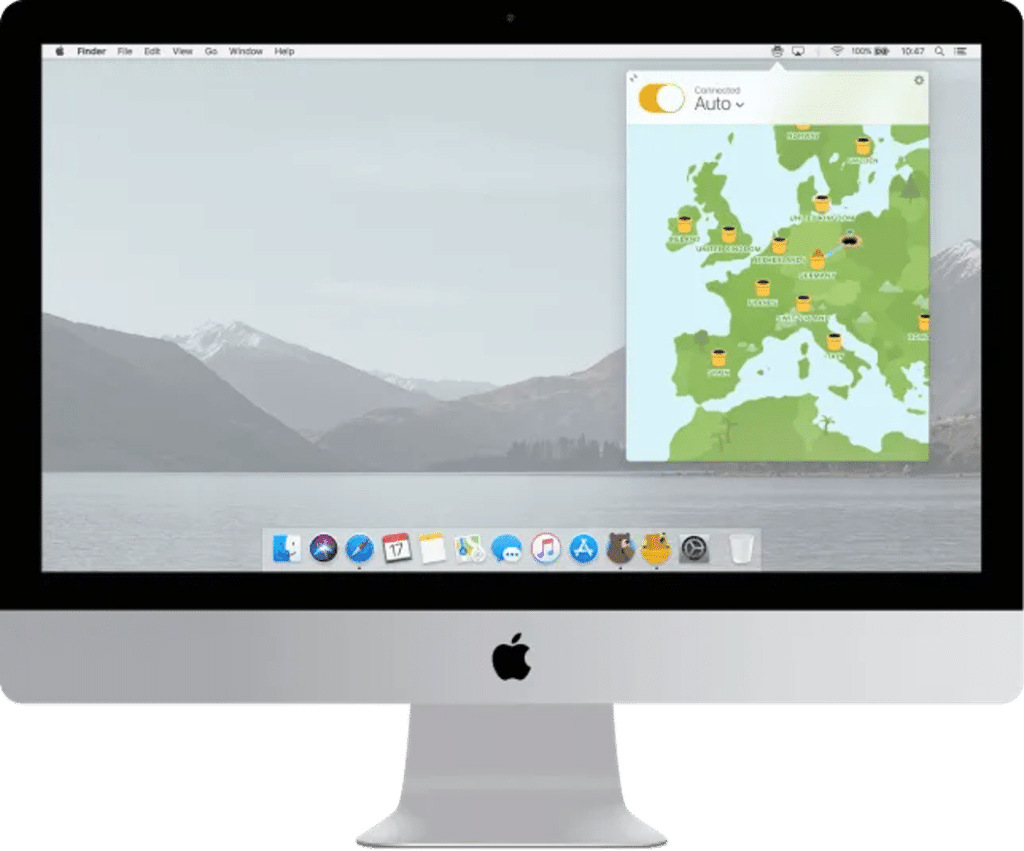
Overview: TunnelBear is designed with ease of use in mind, making it one of the most beginner-friendly VPNs. With a playful bear-themed interface, it’s approachable for users new to VPNs. TunnelBear prioritizes privacy and uses strong AES-256 encryption to safeguard your data.
Quick-Glance Ratings:
- Ease of Use: ★★★★★
- Speed: ★★★☆☆
- Privacy: ★★★★☆
Use Case: Perfect for users who value simplicity and need occasional secure browsing. It’s suited for quick online transactions, email checking, and secure web browsing in public places.
Additional Insights: While the 500MB monthly data cap is restrictive, TunnelBear’s clear privacy policy and lack of ads provide a smooth, distraction-free experience. It’s also ideal for users who want to try VPNs without much commitment.
4. Windscribe – Best for Accessing Global Content
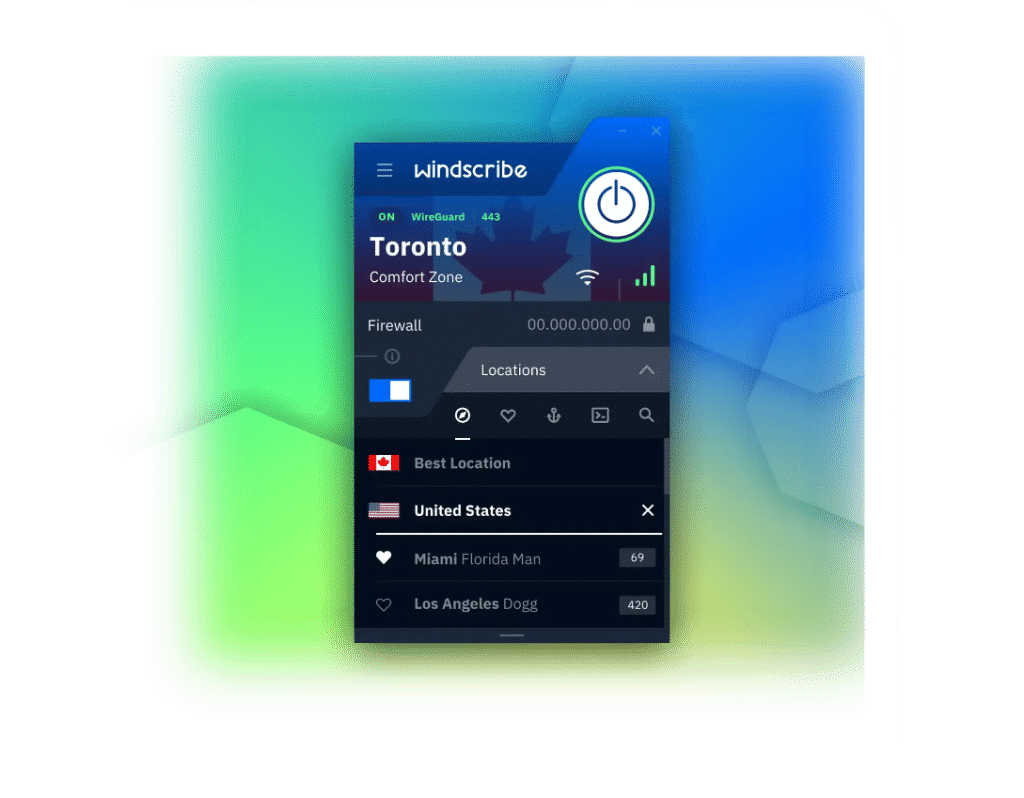
Overview: Windscribe provides a generous 10GB of data per month on its free plan and offers servers in multiple countries, making it a versatile option for bypassing regional restrictions. It includes servers in popular regions, allowing access to geo-restricted content.
Quick-Glance Ratings:
- Ease of Use: ★★★★☆
- Speed: ★★★☆☆
- Privacy: ★★★★☆
Use Case: Ideal for users who want to access international content or stream shows and videos, Windscribe’s generous data allowance makes it a popular choice for moderate streaming and browsing.
Pro Tip: For optimal speed, connect to a server closest to your location. Windscribe’s macOS app is also highly rated for ease of use and privacy protection, incorporating built-in ad blockers for a smoother browsing experience.
5. Hotspot Shield – Fastest Speeds with Minimal Hassle
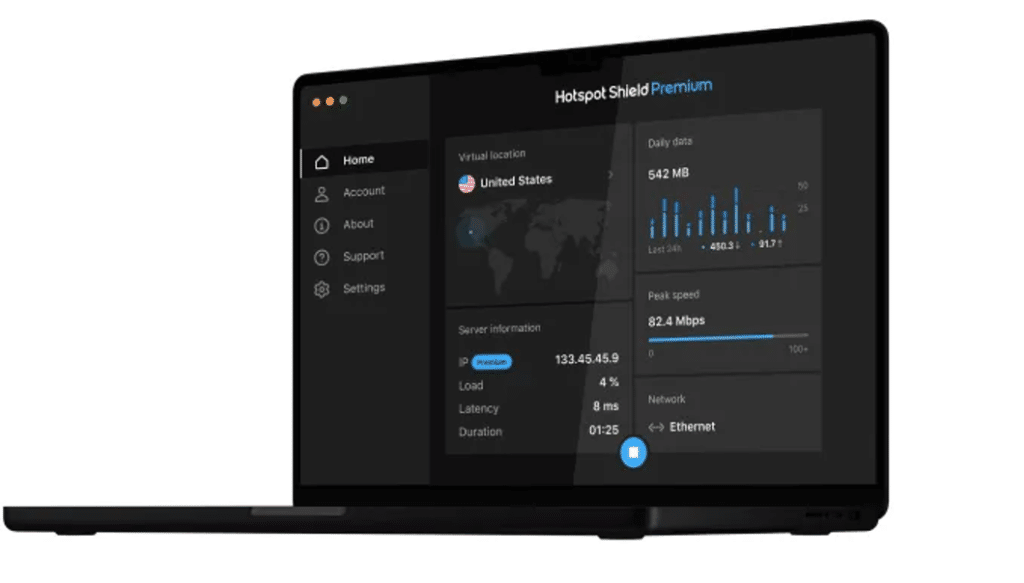
Overview: Hotspot Shield is known for its speed, providing 500MB of data daily on its free plan. Its proprietary Hydra protocol delivers fast connections, making it ideal for users who prioritize speed.
Use Case: Great for users needing fast connections for short, secure browsing sessions, Hotspot Shield is ideal for brief browsing, email checks, or social media access.
Additional Insights: Hotspot Shield includes ads in its free plan, but its speed makes it suitable for tasks requiring a quick connection. The macOS app is user-friendly, with minimal setup required, making it an excellent option for new users who value speed.
VPN Setup Guide for Beginners: Easy as 1-2-3
To start using one of these VPNs, follow these simple steps for setup on macOS:
- Download the VPN App: Visit the VPN’s official website or the Mac App Store to download the app.
- Sign Up for Free: Follow the steps to create a free account if required.
- Connect to a Server: Open the app, select a server, and hit “Connect.”
After connecting, you can check your IP address online to confirm that the VPN is active. Disconnect from the VPN when not in use to conserve data.
Pro Tips for Mac Users: How to Stay Private and Safe on the Internet
Using a VPN is a strong first step, but here are some additional privacy tips that can further enhance your security on a Mac:

Enable the Built-In Firewall:
Go to System Preferences > Security & Privacy > Firewall to block unauthorized incoming connections.
Use Safari’s Privacy Features:
Enable “Prevent cross-site tracking” in Safari > Preferences > Privacy.
Disable Location Services for Unnecessary Apps:
In System Preferences > Privacy > Location Services, turn off location for apps that don’t need it.
Turn Off Wi-Fi and Bluetooth When Not in Use:
Use the icons in the menu bar to disconnect, minimizing security risks.
Enable Two-Factor Authentication (2FA):
Go to Apple ID > Password & Security to set up 2FA for additional security on sensitive accounts.
Mac VPN Basics: FAQs for First-Time Users
Will using a VPN slow down my Mac? Some slowdown may occur, but options like X-VPN and Hotspot Shield optimize performance to minimize speed drops. Connecting to nearby servers also helps maintain faster speeds.
Is it safe to use a free VPN? Reputable free VPNs such as ProtonVPN, Windscribe, and X-VPN use high-quality encryption standards, like AES-256, and follow strict no-log policies to protect user data.
How can I tell if the VPN is working? Check for the VPN icon in your toolbar or confirm a changed IP address online. You may also notice that geo-restricted content becomes accessible.
Conclusion: Choosing the Right Free VPN for Your Mac
Each VPN listed here offers unique strengths, from unlimited data with X-VPN to fast connections with Hotspot Shield. For first-time users, ProtonVPN or X-VPN provide unlimited data and solid privacy protections, while Windscribe and TunnelBear cater to specific needs like content streaming and beginner-friendly browsing.
To simplify your choice, here’s a summary:
| VPN | Strength | Data Limit |
| ProtonVPN | Privacy & Unlimited Data | Unlimited |
| X-VPN | Unlimited Data, Variety | Unlimited |
| Windscribe | Access to Global Content | 10GB/month |
| TunnelBear | Beginner-Friendly Privacy | 500MB/month |
| Hotspot Shield | High-Speed Sessions | 500MB/day |
These free VPNs make it easy for Mac users to enhance their online security, privacy, and browsing speed. Start with one or two to see which suits your needs best. They’re free, simple to use, and offer a safer way to explore the internet on your Mac. Enjoy secure, fast browsing!











