
iLoungeiLounge
  • News
    • Apple
      • AirPods Pro
      • AirPlay
      • Apps
        • Apple Music
      • iCloud
      • iTunes
      • HealthKit
      • HomeKit
      • HomePod
      • iOS 13
      • Apple Pay
      • Apple TV
      • Siri
    • Rumors
    • Humor
    • Technology
      • CES
    • Daily Deals
    • Articles
    • Web Stories
  • iPhone
    • iPhone Accessories
  • iPad
  • iPod
    • iPod Accessories
  • Apple Watch
    • Apple Watch Accessories
  • Mac
    • MacBook Air
    • MacBook Pro
  • Reviews
    • App Reviews
  • How-to
    • Ask iLounge
Font ResizerAa
iLoungeiLounge
Font ResizerAa
Search
  • News
    • Apple
    • Rumors
    • Humor
    • Technology
    • Daily Deals
    • Articles
    • Web Stories
  • iPhone
    • iPhone Accessories
  • iPad
  • iPod
    • iPod Accessories
  • Apple Watch
    • Apple Watch Accessories
  • Mac
    • MacBook Air
    • MacBook Pro
  • Reviews
    • App Reviews
  • How-to
    • Ask iLounge
Follow US

Articles

Articles

4 Common PS5 Issues + Troubleshooting Tips

Last updated: Feb 18, 2022 9:57 am UTC
By Lucy Bennett
4 Common PS5 Issues + Troubleshooting Tips

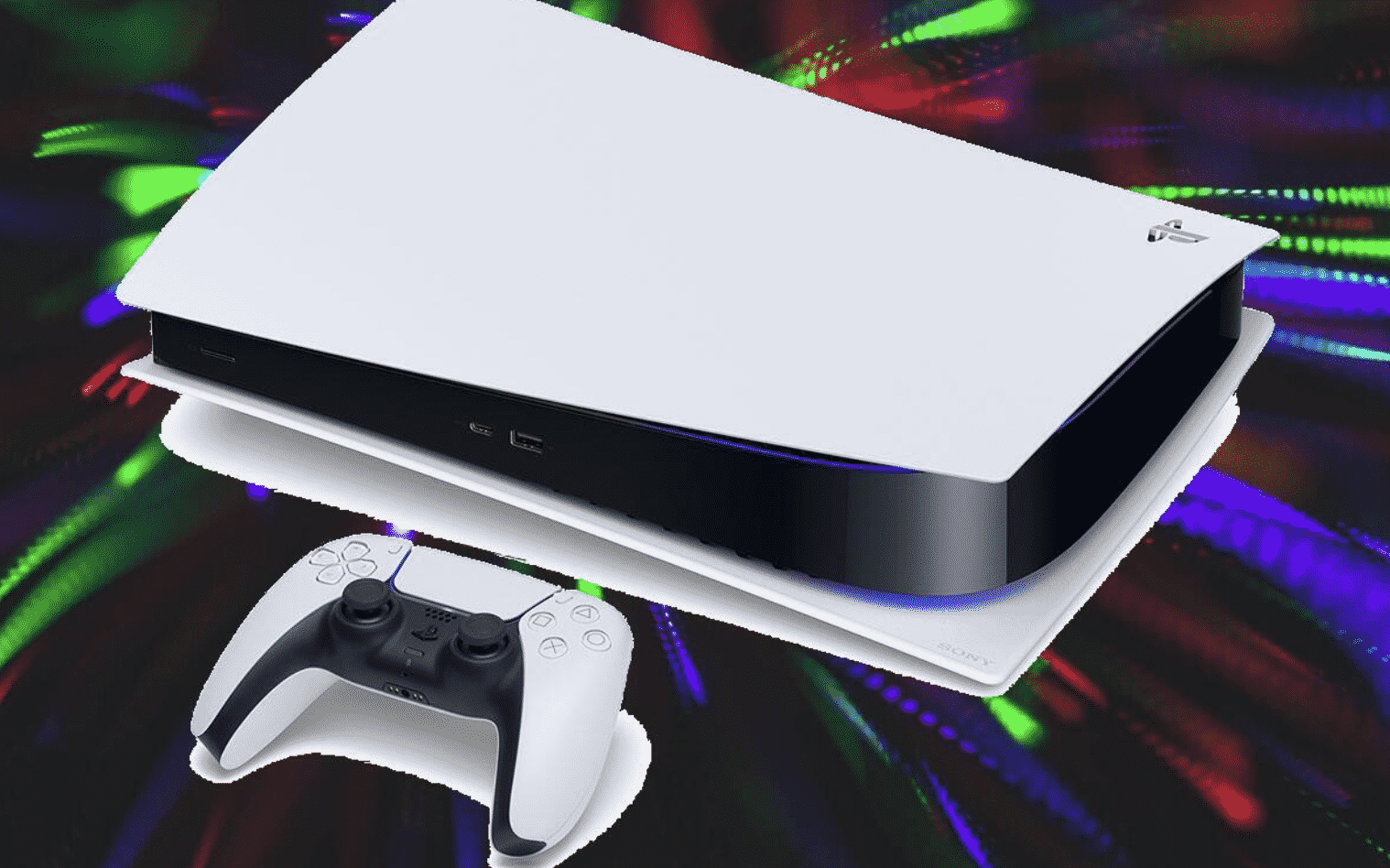
Game consoles like the Playstation 5 are meant to be convenient devices for maximum enjoyment. However, when things go wrong you’ll usually have to troubleshoot to try and get it working again.


Here are 4 ways to troubleshoot and fix the PS5 issues you might be having.
4 Common PS5 Issues + Troubleshooting Tips

Overheating PS5

Heat and dust are an electronic device’s worst enemy, and the PS5 is no exception. Over time, hardware components can break down and render your gaming console unusable.

When you get that pop-up message, it’s time to address the PS5 overheating concern. In addition, you’ll want to introduce proper airflow or purchase a cooling fan to attach to the vent.

Constant Crashing

Your PS5 crashing can be the result of it under standby mode or rest mode, as well as when you’re charging accessories or updating the system. While all of these are good quality of life additions, you may want to disable or stop doing these things when your PS5 stops responding or gets into a forced reboot.


Alternatively, you can go to the Settings menu and pick ‘Don’t Put in Rest Mode’ in the Power Saving section.

No Playstation Network Connection

You might find yourself unable to connect to PSN. Fortunately, there are several methods you can try to resolve this problem.

First, you can try to check if your ISP is down or if the connection from modem to console has been broken. Then, check the status of PSN on the official website and see if it’s under maintenance.

Freezing or Won’t Turn On

You can try to do a manual reset by pushing and holding the power button for around 15 seconds. If it still won’t turn on, you can unplug the power cord, wait half a minute and plug it back in.

Also, try a different outlet or power source and see if that will do the trick.


Latest News
The Apple Watch Series 11 42mm GPS is $100 Off
1 Min Read
Apple Launching A New Education Hub In India Teaching Robotics and Swift Programming
1 Min Read
Women’s and Men’s Golf Added to Apple Sports
1 Min Read
Apple Adding Civilization VII and Other Games To Apple Arcade
1 Min Read
AirPods 4 ANC Is $59 Off
1 Min Read
Apple Using 2NM Process For Their M6 and A20 Chip
1 Min Read
iPhone 18 Models Will Not Have a Big Redesign
1 Min Read
Launch of MacBook Pro M5 Pro and M5 Max Models is Approaching
1 Min Read
Get the iPad Mini 7 256GB Wi-Fi at $99 Off
1 Min Read
Mozilla Now Allows Turning AI Features Off
1 Min Read
Barcelona Passeig de Gràcia Apple Store Temporarily Closing
1 Min Read
Apple’s Plans to Enter the Smart Glasses Market is Changing the Industry
1 Min Read

iLounge logo

iLounge is an independent resource for all things iPod, iPhone, iPad, and beyond. iPod, iPhone, iPad, iTunes, Apple TV, and the Apple logo are trademarks of Apple Inc.

This website is not affiliated with Apple Inc.
iLounge © 2001 - 2025. All Rights Reserved.
  • Contact Us
  • Submit News
  • About Us
  • Forums
  • Privacy Policy
  • Terms Of Use
Welcome Back!

Sign in to your account

Lost your password?










