
iLoungeiLounge
  • News
    • Apple
      • AirPods Pro
      • AirPlay
      • Apps
        • Apple Music
      • iCloud
      • iTunes
      • HealthKit
      • HomeKit
      • HomePod
      • iOS 13
      • Apple Pay
      • Apple TV
      • Siri
    • Rumors
    • Humor
    • Technology
      • CES
    • Daily Deals
    • Articles
    • Web Stories
  • iPhone
    • iPhone Accessories
  • iPad
  • iPod
    • iPod Accessories
  • Apple Watch
    • Apple Watch Accessories
  • Mac
    • MacBook Air
    • MacBook Pro
  • Reviews
    • App Reviews
  • How-to
    • Ask iLounge
Font ResizerAa
iLoungeiLounge
Font ResizerAa
Search
  • News
    • Apple
    • Rumors
    • Humor
    • Technology
    • Daily Deals
    • Articles
    • Web Stories
  • iPhone
    • iPhone Accessories
  • iPad
  • iPod
    • iPod Accessories
  • Apple Watch
    • Apple Watch Accessories
  • Mac
    • MacBook Air
    • MacBook Pro
  • Reviews
    • App Reviews
  • How-to
    • Ask iLounge
Follow US

Articles

Articles

4 Best Letter Writing Apps for iOS

Last updated: Jul 29, 2019 7:02 pm UTC
By Lucy Bennett
4 Best Letter Writing Apps for iOS

So you have decided to start writing a letter on your iPhone or iPad device, but before writing the first thing you have to do is finding best writing app from App Store.


iPhone and iPad both are great for writers, offering different experience and capabilities. With iPhone you can easily write something no matter where you are, whether you are writing a report for the office, working on your novel or preparing application for transfer certificate.
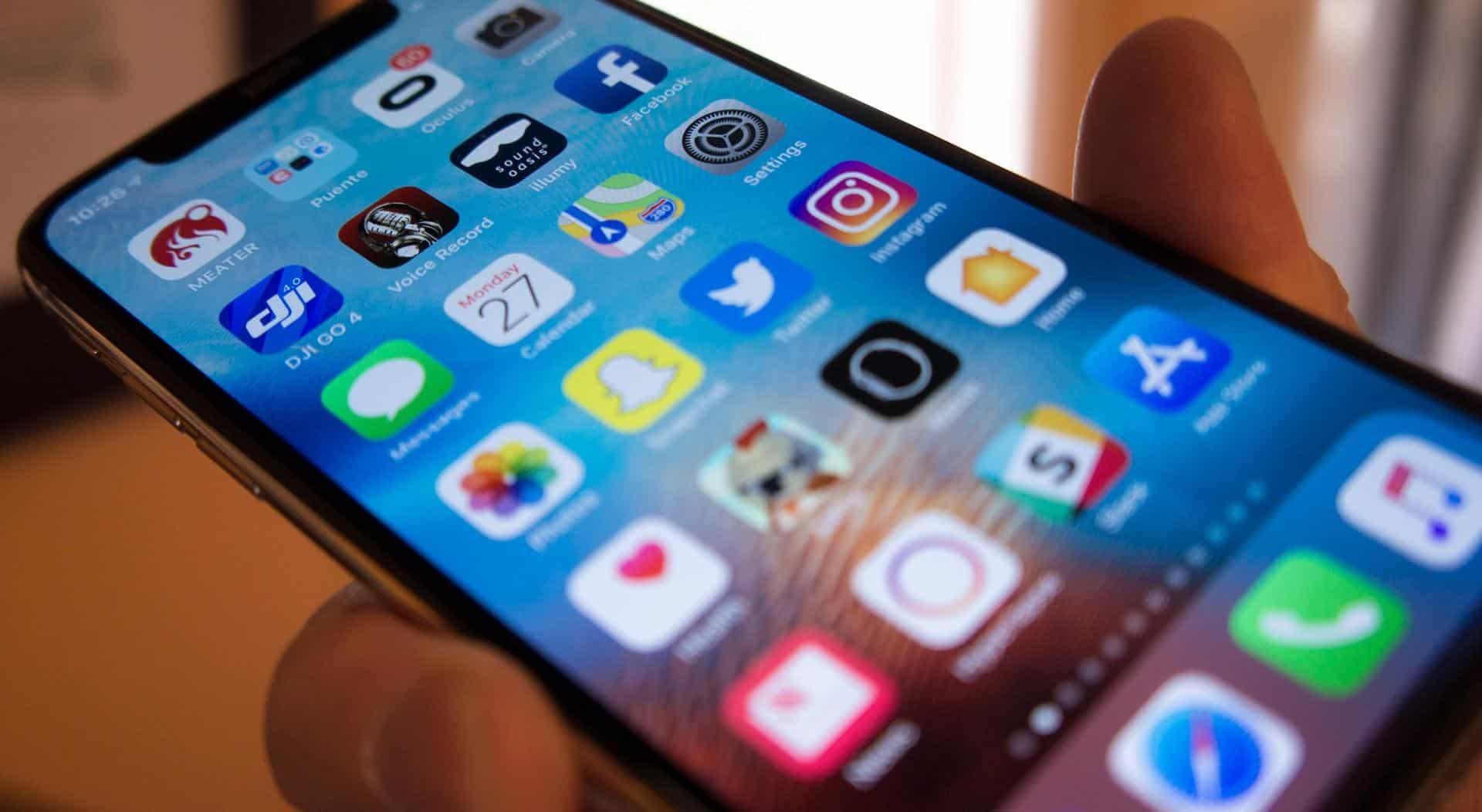
4 Best Letter Writing Apps for iOS

There are a wide range of writing apps available on the App store from a simple text editor to full-featured writing suites. Here you can find 4 best apps for getting some writing done on the iPhone and iPad.


  1. iA Writers

iA Writer is a complete writing suite that not only allows to break down the stages of writing but also supports Markdown which is something that every writer should be aware of. This app provides a user-friendly and clear interface so that you could concentrate on your writing.

It comes with lots of extra features such as syntax highlighting that allows you to see verbs, adjectives, adverbs, conjunctions or nouns in the document highlighted provides a great experience from start to finish.


  1. Pages

The pages app brings everything that you loves about writing right to your iPhone device. Pages let you create all sorts of the document with the help of different templates, styles, and shapes that will suit your needs.

Pages also make it very easy to collaborate with other people that doesn’t matter where they are on iOS, macOS or Windows. This app also allows you to open a password protected document using Touch ID.

  1. Ulysses

Ulysses is a long-time writing app for iOS devices. It offers a clear and user-friendly interface that allows you to immerse in the process of writing. Ulysses also comes with build-in markdown support and preview mode.


The app offers serval useful features to deal with grammar mistakes, editing, and formats that give it an edge over all other apps in this list. Once you are done with writing, you can save work in different formats such as Doc, PDF, and HTML.

  1. 1Writer

1Writer is a great choice with a superbly designed user interface and markdown support. The best part of this app is compatible with both iCloud Drive and Dropbox to sync between iPhone and iPad.

It comes with lots of great feature such as auto save, cool-looking library, syncing and much more. When you are done with writing you can export project in different formats such as PDF, plain text, HTML and Final Draft.



Latest News
The 14-inch MacBook Pro with M5 Chip 16GB RAM/512GB is $250 Off
1 Min Read
Noise and Static on AirPods Pro 3 Still Unfixed
1 Min Read
New iMac with 24-inch OLED Display May be Brighter With 600 Nits
1 Min Read
The 15-inch M4 MacBook Air 256GB Is $250 Off
1 Min Read
Internal Kernel Debug Kit from Apple Reveals Tests for a MacBook with A15 Chip
1 Min Read
Apple Currently In Talks With Suppliers for Chip Assembly & Packaging of iPhones in India
1 Min Read
Apple Allows Easier Battery Replacement For M5 MacBook Pro with 14-inch Display
1 Min Read
The Apple Watch SE 3 44mm GPS is $50 Off
1 Min Read
20th Anniversary iPhone May Launch in Two Years
1 Min Read
Better Image Generation Capabilities and Apple Music Integration Coming to ChatGPT
1 Min Read
A20 Pro Chip Coming to Next Gen iPad Mini OLED
1 Min Read
Amazon has the AirTag 4 Pack Marked $29 off
1 Min Read

iLounge logo

iLounge is an independent resource for all things iPod, iPhone, iPad, and beyond. iPod, iPhone, iPad, iTunes, Apple TV, and the Apple logo are trademarks of Apple Inc.

This website is not affiliated with Apple Inc.
iLounge © 2001 - 2025. All Rights Reserved.
  • Contact Us
  • Submit News
  • About Us
  • Forums
  • Privacy Policy
  • Terms Of Use
Welcome Back!

Sign in to your account

Lost your password?








