
iLoungeiLounge
  • News
    • Apple
      • AirPods Pro
      • AirPlay
      • Apps
        • Apple Music
      • iCloud
      • iTunes
      • HealthKit
      • HomeKit
      • HomePod
      • iOS 13
      • Apple Pay
      • Apple TV
      • Siri
    • Rumors
    • Humor
    • Technology
      • CES
    • Daily Deals
    • Articles
    • Web Stories
  • iPhone
    • iPhone Accessories
  • iPad
  • iPod
    • iPod Accessories
  • Apple Watch
    • Apple Watch Accessories
  • Mac
    • MacBook Air
    • MacBook Pro
  • Reviews
    • App Reviews
  • How-to
    • Ask iLounge
Font ResizerAa
iLoungeiLounge
Font ResizerAa
Search
  • News
    • Apple
    • Rumors
    • Humor
    • Technology
    • Daily Deals
    • Articles
    • Web Stories
  • iPhone
    • iPhone Accessories
  • iPad
  • iPod
    • iPod Accessories
  • Apple Watch
    • Apple Watch Accessories
  • Mac
    • MacBook Air
    • MacBook Pro
  • Reviews
    • App Reviews
  • How-to
    • Ask iLounge
Follow US

Articles

Articles

3 Things You Didn’t Know Your MacBook Could Do

Last updated: Jun 3, 2020 12:35 pm UTC
By Lucy Bennett
3 Things You Didn’t Know Your MacBook Could Do

If you own a MacBook Pro, you should consider yourself lucky. Well, the reason is that there are several distinctive options and features that the other Windows users don’t enjoy. 


It doesn’t matter what operating system you are running on your Mac. It is just that if you have one, you should know about those hidden features and shortcuts that will enhance your Mac experience. 
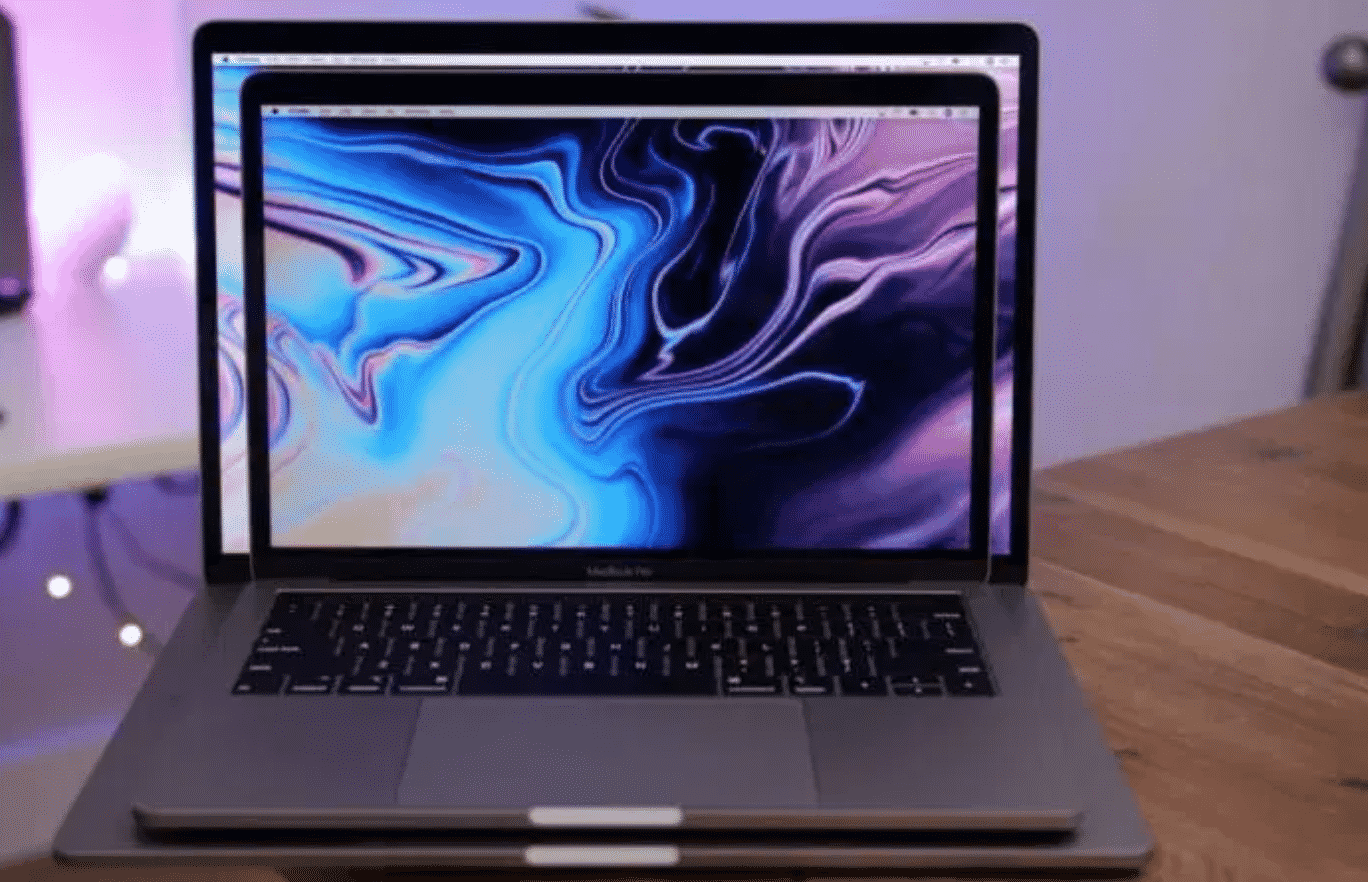
3 Things You Didn’t Know Your MacBook Could Do

Before starting with the features, let us talk a little about one concern that most people have before buying a MacBook. People avoid having Mac devices because they think that Mac repairs and replacements cost too much. 

Hence, this is only a misconception. Whether you are looking for MacBook Pro 15 A1707 Screen Replacement or some other repair service, you have to look for it in the right place. It will cost you just the same as any other laptop repair! 


Coming back to the topic now, below we are going to discuss some fantastic Mac features that you need to know about:

1. Spotlight

With each new version of macOS, this feature keeps getting better. Just with a simple keyboard shortcut, you can open the spotlight easily and believe it or not, and you will be shocked to see the results once you open it. 

To switch it on, all you need to do is to press command-space, type SA, and then press the return key. With the spotlight, it will be easier to search for your documents and important files that you have lost track of. 


2. Screenshot Specificity

What happens when you want to take a screenshot of some particular portion of your laptop? Usually, you don’t have such an option. Instead, you need to take a screenshot of the whole screen. 

Conversely, with the MacBook, it is a little different. If you want to take the screenshot of some specific information or portion of your screen, use the shortcut- “Press command + shift + 4”. 

Once you do this, a crosshair will appear. Then, you can grab the crosshair and move it to any part that you want the screenshot taken of. 


3. Signing Documents

Has it ever occurred to you if you could sign a document online using your laptop? If it never did, now is the time to know that you can easily do that with your MacBook. 

Yes, you can sign your name at the end of a document quickly with your MacBook. However, for doing so, you first have to save your signature on the preview app on Mac, and then, you can put it anywhere on any document that you want to. 


The Final Words:

So, these are just three features that we thought you should know about your Mac device. There are a lot more others that will make you fall in love with your Mac device. 

Nevertheless, as far as your concern for the repairs and screen replacements, you can come to 365laptoprepair to bring all your issues to an end. With their certified technicians, you can get your MacBook fixed at a reasonable rate, and the quality of service is also top-notch! 


Latest News
The 14-inch MacBook Pro with M5 Chip 16GB RAM/512GB is $250 Off
1 Min Read
Noise and Static on AirPods Pro 3 Still Unfixed
1 Min Read
New iMac with 24-inch OLED Display May be Brighter With 600 Nits
1 Min Read
The 15-inch M4 MacBook Air 256GB Is $250 Off
1 Min Read
Internal Kernel Debug Kit from Apple Reveals Tests for a MacBook with A15 Chip
1 Min Read
Apple Currently In Talks With Suppliers for Chip Assembly & Packaging of iPhones in India
1 Min Read
Apple Allows Easier Battery Replacement For M5 MacBook Pro with 14-inch Display
1 Min Read
The Apple Watch SE 3 44mm GPS is $50 Off
1 Min Read
20th Anniversary iPhone May Launch in Two Years
1 Min Read
Better Image Generation Capabilities and Apple Music Integration Coming to ChatGPT
1 Min Read
A20 Pro Chip Coming to Next Gen iPad Mini OLED
1 Min Read
Amazon has the AirTag 4 Pack Marked $29 off
1 Min Read

iLounge logo

iLounge is an independent resource for all things iPod, iPhone, iPad, and beyond. iPod, iPhone, iPad, iTunes, Apple TV, and the Apple logo are trademarks of Apple Inc.

This website is not affiliated with Apple Inc.
iLounge © 2001 - 2025. All Rights Reserved.
  • Contact Us
  • Submit News
  • About Us
  • Forums
  • Privacy Policy
  • Terms Of Use
Welcome Back!

Sign in to your account

Lost your password?










