
Cyber-crime has risen in the past few years. They are evolving in every manner, be it their target or their methods of attack. It is among the biggest challenges faced by humanity. Stealing passwords is the fastest rising consequence of cyber-crime and is being hacked in a dangerous trend.
Stolen passwords affect companies and individuals in many ways. It costs more expensive for organizations as the average cost of cyber-crime has increased over the past years. It disrupts and destroys the core system of information security of a person’s information. Attacking data integrity is the next cyber threat in the row.
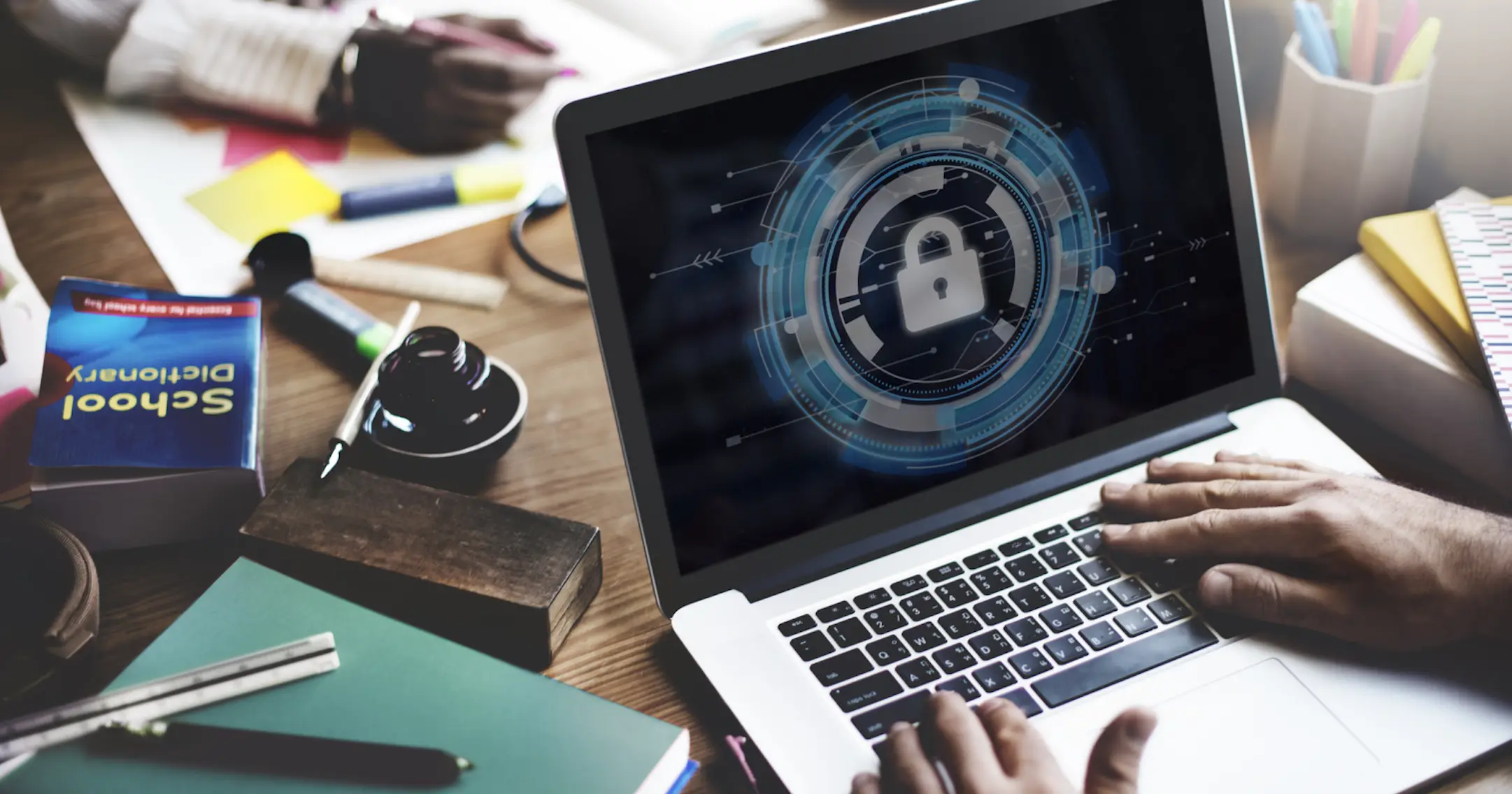
In this blog, we are discussing three ways hackers steal passwords and cyber-security measures that individuals can take to protect their passwords.
Using public Wi-Fi
When using public Wi-Fi, this exposes the user’s information since the communication channel is unencrypted and unsecured where hackers can then intercept the data through packet sniffing.
Use a VPN so that all business data sent over the Wi-Fi connection is encrypted, making all business data secure. Once you understand what is a VPN for, you will use it without any hassle. A VPN can encrypt the information and prevent hackers or cybercriminals from viewing their confidential data like passwords and account logins. A VPN server encrypts the data and then forwards them to the web, which then decrypts the received information. It makes the data hard to read for anyone who intercepts in between transmission, including internet service providers.
Credential stuffing
It is a technique to test passwords and other databases to see if there’s a match. It allows hackers to breach new accounts quickly.
A unique password is even necessary for sites that practice good security and password protection. If there is a theft of your password for one account on a site with poor security, it will not affect any other account with a unique password. Hackers have a statistically good chance of credential stuffing as often people use the same passwords across different sites.
There should be a unique password for every site. A secure password will prevent hackers from doing credential stuffing.
Weak Passwords
Email is often used to verify passwords and store information from other accounts and can lead to more cases of scam and identity theft.
Use strong cyber-security as it offers a solution to protect access from insecure networks. It will continuously monitor across all systems and scan access points to prevent any interruptions. It can quickly discover signs of any malicious activity.
Cybercrime is only going to get more and more attention. The impact on society is terrifying as it causes risk on economic wealth, innovations, investments, financial data, global trade, or theft of personal data and intellectual property. There are even more concerns than just this, cybercrime spikes new threats every year.
By taking some proper actions, you can help yourself by protecting against crime. Use VPNs, strong passwords, and internet security measures to protect against cyber thefts. Do not forget to report cybercrimes to relevant officials at the appropriate time. Follow industry best practices and guidelines.
Hence, similar care should be taken towards one’s cyber-security and online protection of personal data.











