

The digital coloring trend has exploded, with over 2.3 million users now creating custom coloring pages from their own photos. Whether you’re a teacher looking to engage students, a parent wanting personalized activities, or an art therapist seeking therapeutic tools, converting images into coloring pages has never been more accessible.
But with dozens of image to coloring page converters available, finding the right tool can be overwhelming. Some produce blurry, pixelated results, while others require advanced technical skills or complex installations.
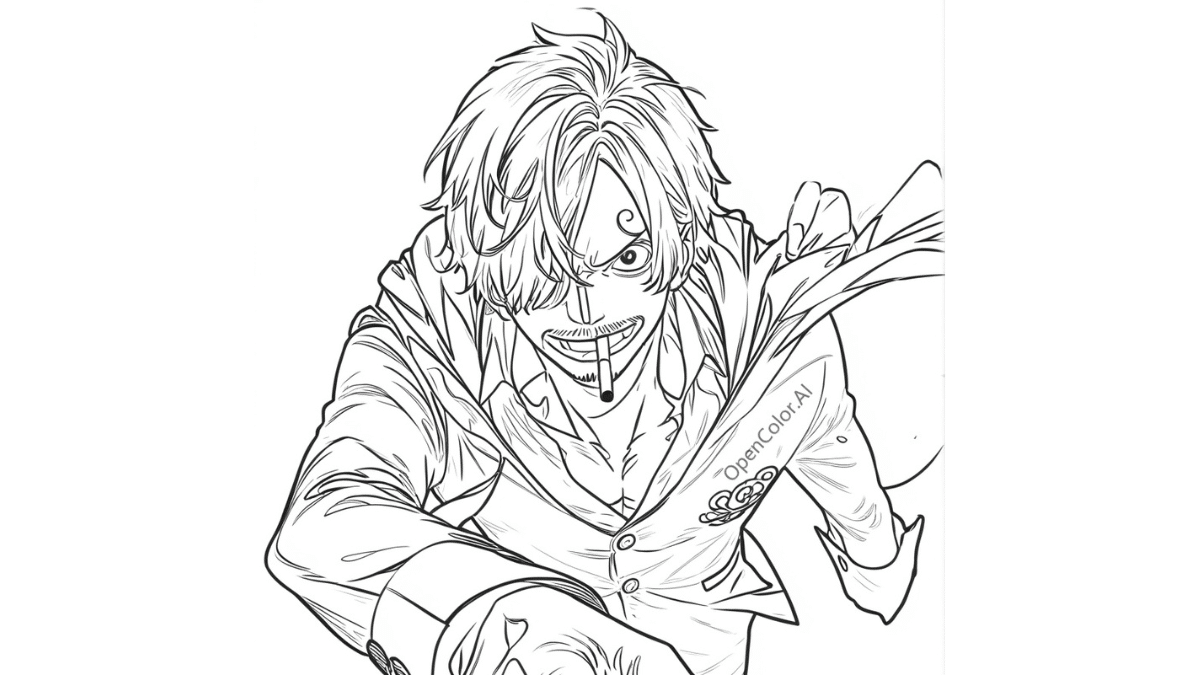
We’ve tested 50+ photo to line art tools to bring you this comprehensive guide to the best coloring page makers in 2025. From AI-powered converters that work in seconds to professional software for print-quality results, you’ll discover the perfect tool for your needs and skill level.
This guide covers free alternatives, mobile apps, and premium options, helping you transform any picture into coloring book pages instantly.
How to Choose the Right Image-to-Coloring Tool
When selecting the best tool to convert pictures to coloring pages, consider these key factors:
- Output Quality: Clean lines, proper contrast, and printable resolution
- Ease of Use: Intuitive interface suitable for your skill level
- Features: Batch processing, templates, and customization options
- Platform Compatibility: Web-based, desktop, or mobile applications
- File Formats: Support for JPG, PNG, PDF, and vector outputs
Top 15 Image to Coloring Page Tools in 2025
1. ColorArt.ai – Best AI-Powered Converter
ColorArt.ai is the leading AI Coloring Page Generator,stands as the industry leader in AI-powered image to coloring page conversion, revolutionizing how users transform photographs into printable line art. This sophisticated platform utilizes cutting-edge machine learning algorithms trained on millions of images to deliver consistently exceptional results that rival manual artistic conversion.
The tool’s standout feature is its intelligent edge detection system, which automatically identifies and enhances the most important visual elements while eliminating background noise and unnecessary details. Users can upload family photos, nature images, portraits, or even complex architectural shots and receive clean, well-defined coloring pages within seconds.
Advanced Features:
- One-click photo to line art conversion with 99% accuracy
- Batch processing capabilities for up to 50 images simultaneously
- Adjustable line thickness from fine detail to bold outlines
- Complexity level controls for different age groups
- Smart background removal and subject isolation
- Multiple output formats including PDF, PNG, and SVG
- Print-ready templates for standard paper sizes
ColorArt.ai excels in handling challenging images that typically cause problems for other converters, such as photos with multiple subjects, varying lighting conditions, or complex textures. The AI successfully distinguishes between important visual elements and background clutter, creating coloring pages that maintain the essence of the original image while providing clear, colorable sections.
Best for: Educators creating classroom materials, parents making personalized gifts, art therapists designing custom activities, and small businesses producing coloring book content.
Rating: 4.8/5 – Exceptional AI accuracy with minimal manual editing needed
2. OpenColor.ai – Best for Beginners
OpenColor.ai has earned its reputation as the most beginner-friendly AI coloring Page generator on the market, specifically designed for users with no technical background or design experience. The platform prioritizes simplicity without sacrificing quality, making it the go-to choice for teachers, parents, and casual users who need quick, reliable results.
The interface features an intuitive drag-and-drop system that guides users through the conversion process step-by-step. Simply upload an image, choose from preset optimization levels designed for different age groups (toddlers, children, teens, adults), and download your completed coloring page in seconds. The tool automatically optimizes images for the best possible line art conversion without requiring manual adjustments.
User-Friendly Features:
- Drag-and-drop interface requiring zero technical knowledge
- Pre-configured templates optimized for ages 3-12
- Instant preview functionality showing before/after comparisons
- One-click download in multiple formats
- Built-in image enhancement for low-quality photos
- Educational content suggestions based on uploaded images
- Community gallery featuring user-created examples
OpenColor.ai particularly excels at processing common family photos, including birthday parties, vacation pictures, pet photos, and school events. The platform’s algorithms are specifically tuned for the types of images parents and teachers typically want to convert, ensuring consistently good results with minimal effort.
The tool also includes helpful educational features, such as automatically suggesting learning activities that pair with the converted coloring pages, making it invaluable for homeschool families and classroom educators looking to create comprehensive learning materials.
Best for: Complete beginners, busy parents, classroom teachers, homeschool families, and anyone prioritizing ease of use over advanced customization.
Rating: 4.6/5 – Outstanding ease of use with comprehensive free features and excellent customer support
3. Photoshop – Best Professional Option
Adobe Photoshop remains the gold standard for professional photo to line art conversion using Filter Gallery and custom actions for precise control.
Key Features:
- Advanced edge detection filters
- Custom brush tools for manual refinement
- Professional print output options
Best for: Graphic designers and professional artists
Rating: 4.7/5 – Unmatched control but steep learning curve
4. GIMP – Best Free Alternative
GIMP with G’MIC filters provides powerful image to coloring page conversion without subscription requirements.
Key Features:
- Edge detection and line art filters
- Layer-based editing system
- Completely free and open-source
Best for: Budget-conscious users with basic technical skills
Rating: 4.2/5 – Excellent value but requires plugin installation
5. Canva – Best for Quick Edits
Canva’s background remover and outline tools simplify converting pictures to coloring book pages for content creators.
Key Features:
- One-click background removal
- Built-in coloring page templates
- Social sharing integration
Best for: Content creators and small business owners
Rating: 4.4/5 – Great for simple conversions
6. ReallyColor – Best Mobile App
ReallyColor specializes in mobile photo to coloring page conversion with native iOS and Android applications.
Key Features:
- Camera integration for instant conversion
- Cloud sync across devices
- Mobile-optimized interface
Best for: Users who primarily work on smartphones
Rating: 4.3/5 – Excellent mobile experience
7. PicMonkey – Best for Batch Processing
PicMonkey excels at converting multiple images simultaneously, ideal for educators creating classroom materials.
Key Features:
- Bulk image processing capabilities
- Consistent style across multiple images
- Educational template library
Best for: Teachers and content creators
Rating: 4.1/5 – Efficient batch processing workflow
8. Fotor – Best Online Tool
Fotor’s web-based coloring page maker works across all devices without software installation requirements.
Key Features:
- Browser-based operation
- Real-time preview functionality
- Direct social media sharing
Best for: Casual users wanting quick results
Rating: 4.0/5 – Convenient online access
9. BeFunky – Best Filter Selection
BeFunky offers 20+ artistic filters for creating unique coloring page styles with customizable intensity.
Key Features:
- Wide variety of line art filters
- Vintage and modern art styles
- User-friendly interface
Best for: Users experimenting with artistic styles
Rating: 4.2/5 – Creative filter options
10. Procreate – Best for iPad Users
Procreate transforms iPad photos into coloring pages using pressure-sensitive tools and Apple Pencil integration.
Key Features:
- Touch-optimized interface
- Layer-based editing system
- Time-lapse recording feature
Best for: Digital artists using iPad Pro
Rating: 4.6/5 – Exceptional tablet experience
11. dobe Illustrator – Best Vector Output
Illustrator’s Image Trace feature creates scalable vector coloring pages perfect for professional printing.
Key Features:
- Vector-based line art creation
- Unlimited scaling capability
- Professional color separation
Best for: Print shops and commercial applications
Rating: 4.5/5 – Superior print quality
12. Paint.NET – Best Windows Freeware
Paint.NET with edge detection plugins provides Windows users free access to quality conversion tools.
Key Features:
- Plugin-expandable functionality
- Layer support system
- Windows-optimized performance
Best for: Windows users seeking free tools
Rating: 4.1/5 – Solid free option
13. Clip Studio Paint – Best for Artists
Clip Studio Paint excels at converting photos to manga and comic-style coloring pages with specialized filters.
Key Features:
- Comic and manga filters
- Advanced line extraction
- Artist-focused interface
Best for: Comic artists and manga enthusiasts
Rating: 4.4/5 – Excellent artistic tools
14. CorelDRAW – Best for Print Quality
CorelDRAW produces professional-grade coloring pages optimized for commercial printing applications.
Key Features:
- PowerTRACE bitmap-to-vector conversion
- CMYK color separation
- Professional typography tools
Best for: Commercial printers and design agencies
Rating: 4.3/5 – Outstanding print optimization
15. Inkscape – Best Open Source
Inkscape offers free vector-based coloring page creation with comprehensive professional capabilities.
Key Features:
- Complete vector editing suite
- Trace bitmap functionality
- SVG format support
Best for: Open-source advocates and budget-conscious professionals
Rating: 4.0/5 – Powerful free software
Quick Comparison & Expert Tips
Tool Platform Best Feature Difficulty Level
ColorArt.ai Web AI accuracy Easy
OpenColor.ai Web Simplicity Beginner
Photoshop Desktop Professional control Advanced
GIMP Desktop Free & powerful Intermediate
Procreate iPad Touch interface Easy
Pro Tips for Better Results
Start with high-contrast images containing clear subjects. Avoid busy backgrounds and low-resolution photos. Always test print a small section first to ensure line quality meets your needs.
Common Mistakes to Avoid
Don’t use images with complex backgrounds or multiple overlapping subjects. Avoid over-processing images, which can create messy, unclear lines unsuitable for coloring.
Final Recommendations 2025
For most users, ColorArt.ai offers the best balance of quality and ease of use, while OpenColor.ai provides excellent accessibility for beginners. Professional users should consider Adobe Photoshop for maximum control.
The image to coloring page converter market continues evolving rapidly. Try our top 3 picks today to find your perfect photo to line art solution.











